5-6 WORKING WITH THE CONTROL UNIT
SB1391 Hardware and Setup Guide - Document revision no. 1.14
Step Description
adjustment
order point to point move.
9.
Polishing
Optimize acceleration feed forward and AC induction motor control
parameters.
Review
10.
Review
parameters
View all the results of the previous steps. Edit as necessary.
5.2.1. Working with the Adjuster
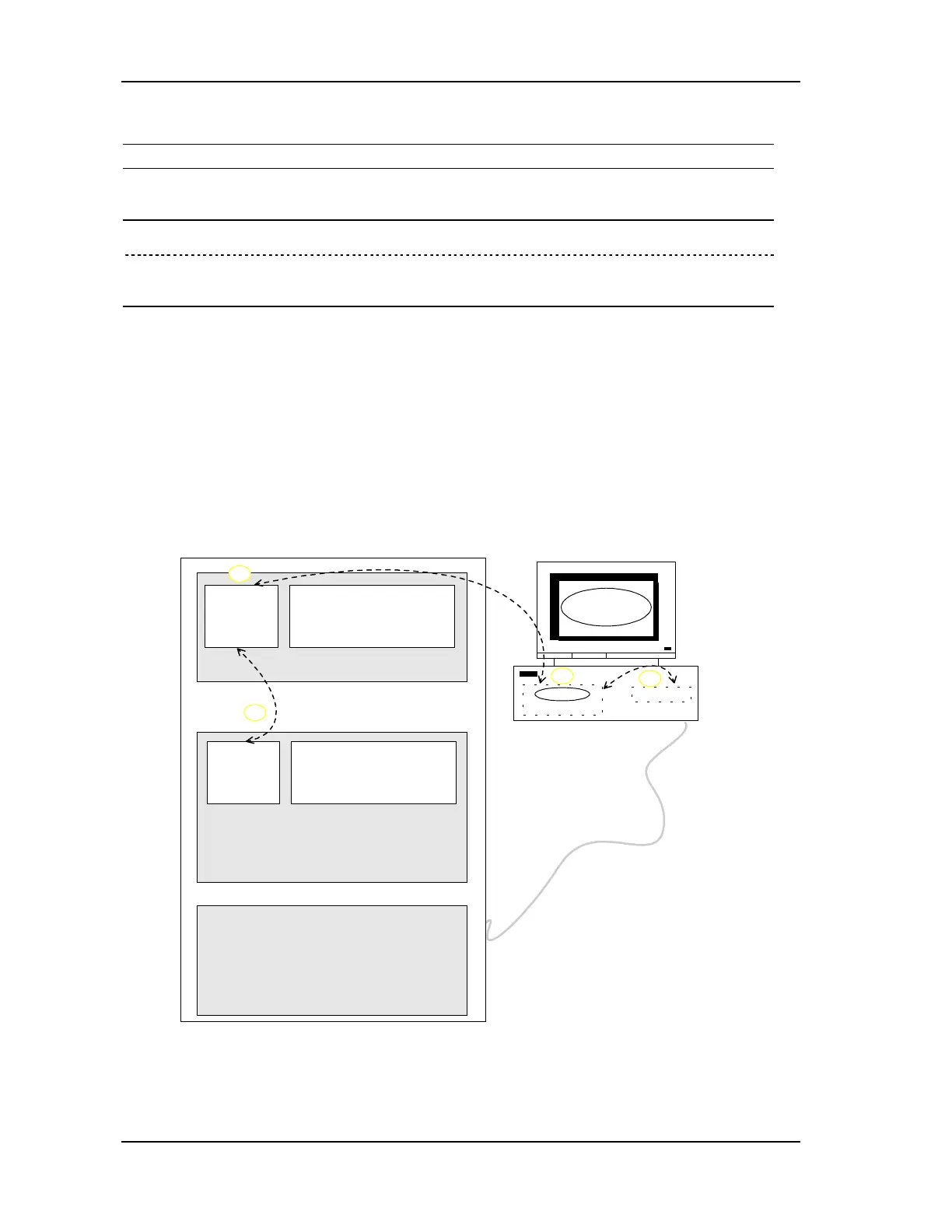
The overall adjustment procedure is illustrated in FIGURE 5-2. It is as follows:
1. Start ACS Adjuster (if it is not already running).
2. Set the control unit parameter values.
3. Save the application to the control unit nonvolatile memory.
4. Save the application to the PC hard disk.
Controller RAM
Windows PC
RAM
Hard disk
EPROM (firmware)
Communication link
Controller
Adjustment
parameter
values
storage
Nonvolatile read/write memory
Adjuster
ACSPL program
storage
Direct mode ACSPL
commands &
ACSPL program
Controller RAM
Adjustment
parameter
values
1
2
3
4
FIGURE 5-2 Adjustment procedureThe adjustment procedure affects both the volatile and
nonvolatile memory of the control module. The Adjuster keeps the control module's memory in



 To Next Page