5-34 WORKING WITH THE CONTROL UNIT
SB1391 Hardware and Setup Guide - Document revision no. 1.14
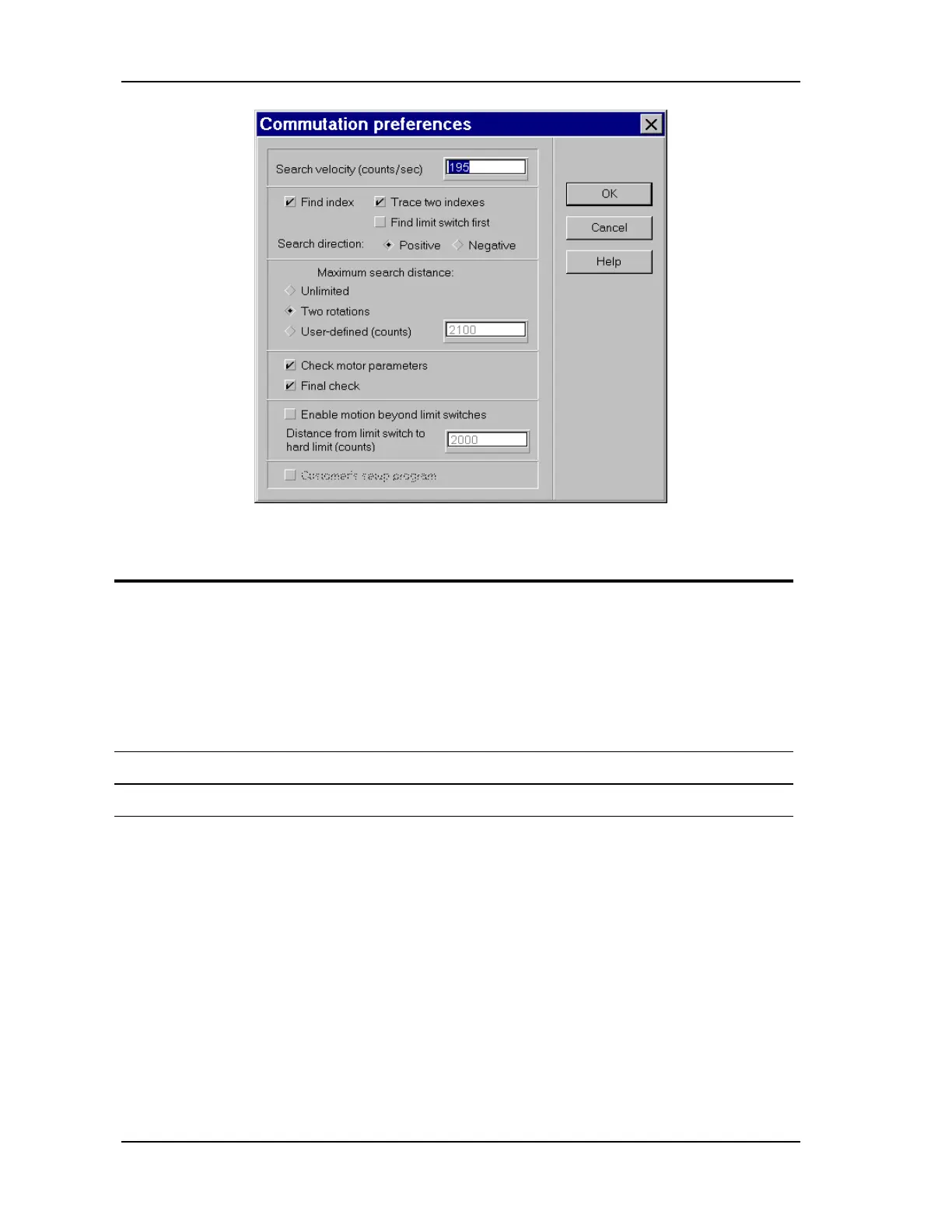
FIGURE 5-32 Commutation preferences dialog box
Action Effect of action
3. Select the following check boxes: -
Find index
- Trace two indexes
- Search direction: Positive
- Maximum search distance:
Two rotations
Check motor parameters
Final check
4. Click OK. The Commutation preferences dialog box closes.
5. Click Go. The following message is displayed.



 To Next Page