Page 31 of 42
3.3.6 Passwords
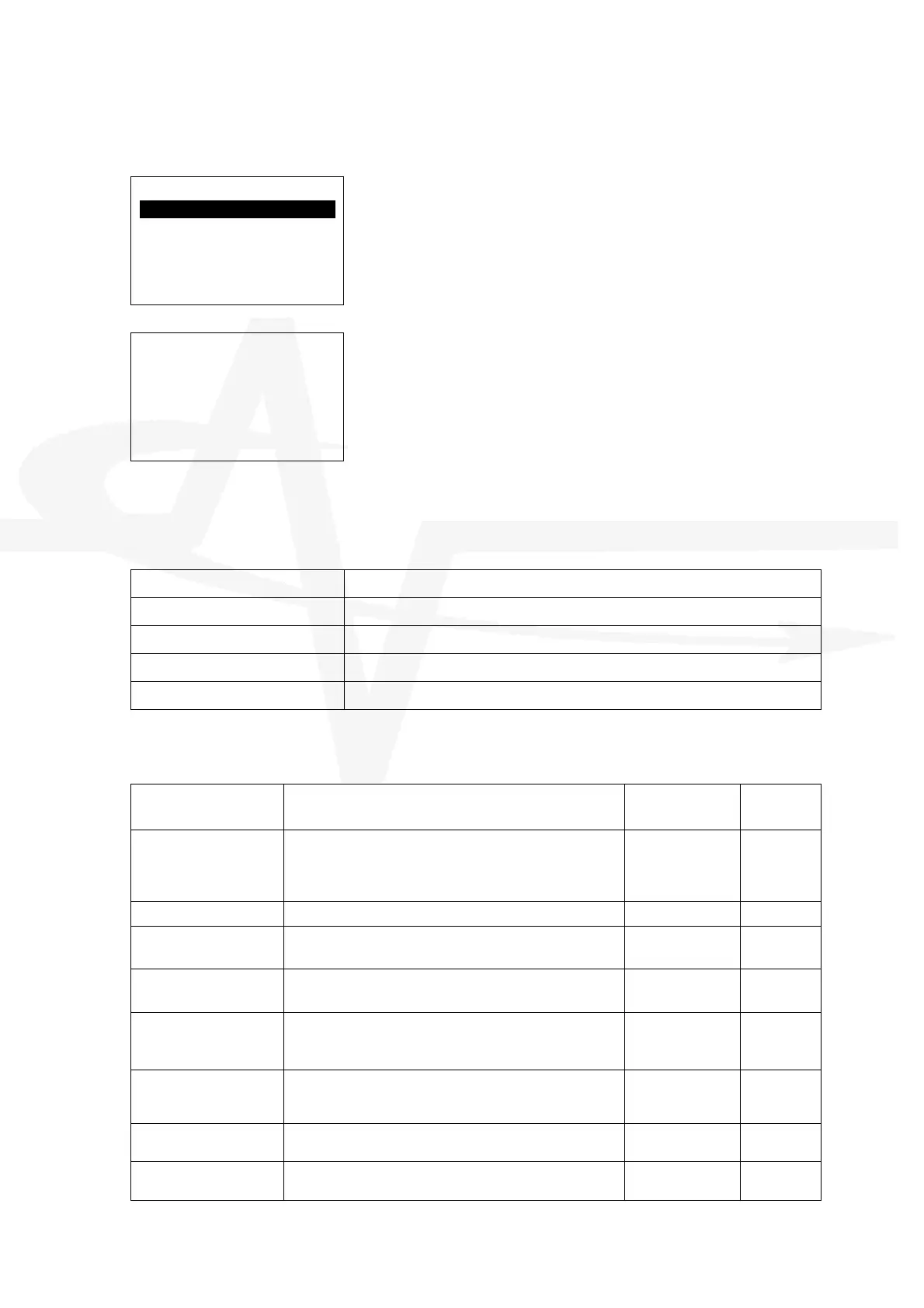
The display presents a menu of user password options.
[Select User]
USER 1 1234
USER 1 1234
USER 2 1234
USER 3 1234
ENGINEER 7654
Use the ÏÐ buttons to highlight the required password
and then press the button to select / change it.
[Number Entry]
Value: 1234
Enter New Value:-
0
Maximum: 99999999
The current password is shown.
Enter a new password as required for the specific user.
Passwords can be up to Eight Digits long.
A time-out for Level 2 access can be configured – See Section 3.3.7 – if no buttons are pressed,
the panel will then automatically cancel Level 2 access and return to Level 1 access when the
time-out has elapsed.
3.3.6.1 Default Passwords
USER 1 1234
USER 2 1234
USER 3 1234
USER 4 1234
ENGINEERS CODE 7654
3.3.7 General Options
The display presents a menu of user general options.
Parameter Comments / Description Options Default
Setting
Level 2 Time Out The Level 2 Time Out can be configured in the range 0 – 5
minutes (0 = No time out – stay in Level 2)
After the timeout, the menu functions and user controls are
inhibited. Password entry is required to re-enable these.
0 – 5 Minutes
5 Minutes
Earth Detection Determines if the panel shall report earth detection faults.
YES/NO
YES
Config Shows the checksum of the configuration memory.
Option to erase the configuration (press the Î button).
> Erase
Configuration
N/A
Program Shows the current program version
Press the Î button to show the program checksum.
> Show Checksum
N/A
Log Determines the information that is recorded in the log.
Standard+ Mode also records the return to normal
transitions.
Standard,
Standard+
Standard
Service Number Determines the telephone contact number that is shown
on the normal display when there is an acknowledged fault
condition.
---
Service Due Date Determines the date/time at which a fault warning
messages will be displayed to indicate service is overdue.
dd-mmm-yyyy
hh:mm
06-01-2020
10:00
Mute Determines if the panel permits the buzzer to be muted at
Level 1 or if it can only be muted at Level 2.
LEVEL-1
LEVEL-2
LEVEL-1



 To Next Page