Page 33 of 42
3.3.8 Status Indicators
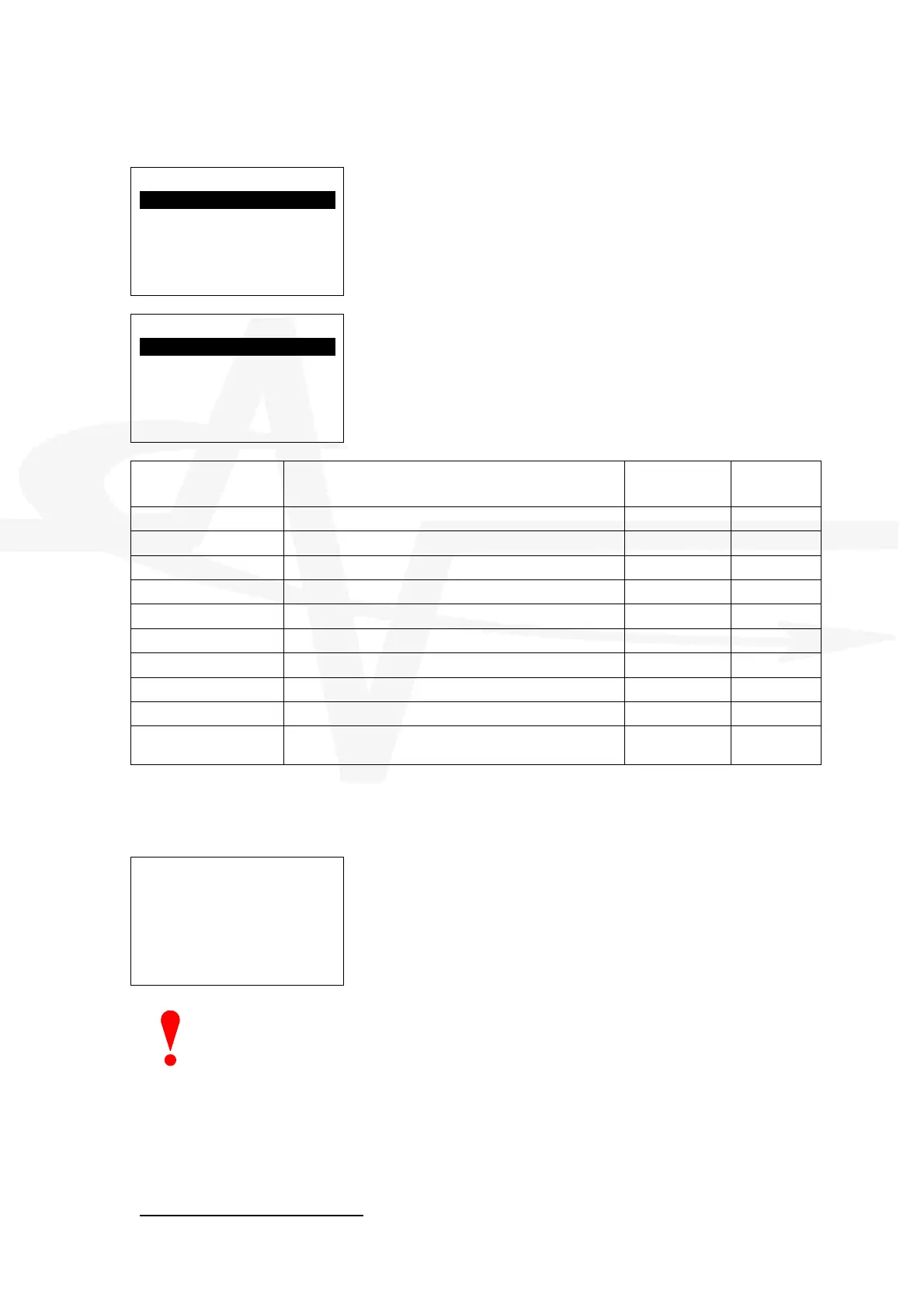
The display presents a list of the available remote status indicator addresses.
[Status Indicators]
RSI-1 UNUSED
RSI-2 UNUSED
RSI-3 UNUSED
RSI-4 UNUSED
RSI-5 UNUSED
Up to seven (7) RSI panels can be connected to the
extinguishing panel.
Use the ÏÐ buttons to highlight the required RSI and
then press the button to select / change it.
[RSI-1 Settings]
ACTIVE: NO .
INPUT-1:
NOT IN USE
INPUT-2:
NOT IN USE
Up to seven (7) RSI panels can be connected to the
extinguishing panel.
Use the ÏÐ buttons to highlight the required RSI function
and then press the button to select / change it.
Parameter Comments / Description Options Default
Setting
ACTIVE Determines if an RSI at this address is connected.
NO / YES
NO
INPUT-1 Determines the action if this input
See Section 3.3.4
NOT IN USE
INPUT-2 Determines the action if this input
See Section 3.3.4
NOT IN USE
KEYSWITCH Determines the action if this input
See Section 3.3.4
NOT IN USE
OUTPUT-1
17
Determines the action if this output
See Section 3.3.5
NOT IN USE
OUT-1 INVERT Determines whether the output is inverted (normally on)
NO / YES
NO
OUTPUT-2
17
Determines the action if this output
See Section 3.3.5
NOT IN USE
OUT-2 INVERT Determines whether the output is inverted (normally on)
NO / YES
NO
BUZZER Determines if the buzzer is in use or not at this RSI
NO / YES
YES
TICK=MUTE Detemined if the buzzers in the panel and all other RSI
can be muted from this RSI.
NO / YES
YES
3.3.9 Enable PC LINK
The ENABLE PC LINK menu option allows a PC to be connected to the panel for upload /
download.
[USB Port Enabled]
CURRENT STATUS:
IDLE
The display shows the current status of the link. Possible
status messages are:
LOGO UPDATE (< PC)
EVENT DATA TRANSFER (> PC)
CONFIG DATA TRANSGER (> PC)
NOTE: When this function is enabled and in use, any fault reporting of power supply (PSE)
fault conditions is temporarily suspended.
3.3.10 Exit
To exit from the Commissioning / Programming Menu, select the EXIT option and press the
button. The display prompts for the Level 3 password.
17
The optional 2-Way Relay card (Mxp-007) must be installed in the RSI for these outputs.



 To Next Page