18
2.5
BUTTON
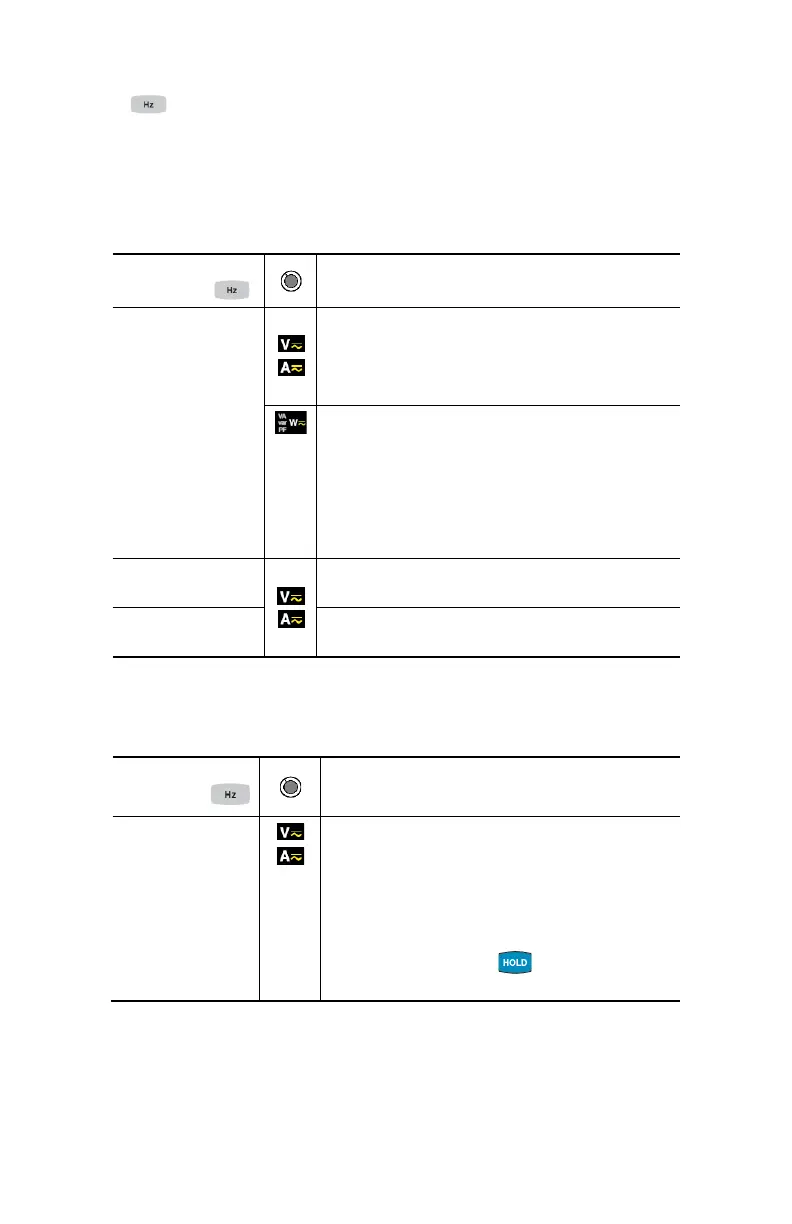
This button is used to display the frequency measurements of a signal.
NOTE: This button is not functional in the DC mode.
2.5.1 Normal Mode
Successive
presses on
Function
short
Displays:
- The frequency of the signal measured
- The present voltage (V) or current (A)
measurement
Displays:
- The apparent power (VA)
- The reactive power (var)
- The power factor (PF)
- The frequency of the signal
- The active power (W)
long
- Enters or exits from the level of harmonics
(THD) calculation and display mode
then short
- Selects THDf, THDr or the frequency of the
fundamental
2.5.2 The Hz Function + Activation of the HOLD Mode
Successive
presses on
Function
- Holds the last frequency reading
- Successively displays the last held
frequency, then the voltage or the current
- Displays the stored values of THD
f
, then of
THD
r
, then of the frequency of the
fundamental
- NOTE: Pressing the button again
returns to realtime measurement updates.



 To Next Page