26
The measured value is displayed on the screen.
3.9.2 DC or AC+DC Measurement
Set the switch to and select DC if the display does not indicate "0"; the DC
zero must be corrected first.
Step 1: Correction of DC Zero
Important: The clamp must not be closed on the conductor during the DC zero
correction. Hold the clamp in the same position during the whole procedure so
that the correction value will be exact.
Press the button until the device emits a double beep and displays a value
near "0". The correction value is stored until the clamp is powered down.
NOTE: The correction is effected only if the value displayed is < ±10A, otherwise
the value displayed blinks and is not stored. The clamp must be recalibrated (see
§ 5.3)
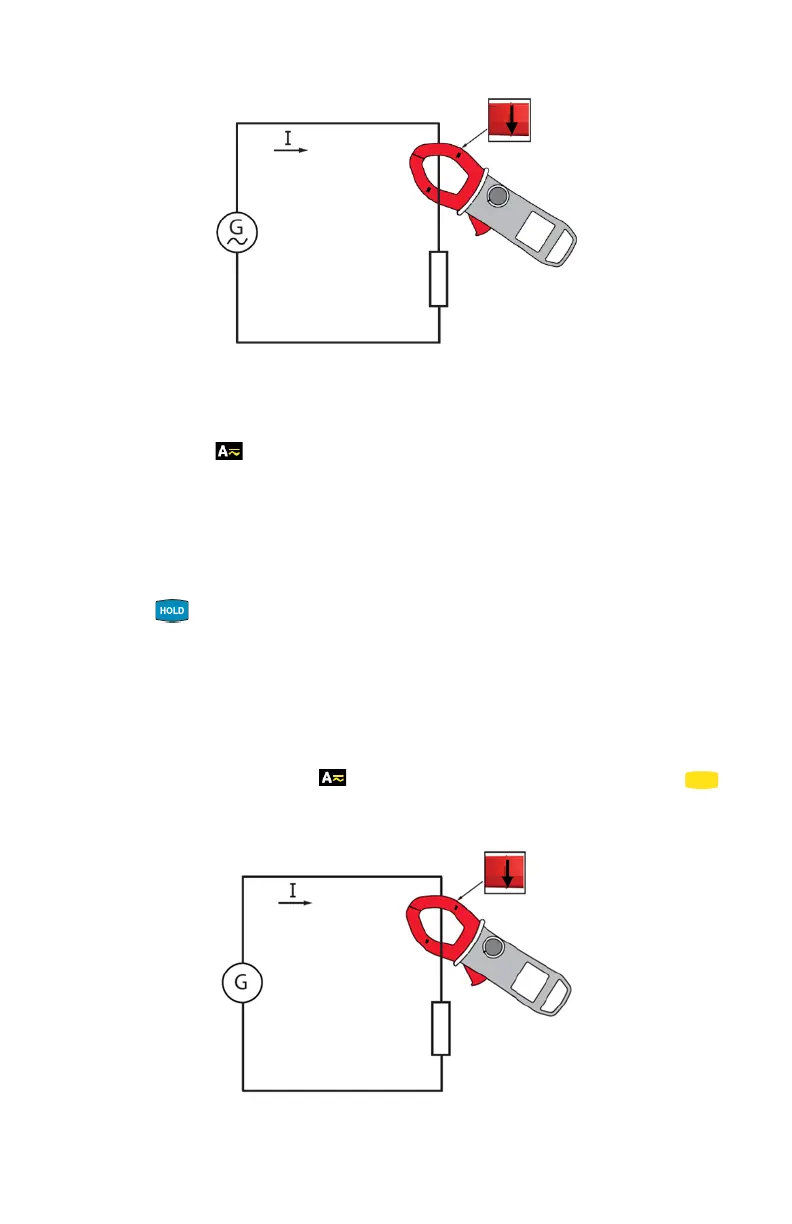
Step 2: Make a Measurement
1. The switch is set to . Select DC or AC+DC by pressing the
(yellow) button until the desired choice is reached.
2. Clamp the jaws around the conductor to be measured.
The measured value is displayed on the screen.



 To Next Page