11
OPERATING MODE STRUCTURE
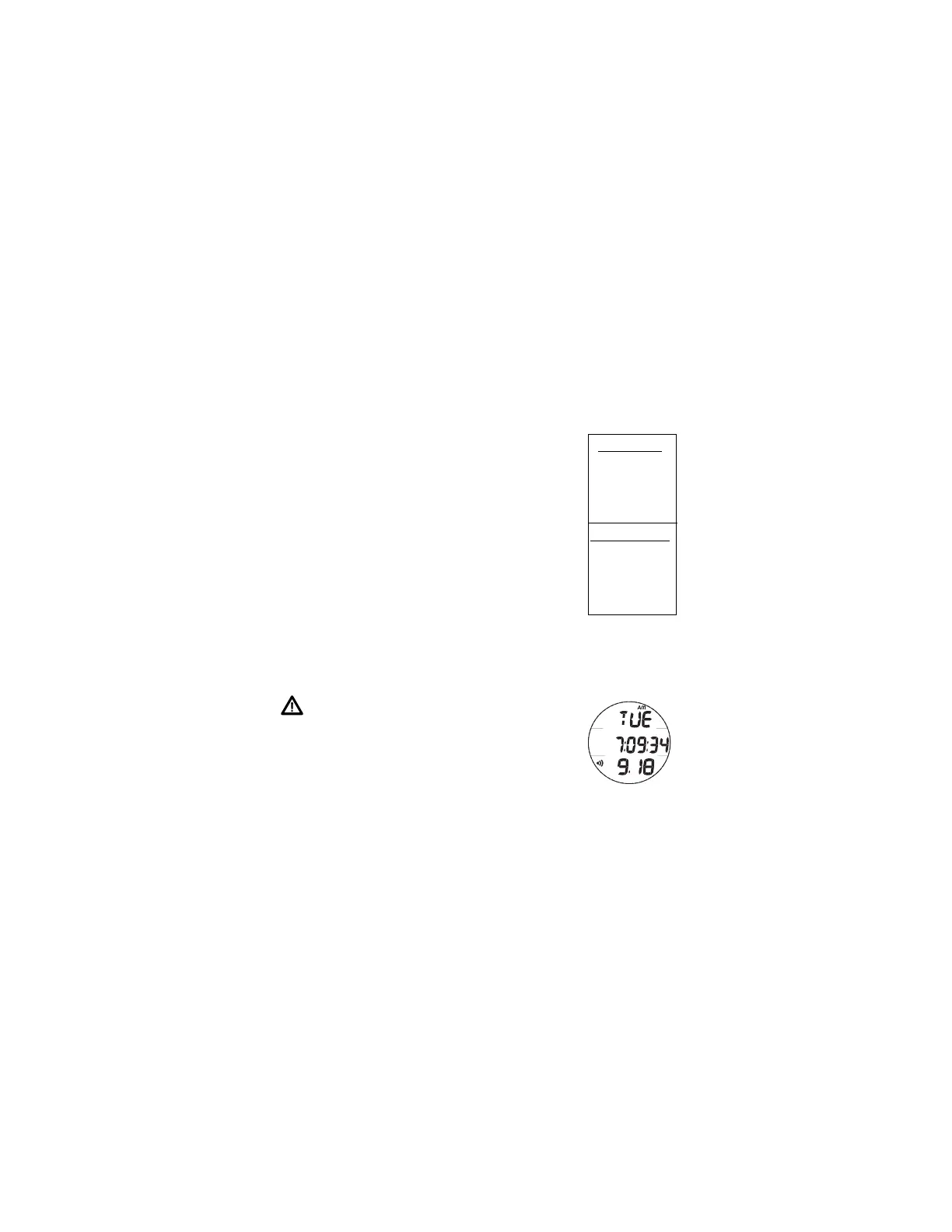
Unless it is operating in Free Dive mode, the F10 will be On in
the default Watch Main Time (home time) mode (Fig. 1), like a
standard Watch, until the mode is changed.
The M button is used to access 4 other modes that include
Alternate Time, Countdown Timer, Chronograph (stop watch/
run timer), and Daily Alarm. It is also used to revert to the
Local Default Time display and access Free Surface Mode.
The screens of the Main Modes and Sub Modes will remain on
display until a button is pressed to access another screen or
mode, activate a sequence, or for 2 minutes if no button is
pressed. The Chronograph remains on display unless turned
Off or another mode is accessed.
When Wet Activation is set On, the F10 will enter Dive Mode
upon descent to 4 FT (feet)/1.2 M (meters) for 1 second,
regardless of what operating mode it is in.
WARNING: When Wet Activation is set Off,
the F10 must be in Free Dive Surface Mode
prior to the first dive of a new series. Com-
mencing a dive while in Watch modes will not
activate Dive Mode unless Wet Activation is set
ON.
Main Sequence
(while at home)
Main Time
Alternate Time
Countdown Timer
Chronograph
Daily Alarm
Alternate Sequence
(at a travel location)
Alternate Time
Main Time (home)
Countdown Timer
Chronograph
Daily Alarm
Fig. 1 - MAIN TIME



 To Next Page