54
• Pressing and releasing the M button momentarily (< 2 seconds each time)
will step back through the Set Points in decrements of 10 FT (1 M).
• Pressing and releasing the A button momentarily (< 2 seconds) will accept
the Set Point and revert to the Set A screen.
• Depressing the M button for 2 seconds, or if no button is pressed during a
period of 2 minutes, operation will revert to the SURF MAIN screen.
SET U GROUP (UTILITIES)
Set U Sequence:
Wet Activation >> Units >> Backlight Duration >> BDSI
> Depressing the A and S buttons simultaneously for 4 seconds while the SURF
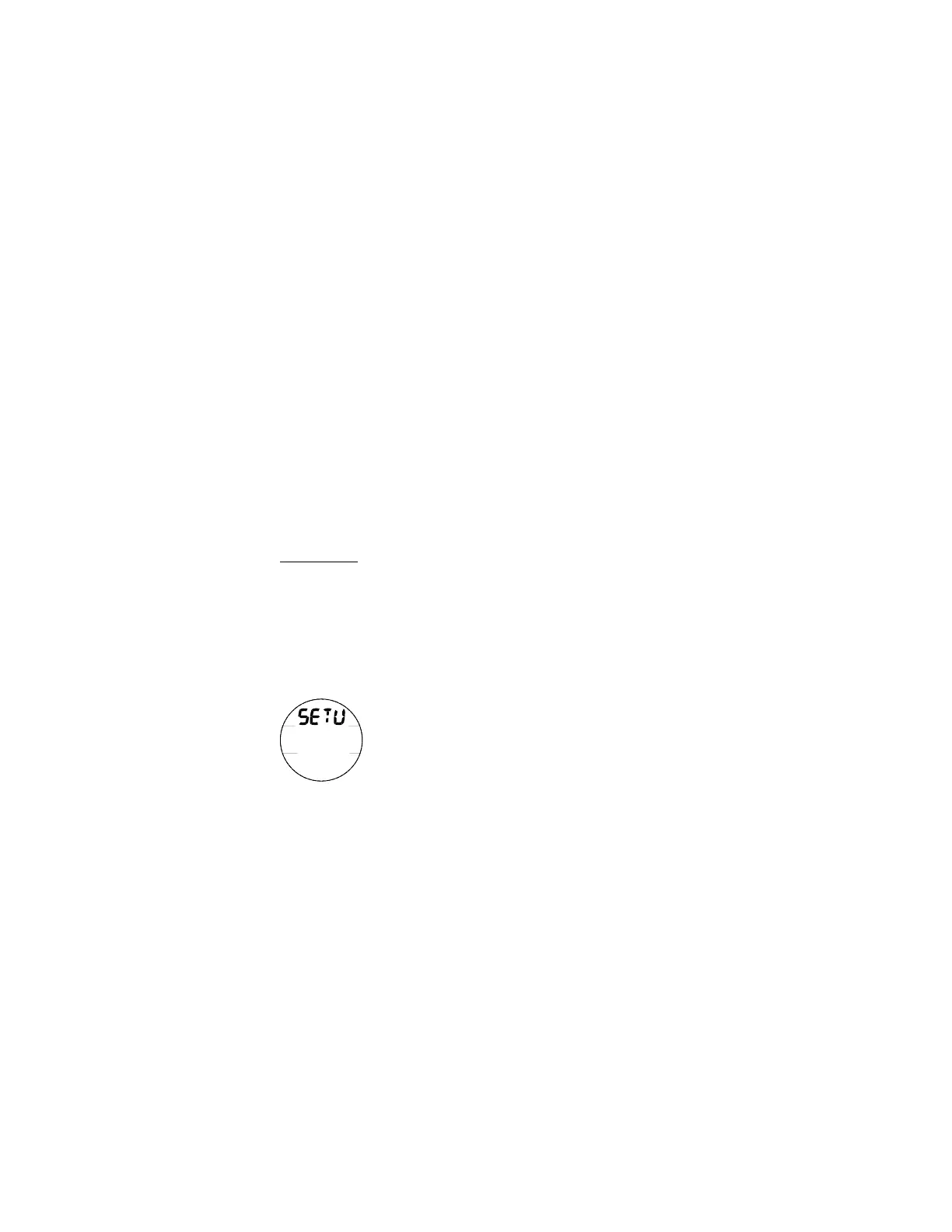
MAIN screen is displayed, will access Set U identified by the graphic SETU
(Fig. 51).
> Pressing and releasing the A button momentarily (< 2 seconds) while Set U is
displayed will access Set Wet Activation with the Set Point flashing.
Backlight Duration determines how long the Backlight will
remain On when the L button is pressed then released.
The BDSI (Between Dive Surface Interval) feature allows you to
select the time interval between surfacing and descending that
determines whether the descent is a new dive. Short intervals
may be preferred for some activities and longer intervals for
others, thus a selection may be helpful.
Fig. 51 - SET U



 To Next Page