37
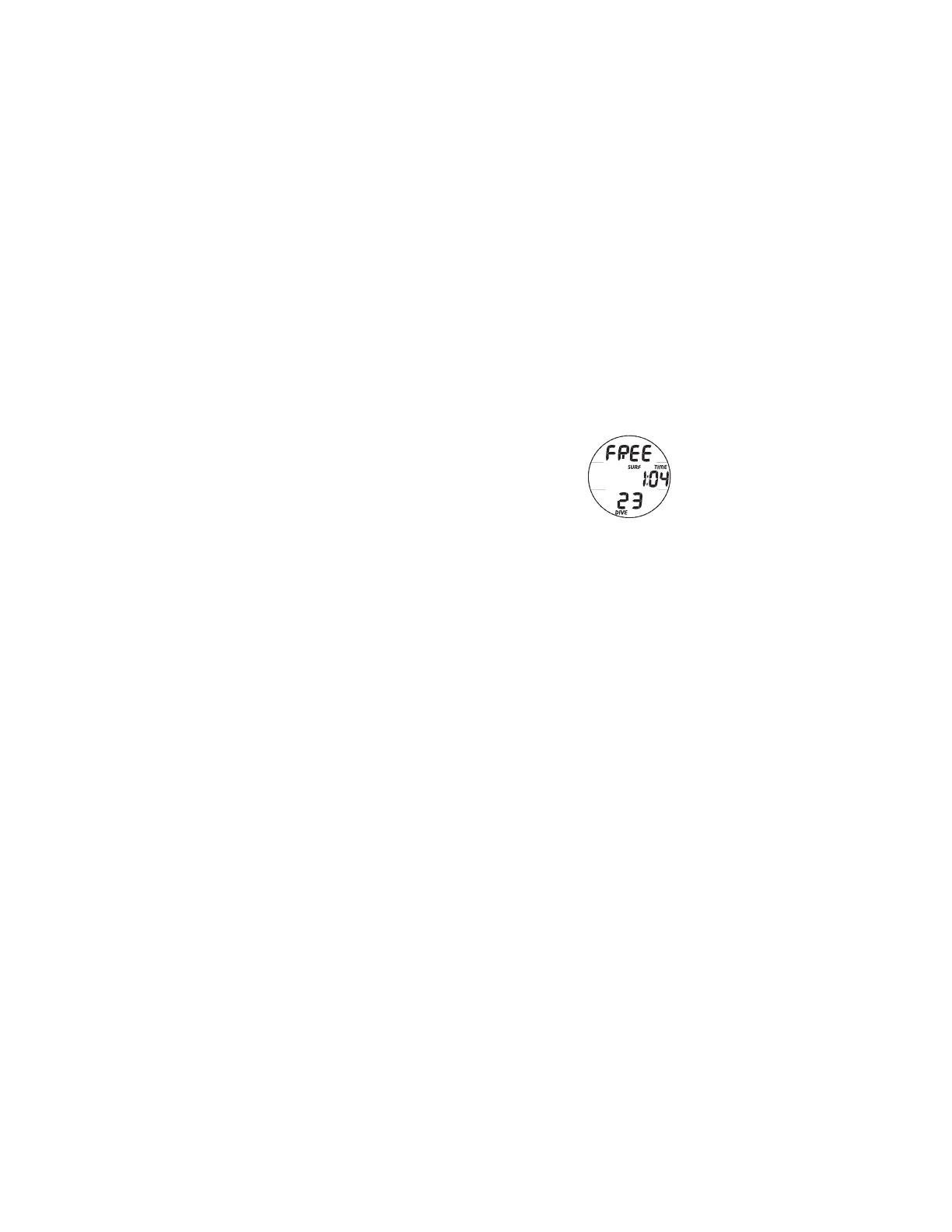
SURF MAIN, information includes (Fig. 30):
> Battery icon (shell with inner bar) if a Low Battery
Warning Condition exists, flashing (shell with no inner
bar) if a Low Battery Alarm Condition exists
> Graphic FREE
> Surface Interval Time (min:sec, hr:min if > 59:59 min:sec)
with SURF and TIME icons
> Number of the last dive conducted that calendar day (0 if
no dive has been made yet that day) with DIVE icon
SURF MAIN - Button Operations:
• Pressing and releasing the A button momentarily (< 2 seconds) will access
the SURF ALT 1 screen (CDT Status), then another press/release of A will
access the SURF ALT 2 screen (Elevation, Time, Temp) either of which will
revert to the MAIN screen after 5 seconds unless A is pressed.
• Depressing the A button for 2 seconds will access the Log 1 screen, then
another press/release of A will access the History 1 screen either of which
will revert to the MAIN screen after 5 seconds unless A is pressed.
• Pressing and releasing the M button momentarily (< 2 seconds) will access
the Chrono (Run Timer) Status screen. Refer to page 28 for operation.
• Depressing the A and S buttons simultaneously for 2 seconds will access the
Set Menu (A >> U) and a Serial Number screen.
• Pressing the L button will operate the Backlight.
• Depressing the M button for 2 seconds will revert to the Watch Default Time
screen.
Fig. 30 - SURF MAIN
(1 hr after dive 23)



 To Next Page