34
ALPHA NUMERIC DISPLAYS
Time and Date Displays
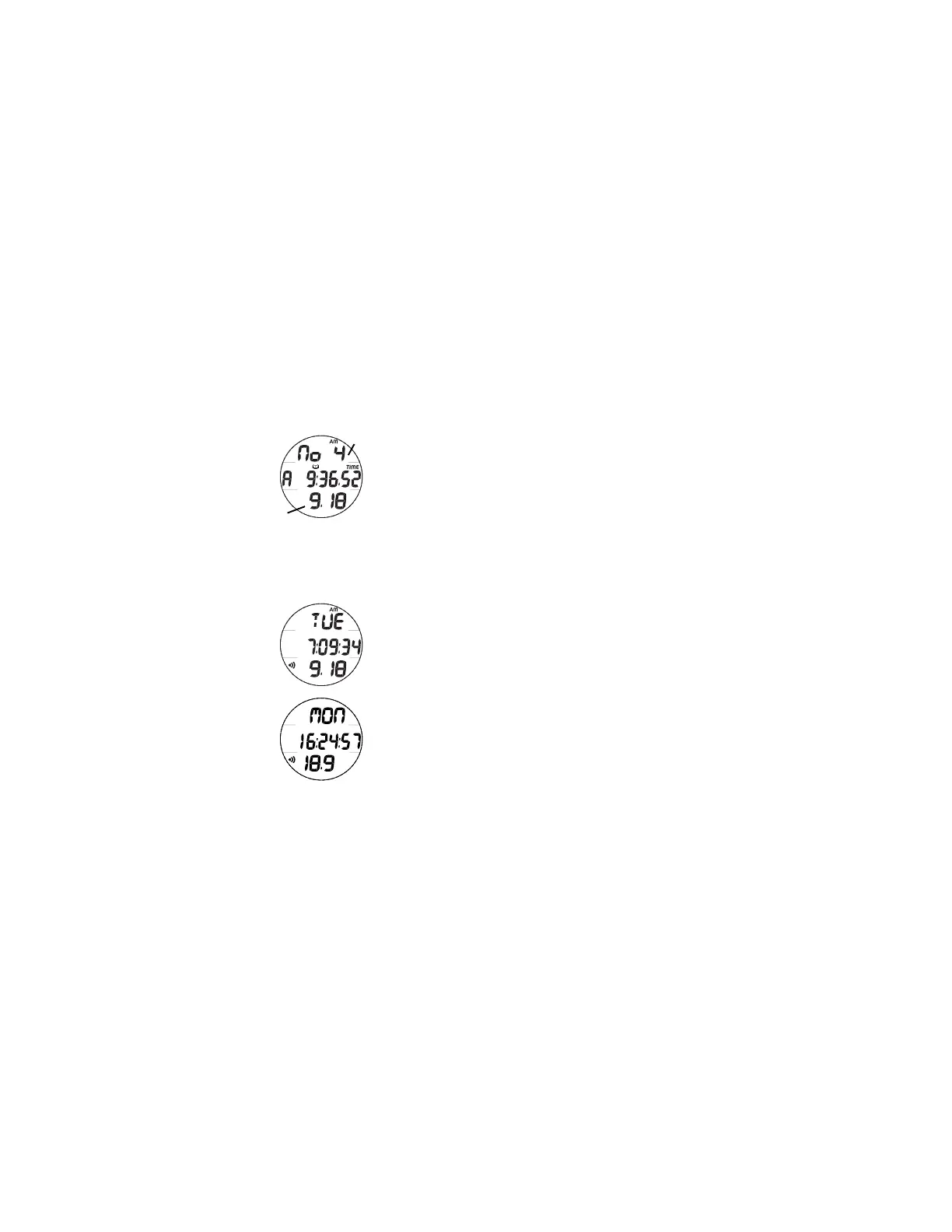
Times, identified by the Time (clock) icons, appear in the
middle and lower rows of the display (Fig. 22a/b).
Times are shown in hour:minute format or minute:second
format.
The colon that separates hours and minutes, or minutes and
seconds, blinks once per second when the display is indicating
real time (e.g., Surface Interval, Elapsed Dive Time), and is
solid (not blinking) when times are calculated projections (e.g.,
Timers, etc.).
While operating in Watch Mode, Date appears in the lower
row of the display (Fig. 23A/B). While operating in FREE
mode, Date is only displayed in the Log Mode to identify dives.
• When Date Format is set for M - D, Month appears to the
left of Day (month.day) separated by a decimal point (Fig.
23A).
• When set for D - M, the Month appears to the right of Day
(day.month) (Fig. 23B).
Fig. 22 - TIMES
Fig. 23 - DATE
b
a
A
B



 To Next Page