18
LOCAL DEFAULT TIME
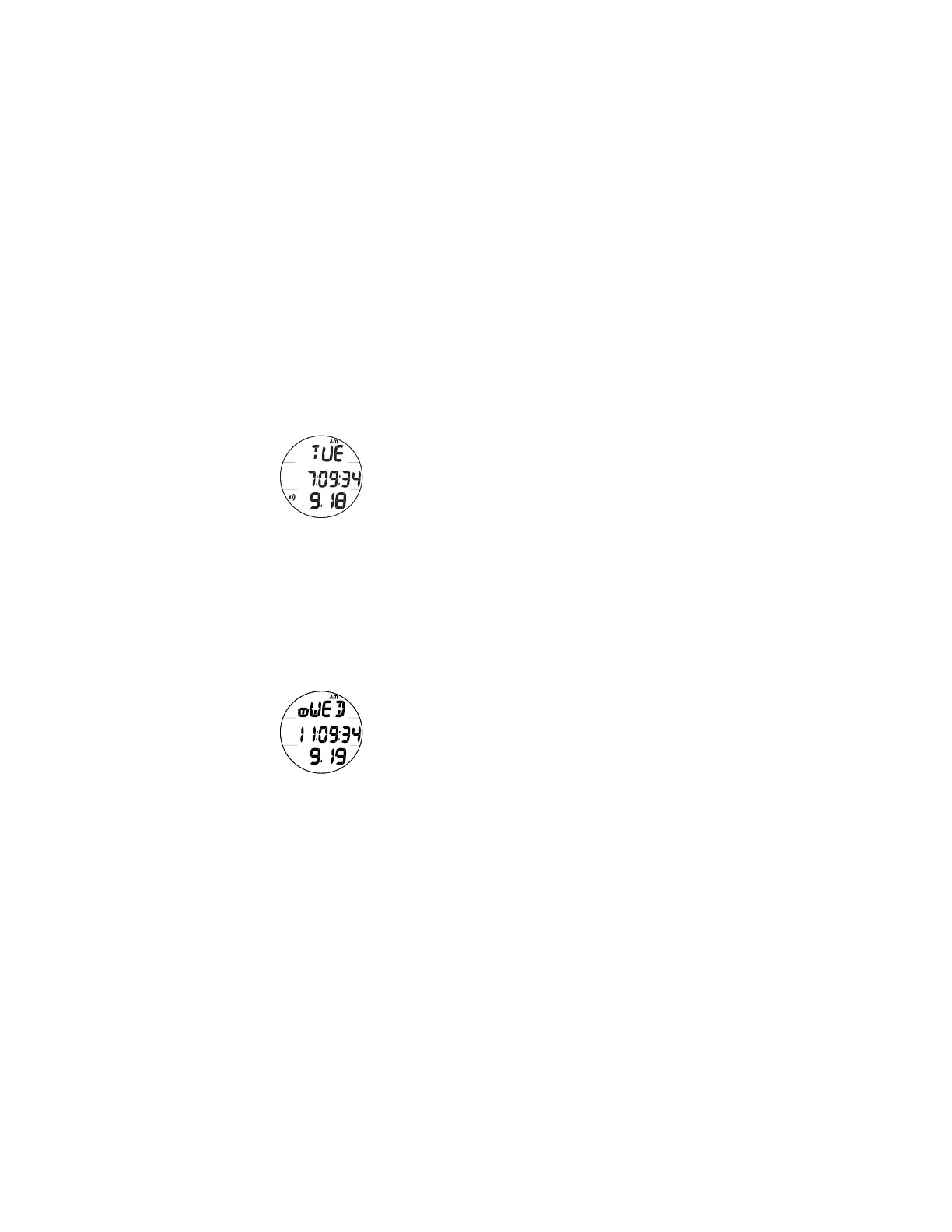
Watch Main Time (Fig. 4) is the current Time at your home
location and is normally selected as the Local Default Time.
The normal Watch screen sequence accessed with momentary
presses (less than 2 seconds each) of the M button is -
Main Time > Alt Time > CD Timer > Chrono > Day Alarm
Watch Alt (Alternate) Time (Fig. 5), which is normally set
by Hour Differential, is the current Time at a remote travel
location. Upon arrival at the location, Alt Time can be
interchanged with Main Time to make it the Local Default Time
while visiting the travel location.
The M button will then access the screens in this sequence -
Alt Time > Main Time > CD Timer > Chrono > Day Alarm
While viewing Alt Time, depressing and holding the S button
for 2 seconds will replace Main Time with Alt Time that will
then become the Local Default Time until changed.
While viewing any of the Watch Mode displays, pressing and
holding the M button for 2 seconds or if no button is pressed
for 2 minutes, operation will revert to the Watch Time screen
selected to be the Local Default Watch Time (Main or Alt).
Fig. 4 - MAIN TIME
Fig. 5 - ALTERNATE
TIME



 To Next Page