60
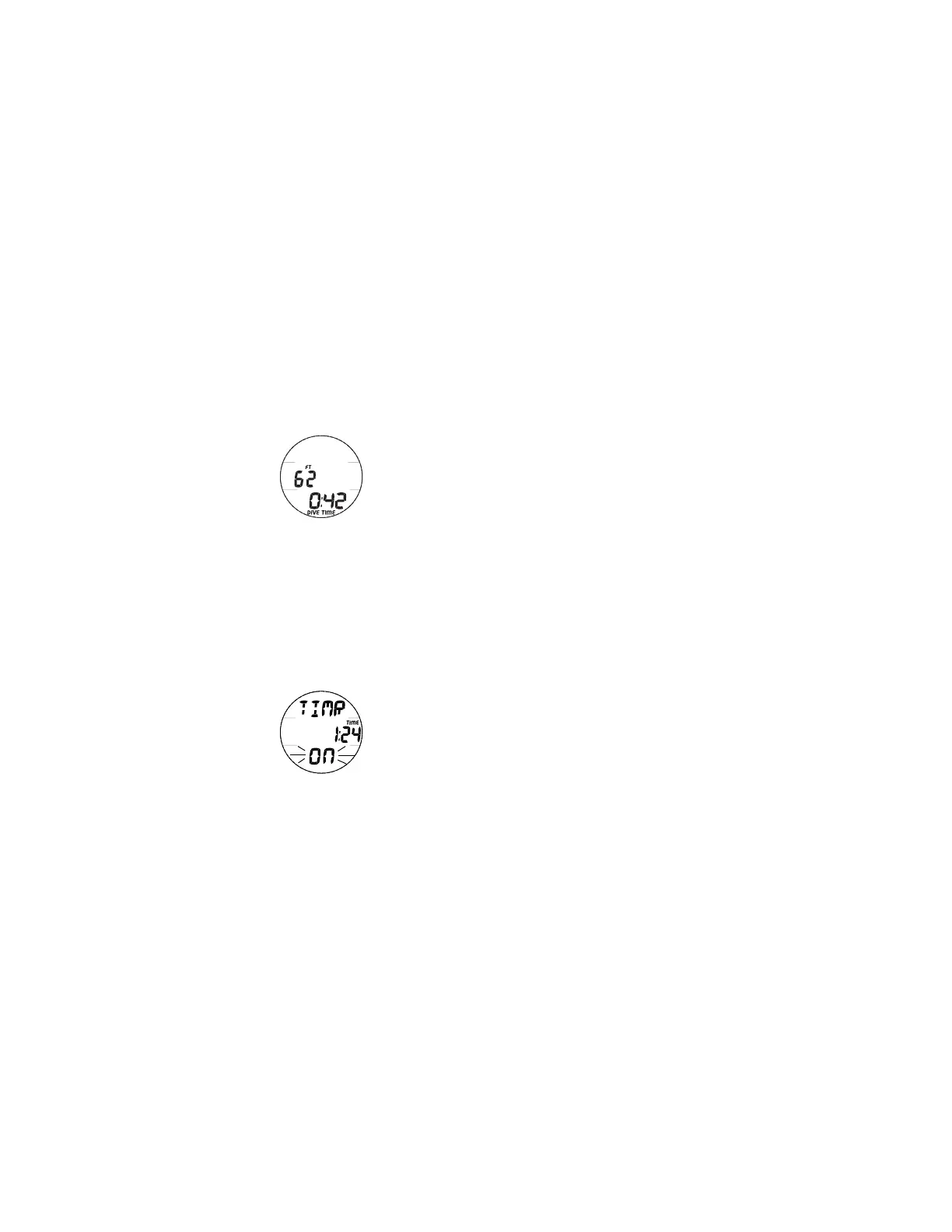
DIVE MAIN, information includes (Fig. 57) -
> Current Depth with FT (or M) icon
> EDT (Elapsed Dive Time, min:sec) with DIVE and TIME
icons
• Press and release the A button momentarily (< 2 seconds)
to access ALT 1.
• Press and release the M button momentarily (< 2
seconds) to access the Chrono (Run Timer) Status screen.
Refer to page 28 for description of operation.
• Press the L button to operate the Backlight.
DIVE ALT 1 (CDT STATUS), information includes (Fig. 58) -
> Graphic TIMR
> Remaining CDT (Count Down Time, min:sec) with the
colon flashing and TIME icon, if On and a CDT is in
progress, 0:00 with the colon flashing if On and no time
is remaining. If Off (set but not yet started), the CDT
previously set will be displayed with the colon solid.
> Graphic ON (or OFF), flashing
• Pressing and releasing the S button momentarily (< 2
seconds) will toggle between ON and OFF. If a Time has
been set but not yet started or it was started then turned
OFF, a toggle from OFF to ON will Start (or restart) the
CDT indicated by the colon flashing.
• Pressing and releasing the A button momentarily (< 2
seconds) will access ALT 2.
Fig. 57 - DIVE MAIN
Fig. 58 - DIVE ALT 1
CDT STATUS



 To Next Page