44
• Pressing and releasing the S button momentarily and
repeatedly (< 2 seconds each time) will increase EDT 1
second at a time.
• Pressing and releasing the M button momentarily and
repeatedly (< 2 seconds each time) will decrease EDT 1
second at a time.
• Pressing and releasing the A button momentarily (< 2
seconds) at any time, or if 2 minutes elapse without a
button press, while a Log 3 screen is displayed, will revert
to the Free Surface Main or Watch Default Time screen.
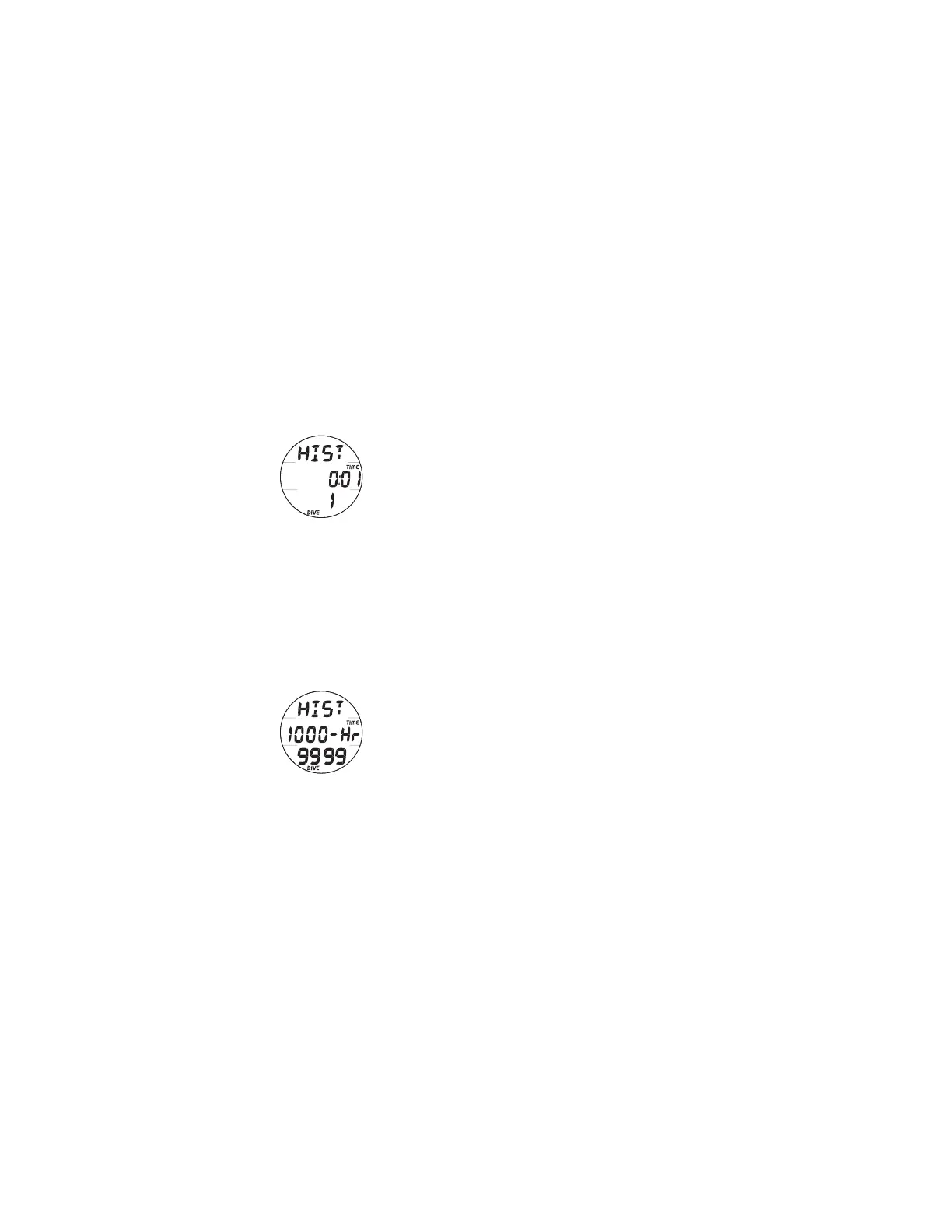
HISTORY
To access History Mode while viewing the Watch Default Time
or Surface Main screen, depress the A button for 2 seconds to
access the first Log 1 screen, then again for 2 seconds to
access the History 1 screen.
• Pressing and releasing the A button (< 2 seconds) will
access the History 2 screen, then again the History 3
screen, then again the History 4 screen.
• Depressing the A button for 2 seconds will bypass the
other History screens and revert to the Watch Default Time
or Surface Main screen.
• If no button is pressed during a 2 minute period, operation
will revert to the Watch Default Time or Surface Main
screen.
• Pressing the L button will operate the Backlight.
Fig. 39A - HISTORY 1
Fig. 39B - HISTORY 1
(max Time)



 To Next Page