28
• Pressing and releasing the A button momentarily (< 2
seconds) will save the Set Point and/or advance to the
CDT Status screen indicated by the graphic OFF
(flashing) in place of the graphic SEt.
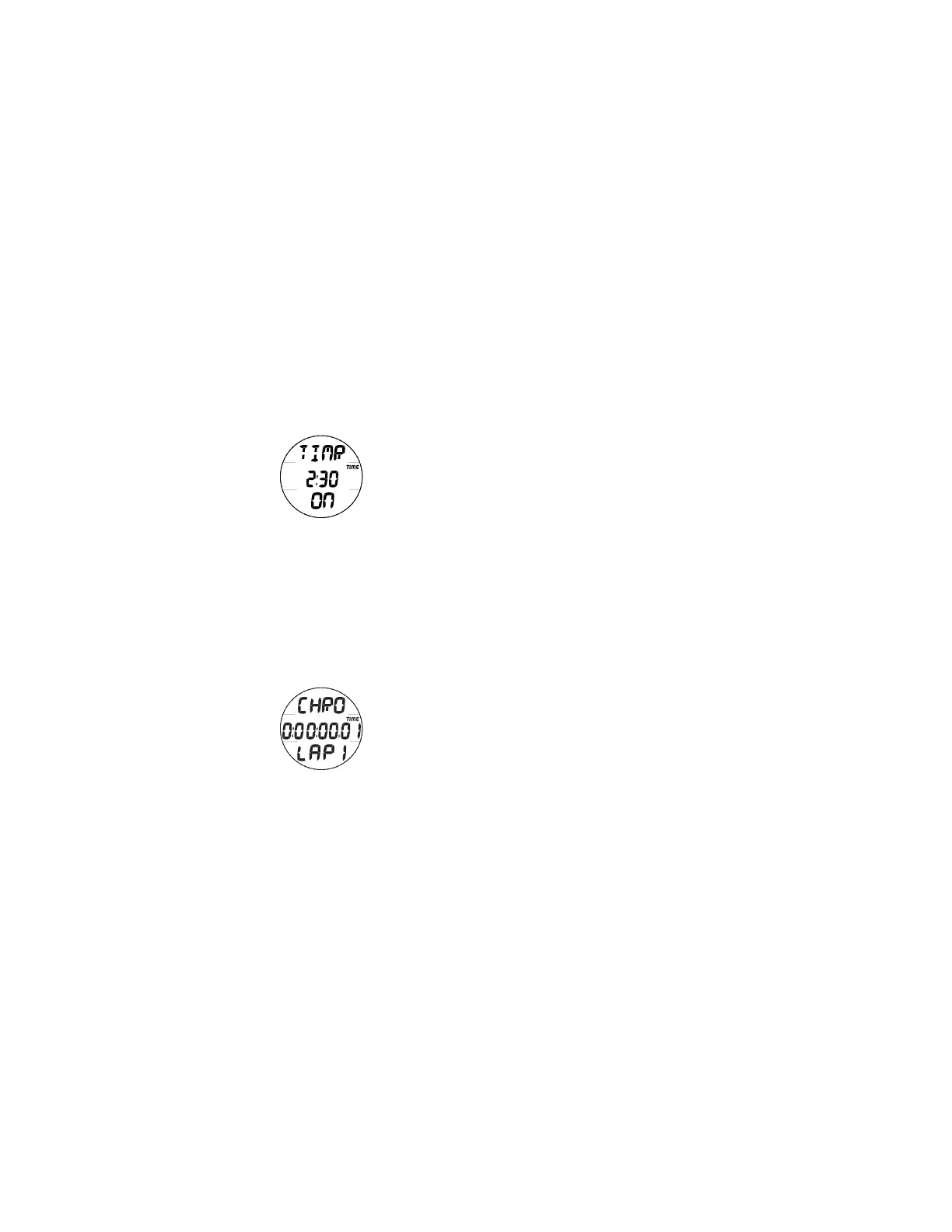
• Pressing and releasing the S button momentarily (< 2
seconds) will toggle from OFF to ON and Start the Timer
(Fig. 17).
• Depressing and holding the M button for 2 seconds will
revert to the Watch Default Time screen.
> If no button is pressed during a period of 2 minutes, the
unit will revert to the Watch Default Time screen.
CHRONOGRAPH (Stop Watch, Lap/Run Timer)
The Chrono is operational during Free Surface and Dive
Modes as well as Watch Mode. Once started, the Chrono
continues to run regardless of which mode the unit is operating
in until it is stopped or it reaches the max Run Time. It runs
unseen in the background when not on display.
• Pressing and releasing the M button momentarily 3 times
(< 2 seconds each time) while the Watch Default Time
screen (or 1 time while the Free Surface or Dive Main
screen) is displayed will access the Chrono Status screen
displaying the elapsed run time, if previously started, or
0:00:00.00 (hr:min:sec.1/100th sec), flashing.
• Pressing and releasing the S button momentarily (< 2
seconds) will start the Chrono/Run Timer which will
begin counting up from 0:00:00.01 (Fig. 18A) to
9:59:59.99 in increments of .01 (1/100th sec).
Fig. 18A - CHRONO
LAP 1 STARTED
Fig. 17 - CD TIMER
STARTED



 To Next Page