29
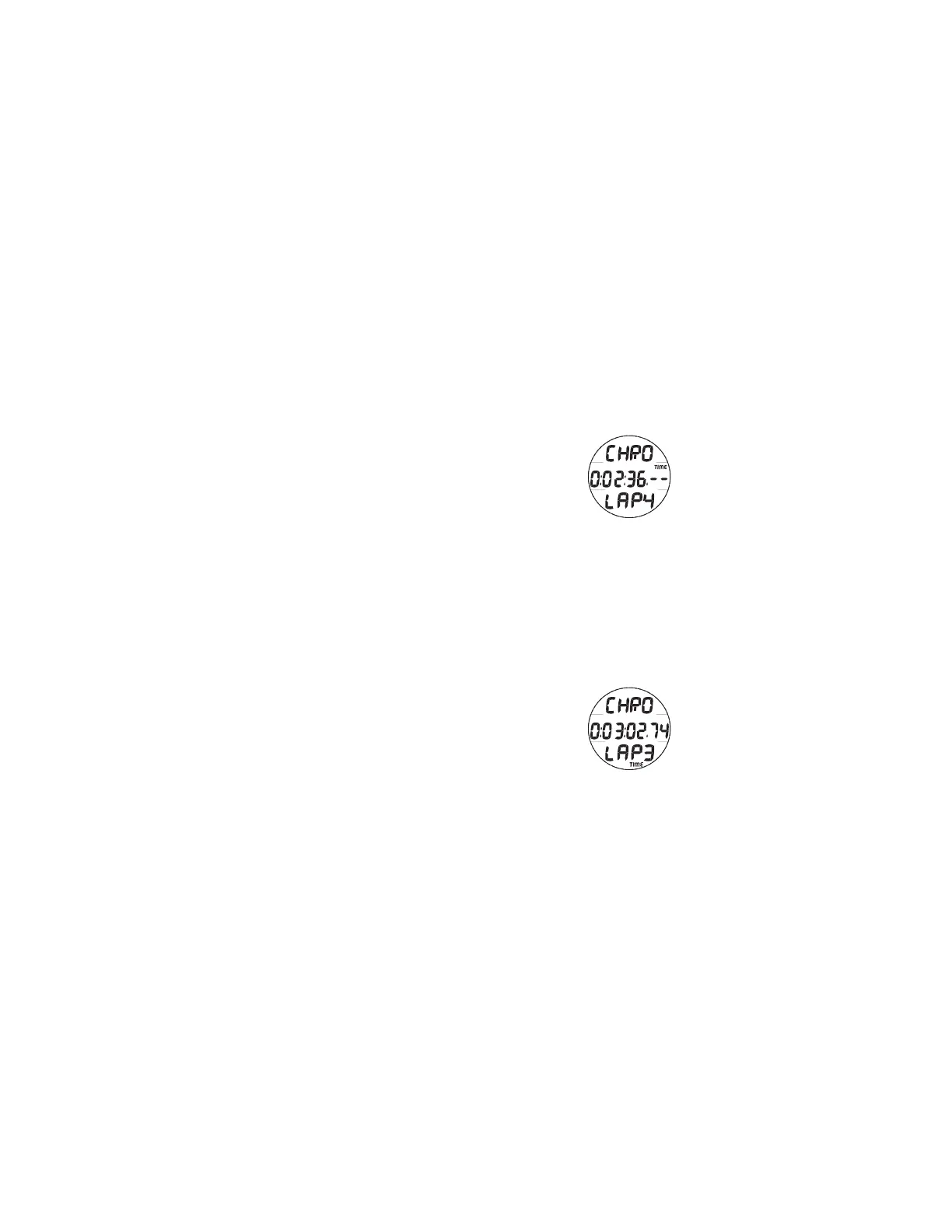
> During the first 4 seconds, the .01 (1/100th) second
values will be displayed, then 2 dashes ( . - - ) will be
displayed. The 1/100th values will be recorded and
displayed when Lap times are recalled.
• Subsequent pressing/releasing of the S button (< 2
seconds each) will save addition Lap Times and start the
next one (Fig. 18B). After 9 Laps are recorded,
additional Laps will replace Lap 9, shifting the others to
lower Lap numbers, while discarding Lap 1.
> If total Run Time reaches 9:59:59.99, it will stop and
save that time as a Lap. Subsequent presses of the S
button will then have no effect.
• Pressing and releasing the A button momentarily (< 2
seconds) will stop the Run Timer and recall Lap 1,
displaying the graphic Lap1 (flashing) and the Lap 1 Run
Time. Repeat presses will display other Laps/Run Times
(Fig. 19).
• Depressing the A button for 2 seconds will stop the Run
Timer and reset the Time to 0:00:00.00 (flashing).
• Pressing and releasing the M button momentarily (< 2
seconds) will advance to the Daily Alarm screen.
• Depressing the M button for 2 seconds will revert to the
Watch Default Time screen.
While the Chrono is running, it will remain on the screen until
the M button is pressed to access the Daily Alarm screen, or if
in Free Mode (surface or dive) to revert to the Main. It will
then continue to run in the background.
Fig. 19 - CHRONO LAP
RECALL
Fig. 18B - CHRONO
LAP 4 STARTED



 To Next Page