ACCEPTANCE TESTING
5-18
Audio generator distortion
Specification
Distortion:
Less than 0.5% at 1 kHz.
Less than 1% from 50 Hz to 15 kHz .
Test equipment
Description Minimum specification Example
Distortion
analyzer
Capable of measuring distortion from 1 kHz to
15 kHz down to 0.1%.
IFR 2965 or
HP8903B
C6048
AF GEN
OUTPUT
AF
INPUT
UUT
Distortion analyzer
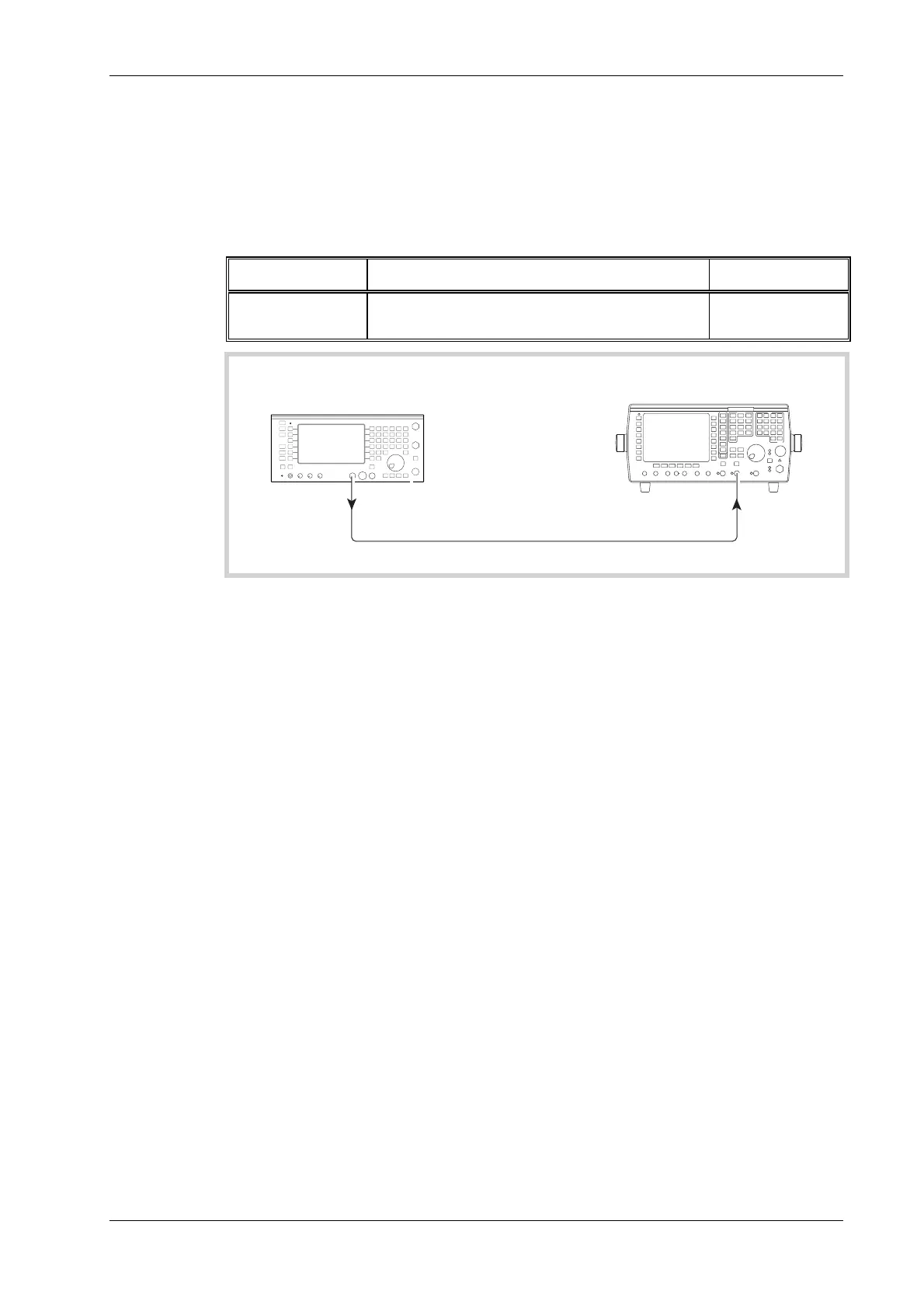
Fig. 5-11 Audio generator signal purity checks
(1) Refer to Results table 5-21 on page 5-44. Connect the UUT AF GEN output to the AF input
of the distortion meter, as shown in Fig. 5-11.
(2) Set the UUT to [AF TEST], [Audio Gen], [FREQ] 1 kHz, [LEVEL] 4 V. Audio Gen 1
should be set to sinewave and Audio Gen 2 should be OFF.
(3) Set the Distortion meter to measure distortion at 1 kHz in a 0.3 to 3.4 kHz bandwidth..
(4) Check that the distortion indicated is less than 0.5%.
(5) Repeat step (4) with AF Gen 1 level set to 100 mV.
(6) Set the Distortion meter to measure distortion in a 20 kHz Low-pass bandwidth.
(7) Set AF Gen 1 to provide 4 V at a frequency of 2 kHz. Check that the distortion indicated on
the Distortion meter is less than 1%. (If a 2965 is being used, see the Operating Manual for
instructions on setting distortion measurement to different frequencies.) Repeat at 5 kHz.
Set the low-pass bandwidth on the distortion meter to NONE and repeat with AF Gen 1 set
to provide 15 kHz.
(8) Refer to Results table 5-22 on page 5-44. Repeat the above procedure, except this time with
AF Gen 1 switched OFF and AF Gen 2 ON.



 To Next Page