LOCAL OPERATION
3-93
Printer
An RS232 printer can be driven by the Service Monitor when connected to the SERIAL PORT on
the rear panel. Complete screen images and hard copy of stored test results can be printed.
The serial port must be set to the printer option through the [HELP/SETUP], [Setup] key
sequence, followed by the [Remote Control] key. The port must be configured to match the
requirements of the printer using the port configuration menu also accessible through the
[HELP/SETUP], [Setup] key sequence, followed by the [Serial Setup] key.
To print screen images, make the required test, and when the display shows the data to be printed,
proceed as follows:
Press the [DISPLAY HOLD] key. The current soft key menu will be replaced to show
two keys, [Print] and [Store].
Press the [Print] key. The display will be reproduced by the printer.
Test results held in the Service Monitor memory stores can also be printed. The procedures for
these operations are described earlier in this chapter. See Stores, settings/results, on page 3-90.
Parallel printer port option
Parallel output
The parallel printer port option provides an output suitable for direct connection to a parallel drive
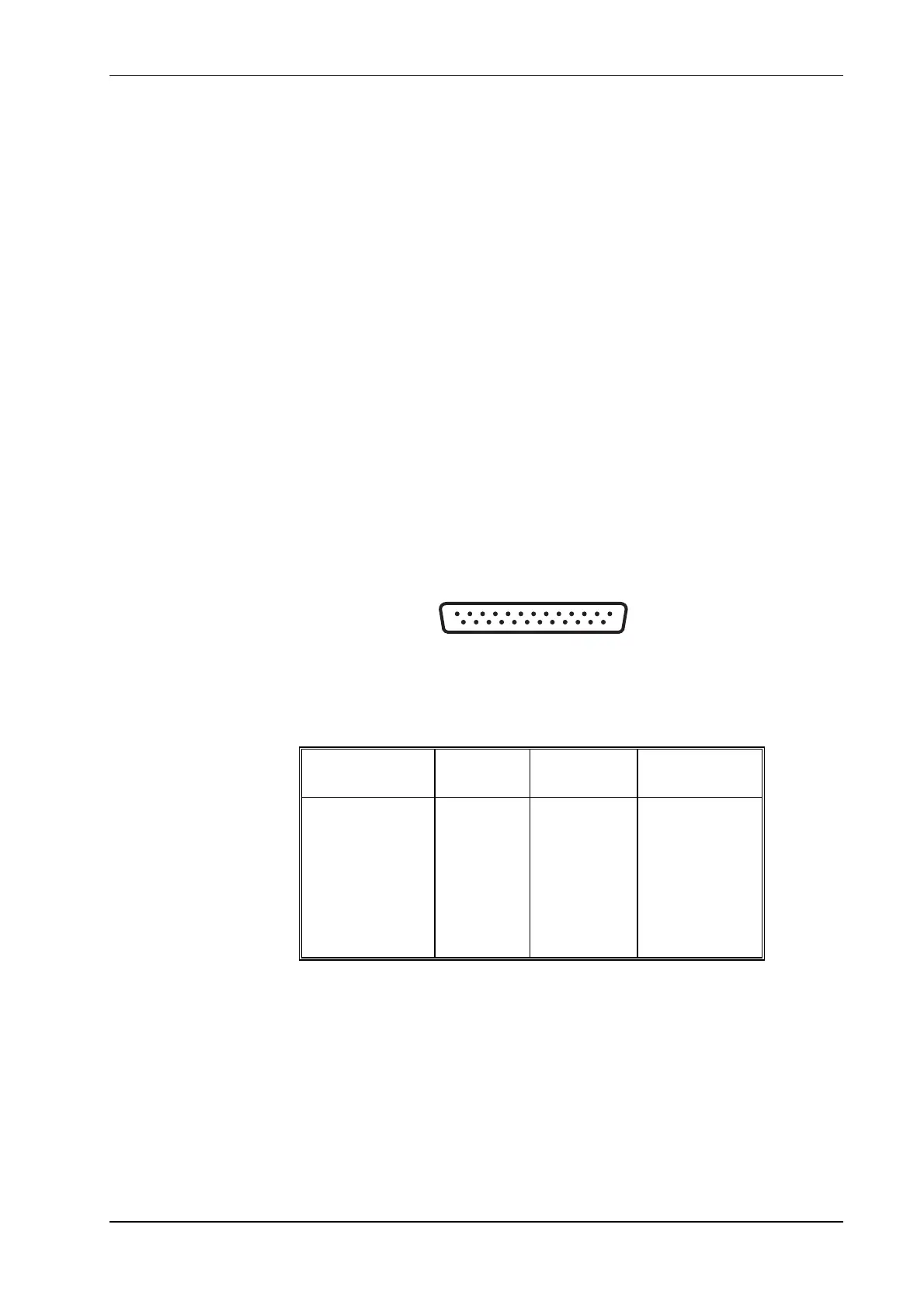
printer. Fig. 3-26, Parallel printer port socket contacts, shows the pin numbering of the socket
and Table 3-1,
Parallel printer port connections, shows the function of the socket connections.
Pin connections
13
25
1
14
Fig. 3-26 Parallel printer port socket contacts (as seen facing panel)
Table 3-1 Parallel printer port connections
Contact
Function
Contact Function
1 Strobe 10 ACK
2 Data 0 11 BUSY
3 Data 1 12 PE
4 Data 2 13 SLCT
5 Data 3 14 to +5 V via R
6 Data 4 15 ERROR
7 Data 5 16 to +5 V via R
8 Data 6 17 to 0 V via R
9 Data 7 18 to 25 Ground



 To Next Page