LOCAL OPERATION
3-28
IF bandwidth
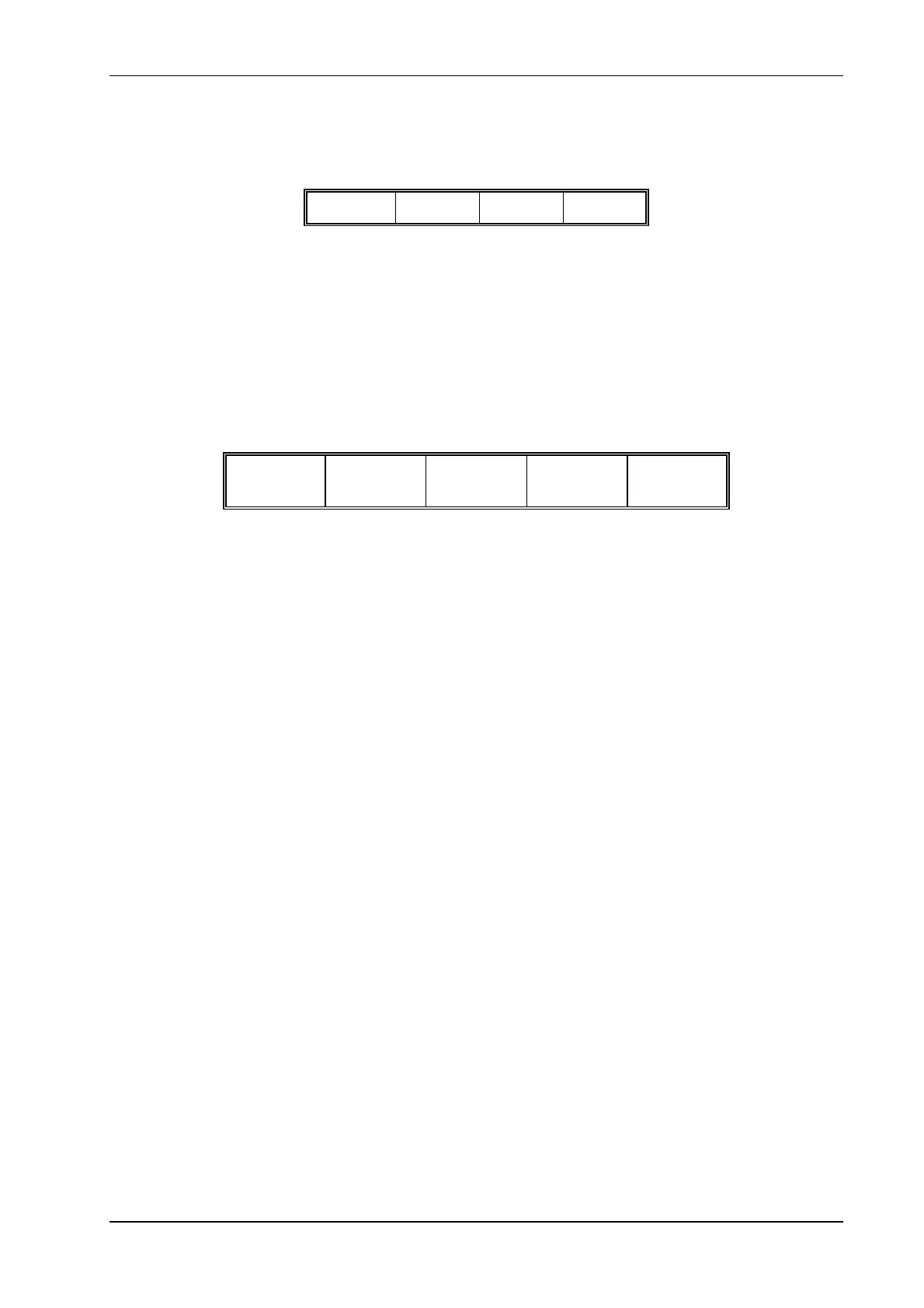
The IF bandwidth of the Service Monitor receiver circuits can be selected from the following
options:
300 Hz 3.0 kHz 30 kHz 300 kHz
Press the [IF Filter] key. The right hand soft keys change, to allow selection of IF bandwidth
filters as shown above.
The selected filter is shown on the display. Press the [Return] key after selecting the required
filter.
Audio frequency filtering
The demodulated signal can be filtered using high pass, low pass or band pass audio filters and
with weighting filters as required.
Press the [AF Filter] key. The right hand soft keys change, to allow selection of AF filters as
shown below. Press the [Return] key after selecting the required filter.
High Pass Low Pass Band Pass
CCITT
†
or
C-MESS
‡
Deemph
†
Only if option 23 (CCITT filter) is fitted.
‡
Only if option 24 (C-MESS filter) is fitted.
The high pass filter options are 50 Hz or 300 Hz.
There are five low pass filter soft keys. The 50 kHz LP filter can be considered to be the
‘unfiltered’ selection as this represents the normal full bandwidth of the audio circuits.
The other four low pass preset filters can each be set to any cut
-off frequency within the range
250 Hz to 1.0 kHz and 3.0 kHz to 20.0 kHz.
The band pass preset filters can be customized by selecting either of the high pass options in
combination with any of the four preset low pass filters.
The preset filters are set from the HELP/SETUP facility. The AF Filter setup explanation starts on
page 3
-11.
De-emph
De-emphasis filtering, ON/OFF, is toggled by alternate presses of the [Deemph] key. The
de-emphasis filtering uses a 750 µs time constant to give a 6 dB/octave roll-off.
De-emph ON appears on the main display when appropriate. No indication is given to show that
de-emphasis is not on.
Press [More] to return to the previous menu or [Return] to display the main Tx TEST menu.
*OSCILLOSCOPE*
The input to the oscilloscope is taken from the demodulators through any selected AF filters.
Therefore modulation measurements made using the oscilloscope will include the characteristics
of the selected AF filter.



 To Next Page