Deployment Guide 117
INTRODUCTION TO THE HIVEMANAGER GUI
Sorting Displayed Data
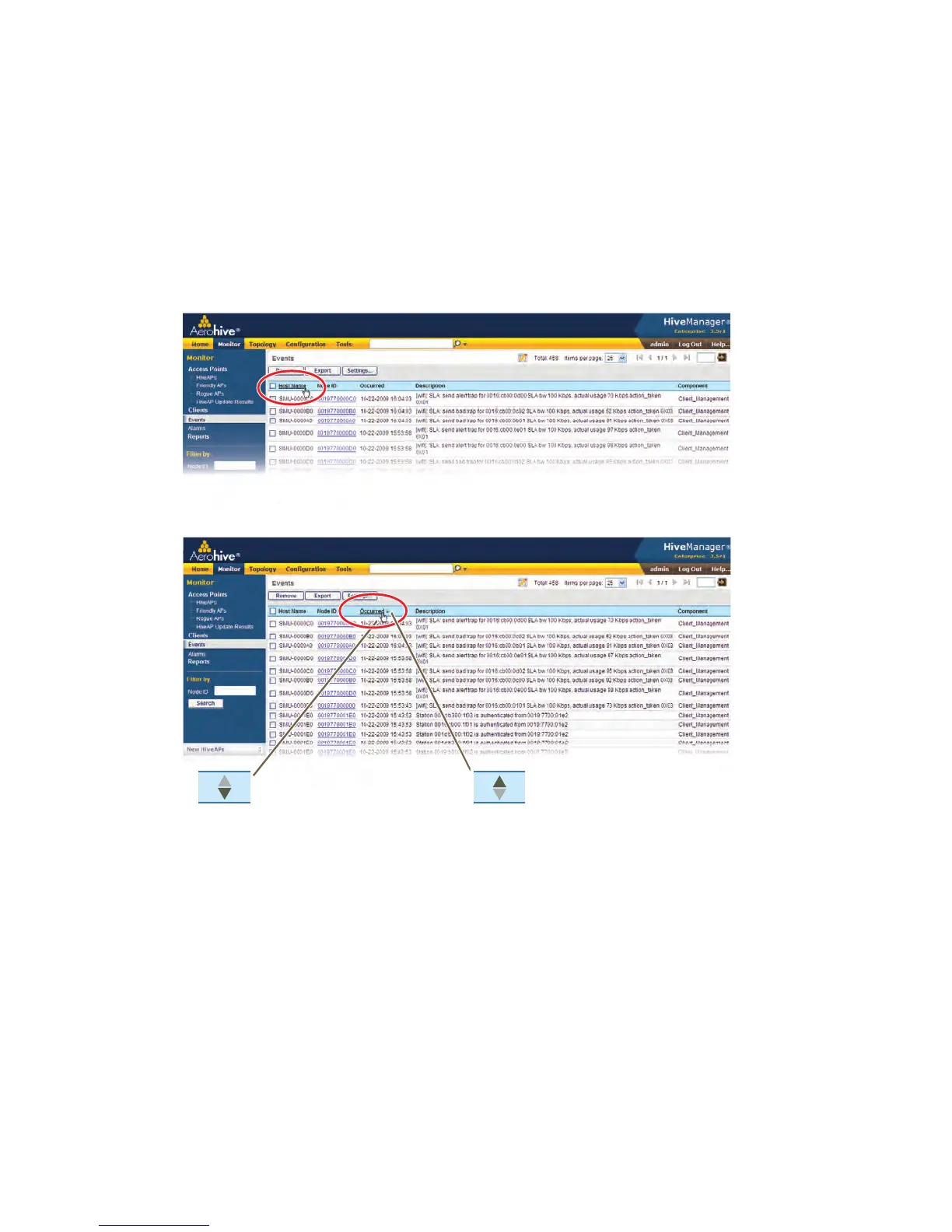
You can control how the GUI displays data in the main panel by clicking a column header. This causes the displayed
content to reorder itself alphanumerically or chronologically in either ascending or descending order. Clicking the
header a second time reverses the order in which the data is displayed.
Figure 10 Sorting event log entries by HiveAP host name and then chronologically
Indicates that the list appears in
descending order from the top
Indicates that the list appears in
ascending order from the bottom
By default, displayed objects are sorted alphanumerically from the top by name. If you click the
name again, the order is reversed; that is, the objects are ordered alphanumerically from the bottom.
By clicking the heading of a column, you can reorder the display of objects either alphanumerically or
chronologically, depending on the content of the selected column. Here you reorder the data chronologically.



 To Next Page