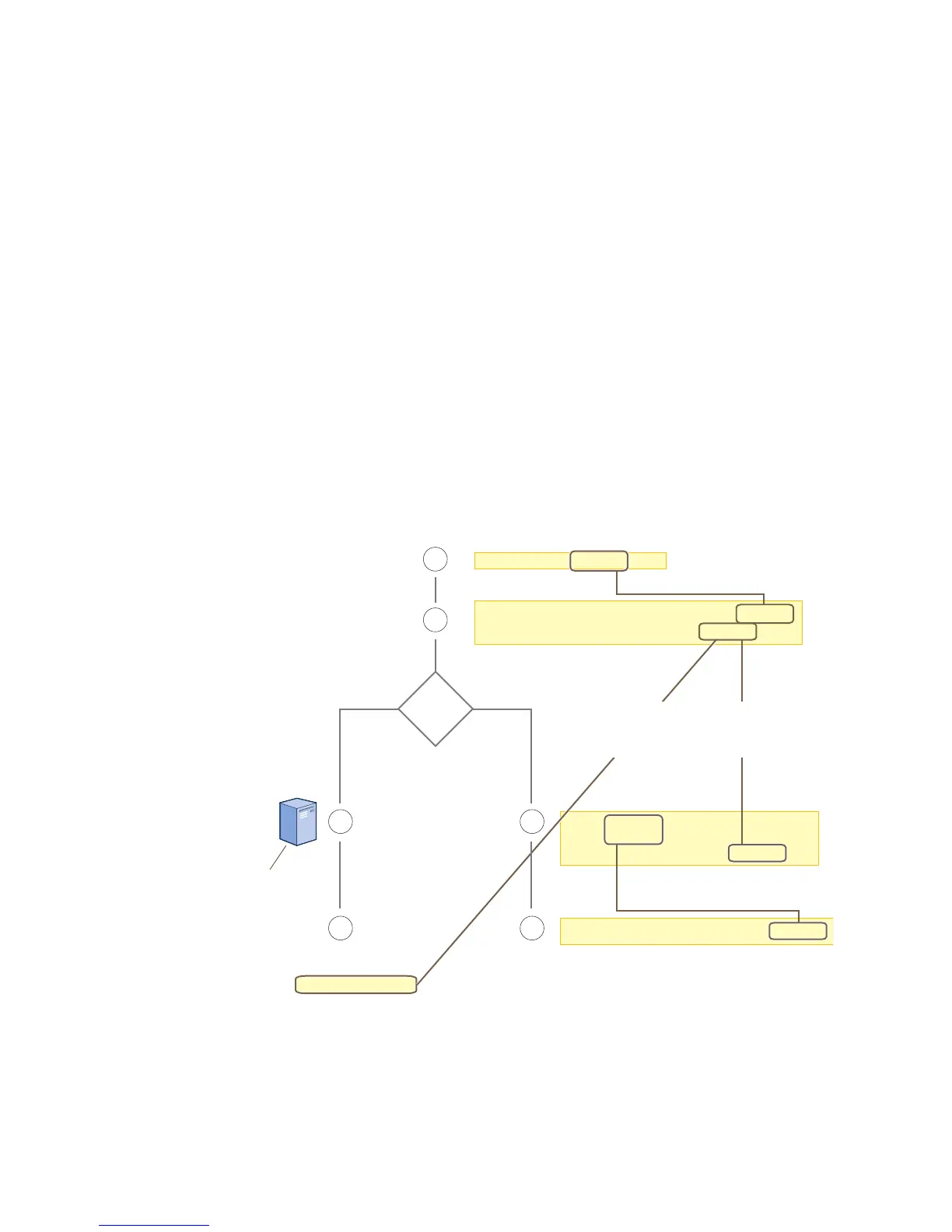
user-profile string qos-policy string
vlan-id number attribute number
2
3
1
44
User accounts are stored
on the RADIUS Server.
Returned Attributes
• Tunnel Type = GRE (value = 10)
• Tunnel Medium Type = IPv4 (value = 1)
• Tunnel Private Group ID = user_profile_number
First, configure a QoS policy that you want to apply
to wireless traffic from a group of users.
The HiveAP applies the QoS policy to all
wireless clients that associate with the SSID.
ssid string
ssid string default-
user-profile-attr number
3
The attributes indicate which user profile to apply to the user,
and the profile in turn indicates which QoS policy to apply.
If you use a RADIUS server, configure
it to return attributes for the realm to
which the wireless users belong. After
authenticating a user, the server
returns these attributes with the
Access Accept message. The
attributes indicate which
user profile to apply to the
user, and the profile in turn
indicates the QoS policy to
apply.
qos policy string ...
interface interface ssid string
Second, configure a user profile that references the
QoS policy you just configured.
Assign the SSID to an interface.
RADIUS
Server?
NoYes
The next step depends on whether you use
a RADIUS server to authenticate users.
If you do not use a RADIUS server, create
an SSID that specifies the user profile
attribute as its default user profile.



 To Next Page