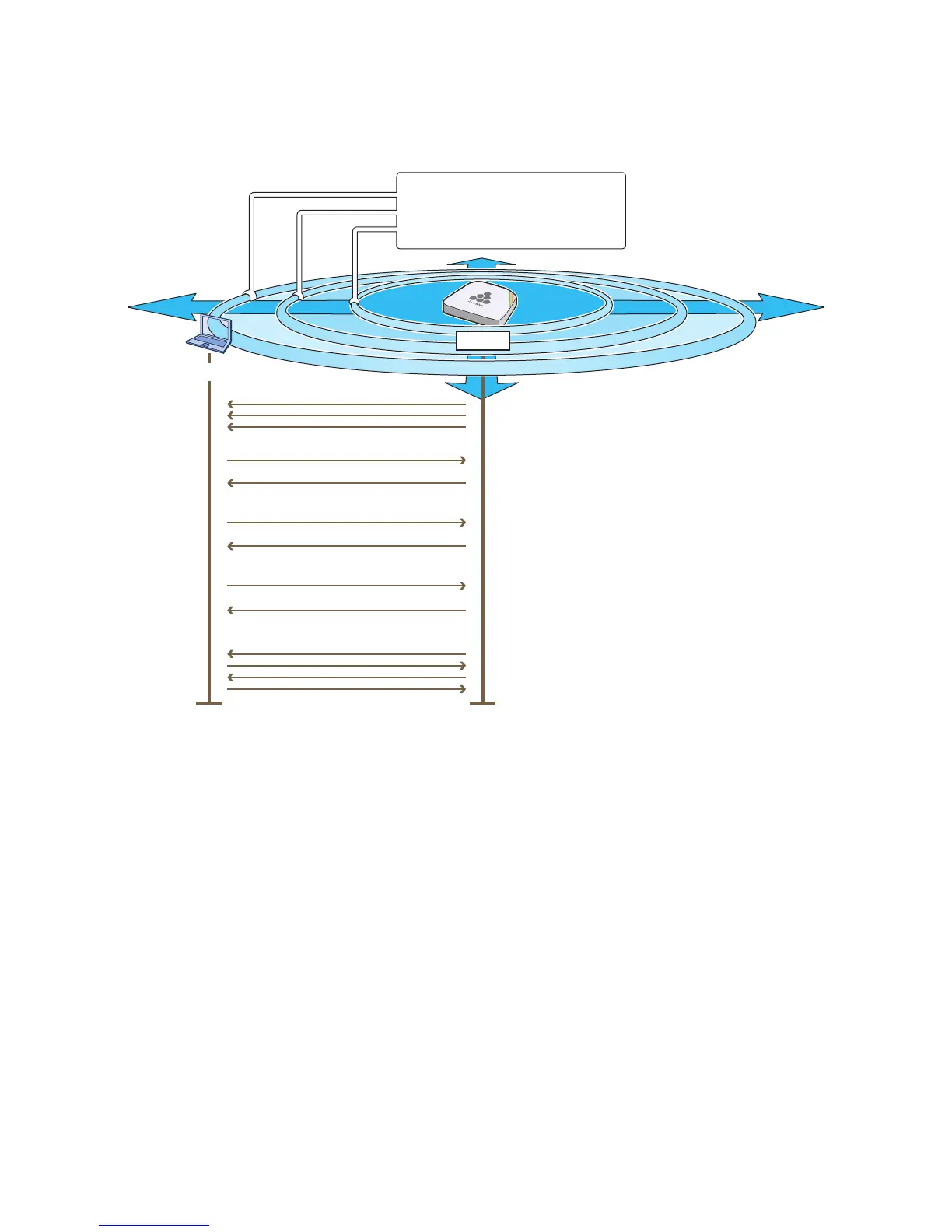
Beacons
Client
SSID: test1 psk
Key method: WPA PSK or WPA2 PSK
Encryption: CCMP (AES) or TKIP
Supported rates and capabilities
The HiveAP broadcasts beacons advertising the
SSID “test1 psk” and its security and network
capabilities on the 2.4 GHz band.
If the client sends a probe request to discover
available SSIDs, the HiveAP responds with the
same information as that in its beacons.
The client sends an authentication request, and
because WPA and WPA2 use open authentication,
the response always accepts the request.
The client sends its capabilities, and the HiveAP
replies if these are acceptable or not. If they are, it
creates an association ID and sends it to the client.
The HiveAP and client exchange the preshared key
and other information to derive keys to encrypt
unicast traffic. (Later, they derive encryption keys
for multicast and broadcast traffic as well.)
Beacons
Probe Request
Probe Response
Authentication Request
Authentication Response
Association Request
Association Response
Four Way Handshake
HiveAP



 To Next Page