Chapter 11 Basic Configuration Examples
134 Aerohive
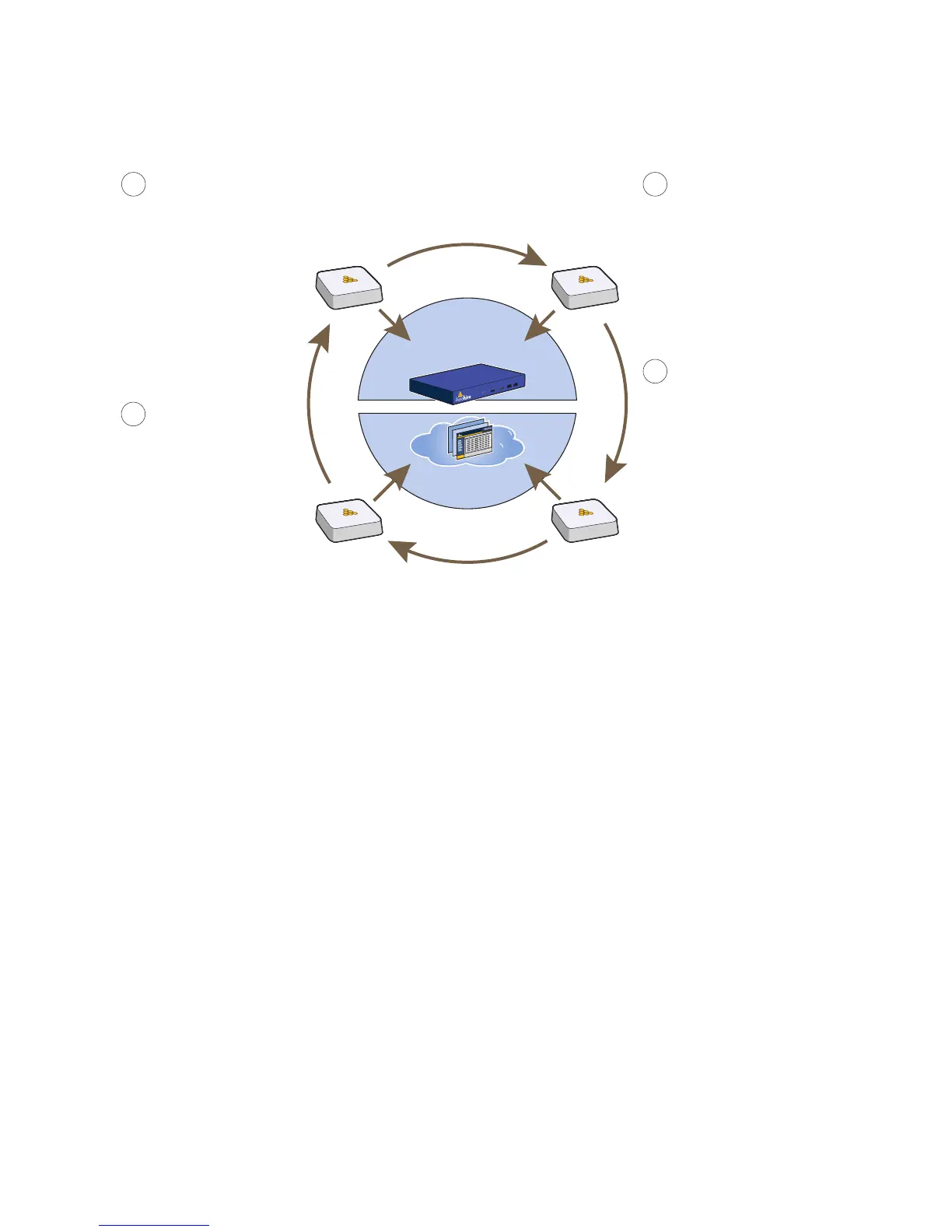
Figure 6 Discovering the CAPWAP server
HiveManager
or
HiveManager Virtual Appliance
HiveManager
Online
1
2
3
4
If the DNS server cannot resolve
the domain name to an IP
address, the HiveAP broadcasts
CAPWAP Discovery messages
on its local subnet for a CAPWAP
server (HiveManager). If
HiveManager is on the local
network and responds, they form
a secure CAPWAP connection.
The HiveAP tries to connect to
HiveManager using the following
default domain name:
hivemanager.<local_domain>,
where “<local_domain>” is the
domain name that a DHCP
server supplied to the HiveAP.
If a DNS server has been
configured with an A record to
resolve that domain name to
an IP address, the HiveAP
and HiveManager then form a
secure CAPWAP connection.
If the first two searches for a
local HiveManager produce no
results, the HiveAP broadens its
search even wider and tries to
contact HiveManager Online at
staging.aerohive.com:12222. If
the staging server has a serial
number or MAC address for that
HiveAP, it responds and they
form a secure CAPWAP
connection.
If the HiveAP cannot make a
CAPWAP connection to
HiveManager Online using
UDP port 12222, it tries to
reach it by using TCP port 80:
staging.aerohive.com:80. If
that proves unsuccessful, the
HiveAP returns to its initial
search through a DNS lookup
and repeats the cycle.



 To Next Page