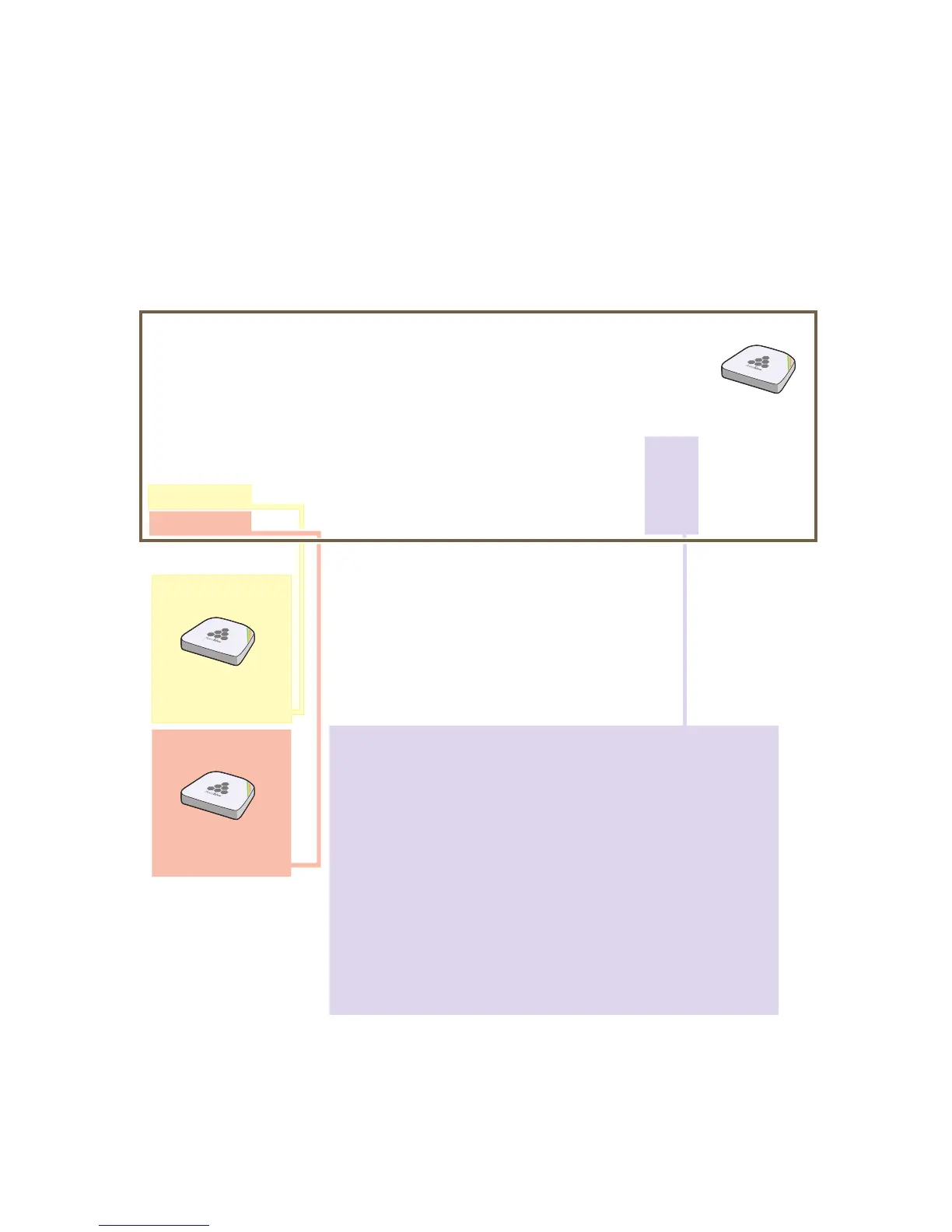
mgt0 interface.
6. Check that HiveAP-3 has associated with the other members at the wireless level.
HiveAP-2
0019:7700:0438
wifi1.1 MAC Address
HiveAP-1
0019:7700:0028
wifi1.1 MAC Address
show hive hive1 neighbor
Chan=channel number; Pow=Power in dBm;
A Mode=Authentication mode; Cipher=Encryption mode;
Conn Time=Connected time; Hstate=Hive State;
Mac Addr Chan Tx Rate Rx Rate Pow A Mode Cipher Conn Time Hstate Phymode Hive
0019:7700:0028 149 54M 54M 16 psk aes ccm 00:04:15 Auth 11a hive1
0019:7700:0438 149 54M 54M 16 psk aes ccm 00:04:16 Auth 11a hive1
Log in to HiveAP-3 and enter this command to see its neighbors in hive1:
HiveAP-3
In the output of the show hive hive1 neighbor
command, you can see hive-level and member-level
information. (On HiveAPs supporting 802.11n, the
channel width for hive communications—20 or 40
MHz—is also shown.)
When you see the MAC addresses of the other hive
members, you know that HiveAP-3 learned them over
a wireless backhaul link.
Neighbors
The following are the various hive states that can appear:
Disv (Discover) - Another HiveAP has been discovered, but there is a
mismatch with its hive ID.
Neibor (Neighbor) - Another HiveAP has been discovered whose hive
ID matches, but it has not yet been authenticated.
CandPr (Candidate Peer) - The hive ID on a discovered HiveAP
matches, and it can accept more neighbors.
AssocPd (Association Pending) - A HiveAP is on the same backhaul
channel, and an assocation process in progress.
Assocd (Associated) - A HiveAP has associated with the local HiveAP
and can now start the authentication process.
Auth (Authenticated) - The HiveAP has been authenticated and can
now exchange data traffic.



 To Next Page