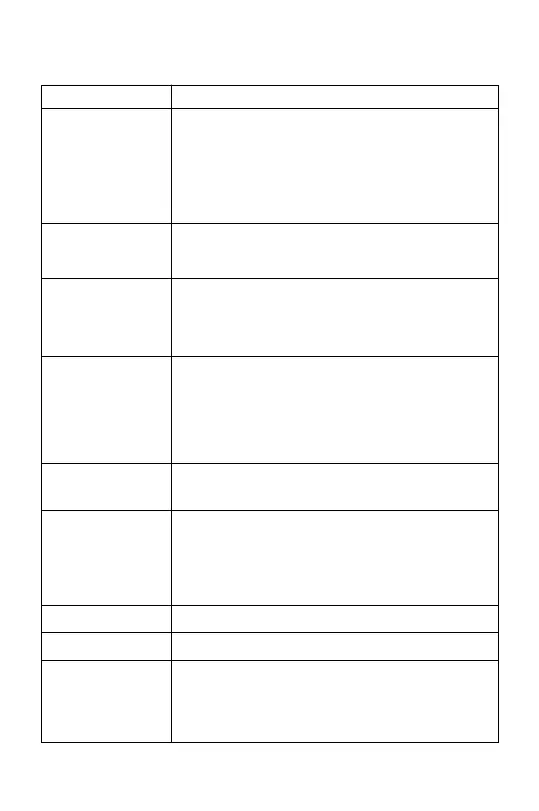
3.3 Remote Controller Features
F / N / S mode
(Movie / Normal /
Sport mode)
Key / Switch
Function
Video
Press (2sec) to start/stop video.
Gimbal Tilt
Spin the wheel left or right to control the angle of the
camera. Note: The gimbal tilt (pitch) speed and
smoothness can be adjusted in “Gimbal Settings”
Photo
Press (2sec) to take photos.
Press once to start the automatic return to home (the
aircraft returns to the take-off point) Press anytime to
cancel. During RTH, the remote beeps twice every 2
seconds. Please note the automatic RTH requires 6+
GPS satellits are acquired.
(F) Film Mode: Maximum speed is limited to 3m/s
(N) Normal Mode: Aircraft speed is limited to 10m/s
(default - can be adjusted in the app)
(S) Sport Mode: Maximum speed is 16m/s. Do not
carry any payload in sport mode
One key return/
Cancel
Power Switch
Quickly press and release, then press again and hold
until all lights are on/off.
Payload Release
Button
Charging /
RC Cable Port
Remote Low
Battery Warning
USB-C port to connect to the charger, or to connect your
mobile device via the RC cable.
When the remote controller is on low battery:
<25%, Beeps twice every 10 seconds
<15%, Beeps twice every 2 seconds
<10%, Beeps twice every second
• Short press to open/close the payload release
• Press and hold the payload release button, and
spin the gimbal tilt wheel to perform digital zoom
• When in
Return To Home (RTH)
or low battery
mode, press and hold the payload release button
to mute the beeping sound.
23


 To Next Page