Cleaning the dust rollers
WARNING:
Cleaning the dust rollers must be done when white lines appear
on the prints.
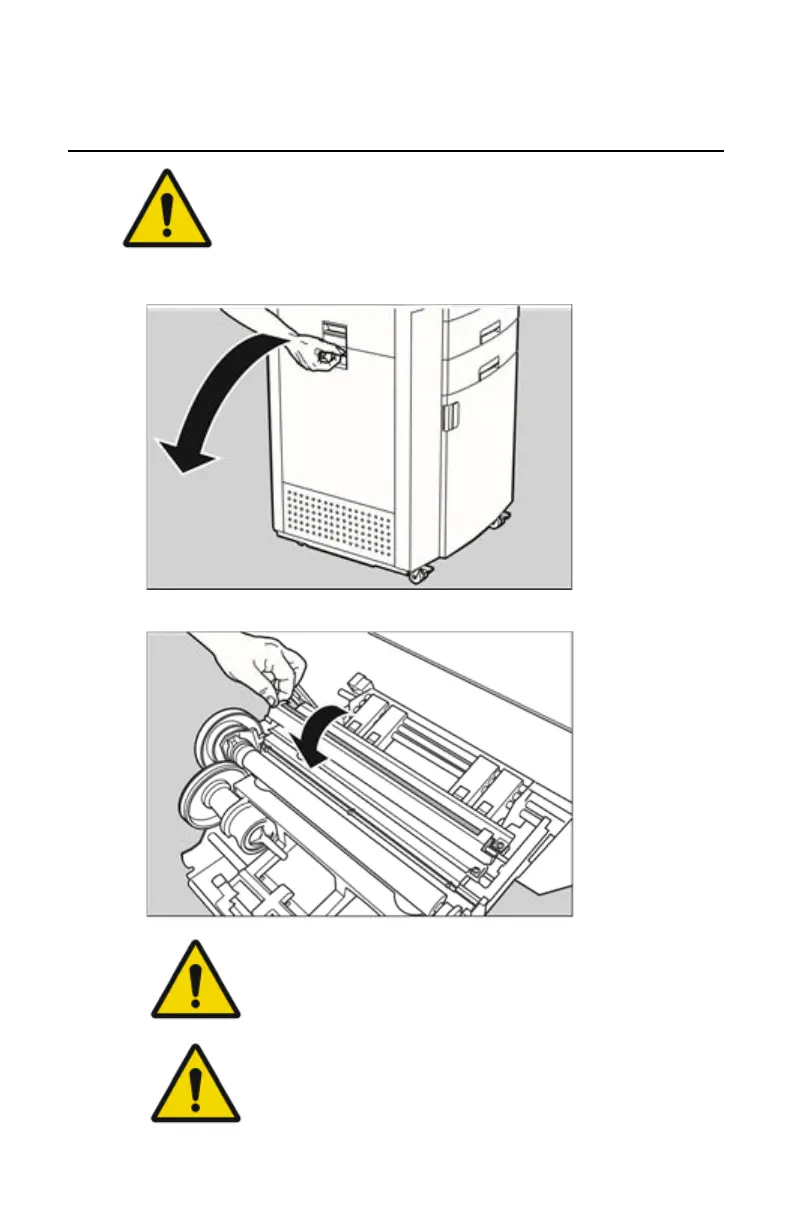
1. Open the drum compartment door by pulling its handle.
2. Open the sheet metal cover of the dust rollers.
WARNING:
Grab the cover at left side to avoid pinching of fingers.
WARNING:
Do not touch the discharge brushes!
116 | Drystar 5500, Drystar 5503 | Preventive maintenance and replacements
2901J EN 20191018 0826













 To Next Page