Performing quality control (QC) tests for general radiography
applications
The following procedures must be performed daily, weekly or annually as
indicated. When used in a mobile application it is required to perform QC
after every move.
The reason for performing quality control tests is to determine if any
significant image quality variation or deterioration has occurred which may
require corrective action. Comparing the results of the tests with the reference
values previously established does this.
This procedure allows the operator to take the necessary preventive actions
before any image quality loss can take place.
Topics:
• Performing the daily QC test for general radiography applications
• Performing the Weekly QC tests for general radiography applications
• Performing the Annual QC tests for general radiography applications
Performing the daily QC test for general radiography applications
WARNING:
This test must be performed every day before any clinical film
can be processed.
1. Turn on the printer and wait at least for 15 minutes.
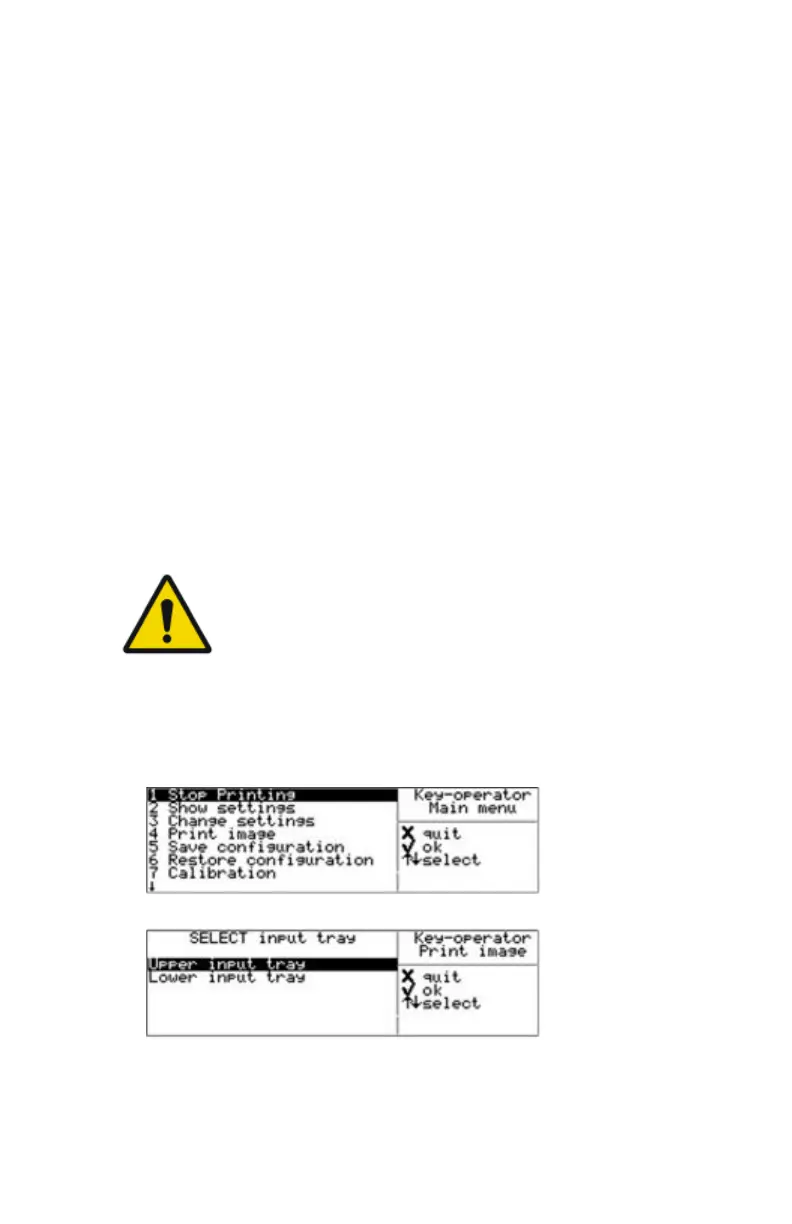
2. Press the Key-operator key to enter the Key-operator mode.
3. Press the Down key eight times, followed by the Confirm key to select
‘Quality Control’.
Drystar 5500, Drystar 5503 | Advanced Operation (key-operator mode) | 95
2901J EN 20191018 0826













 To Next Page