Assigning emergency priority
You can assign emergency priority to jobs that need to be printed with
urgency. Jobs that are marked for priority handling are placed at the top of the
print queue for immediate processing. Emergency jobs will be printed before
other jobs that were received previously. However, any pending jobs that are
already being calculated or scheduled for printing will be finished first.
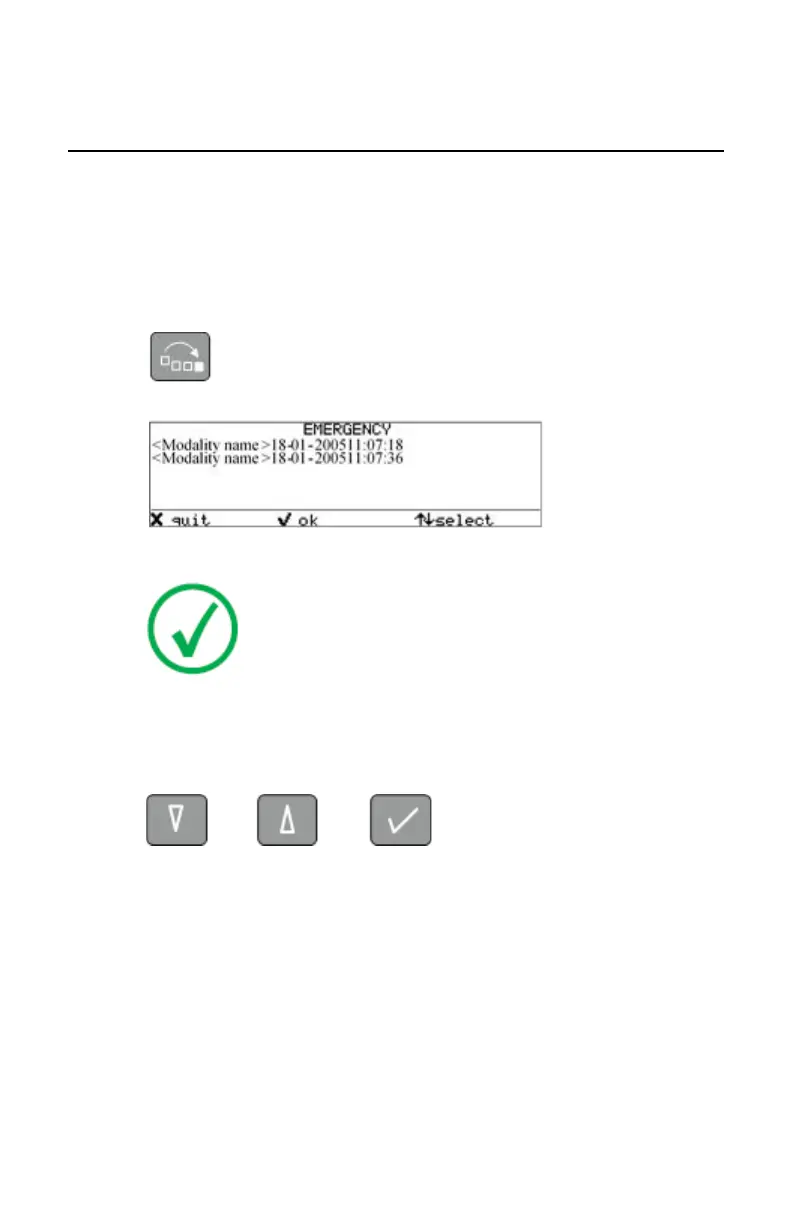
1. On the keypad, press the Emergency key.
The Emergency printing screen is displayed.
Note: Only the jobs that have the ‘waiting’ status are
displayed. Print jobs which already have an emergency
status are blinking.
You can press the Escape key to return to the previous menu without
making changes in the job order (‘Quit’).
2. Press the Down and Up keys to scroll through the jobs and press the
Confirm key to select the job that must be printed with emergency priority.
Printing will be resumed in accordance with the changed queue order.
Drystar 5500, Drystar 5503 | Basic Operation (operator mode) | 73
2901J EN 20191018 0826













 To Next Page