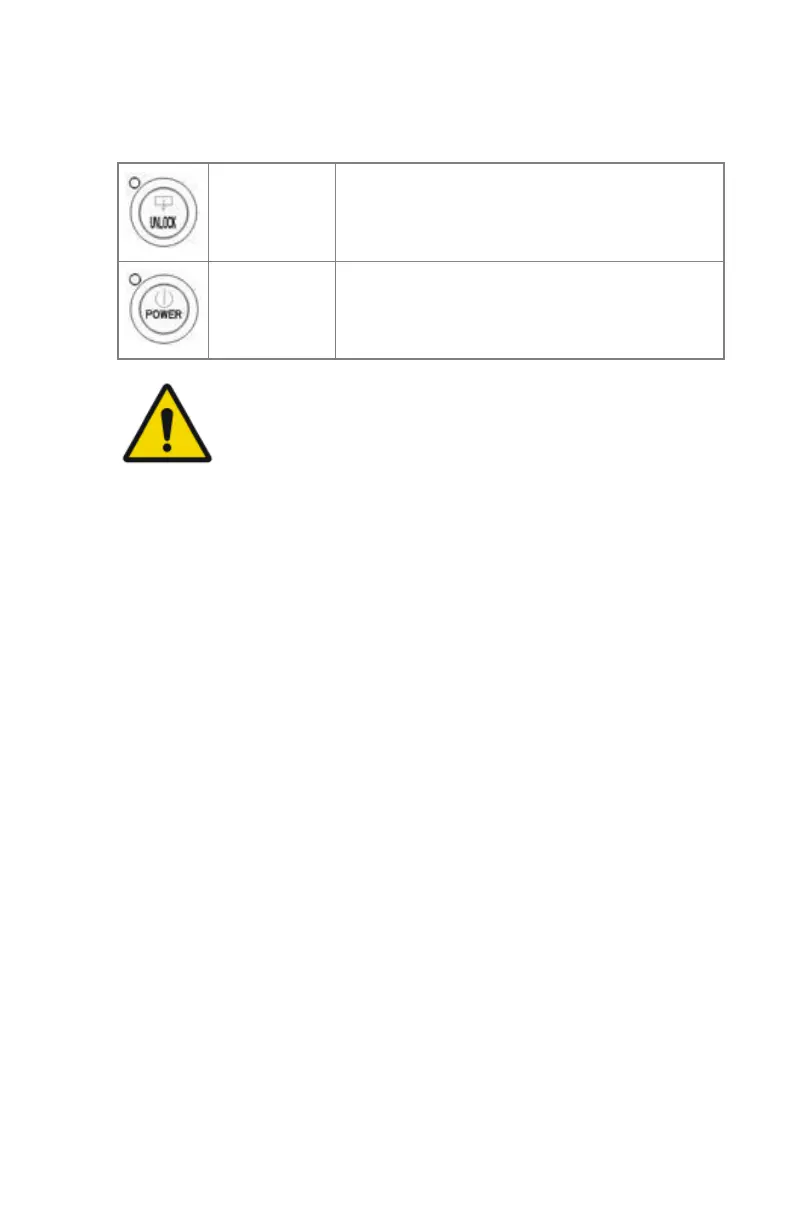
The control buttons
Two control buttons have been provided:
Unlock button
To safely unlock the printer for accessing the in-
put trays or opening the covers.
Power button
To power on or off the printer.
WARNING:
Do NOT press the Power button without first following the
procedure to stop printing when the printer is busy printing a
film.
Related Links
Switching off the printer on page 69
60 | Drystar 5500, Drystar 5503 | Introduction
2901J EN 20191018 0826













 To Next Page