The display
The control panel has a backlit LCD display. We distinguish two panel types
depending on the selected language:
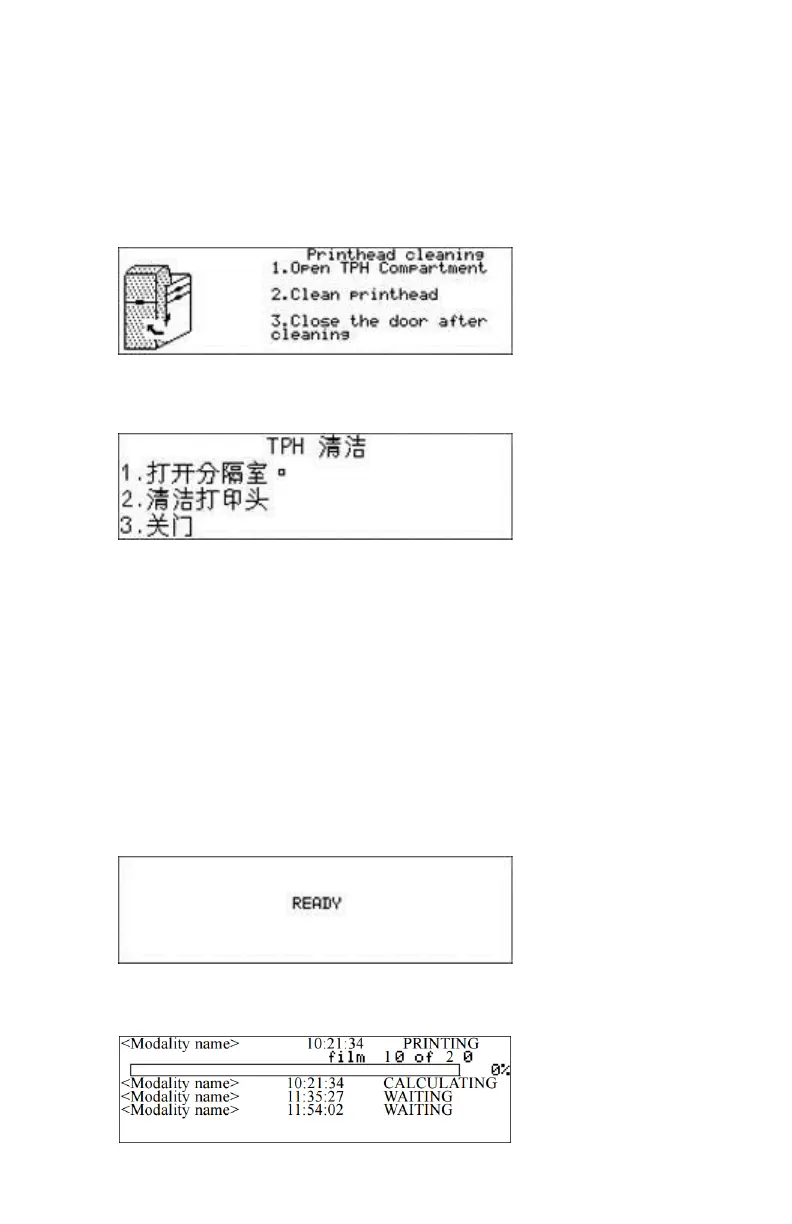
• a backlit LCD display with 8 lines for Western languages (e.g. Dutch,
French, Portuguese, Swedisch, ...).
• a backlit LCD display with 4 lines for all other languages (e.g. Greek,
Chinese, Korean, Polish,...).
Whether a display is translated or not depends on the operating mode.
Topics:
• Operator mode
• Key-operator mode
Operator mode
In operator mode, appropriate information is displayed, in accordance with
the status of the printer.
The operator basic screen looks as follows, indicating that the printer is ready
for operation and that no job is currently being executed.
During printing, calculation and other processes, as the printer is busy with at
least one job, the Print queue screen is displayed:
64 | Drystar 5500, Drystar 5503 | Introduction
2901J EN 20191018 0826













 To Next Page