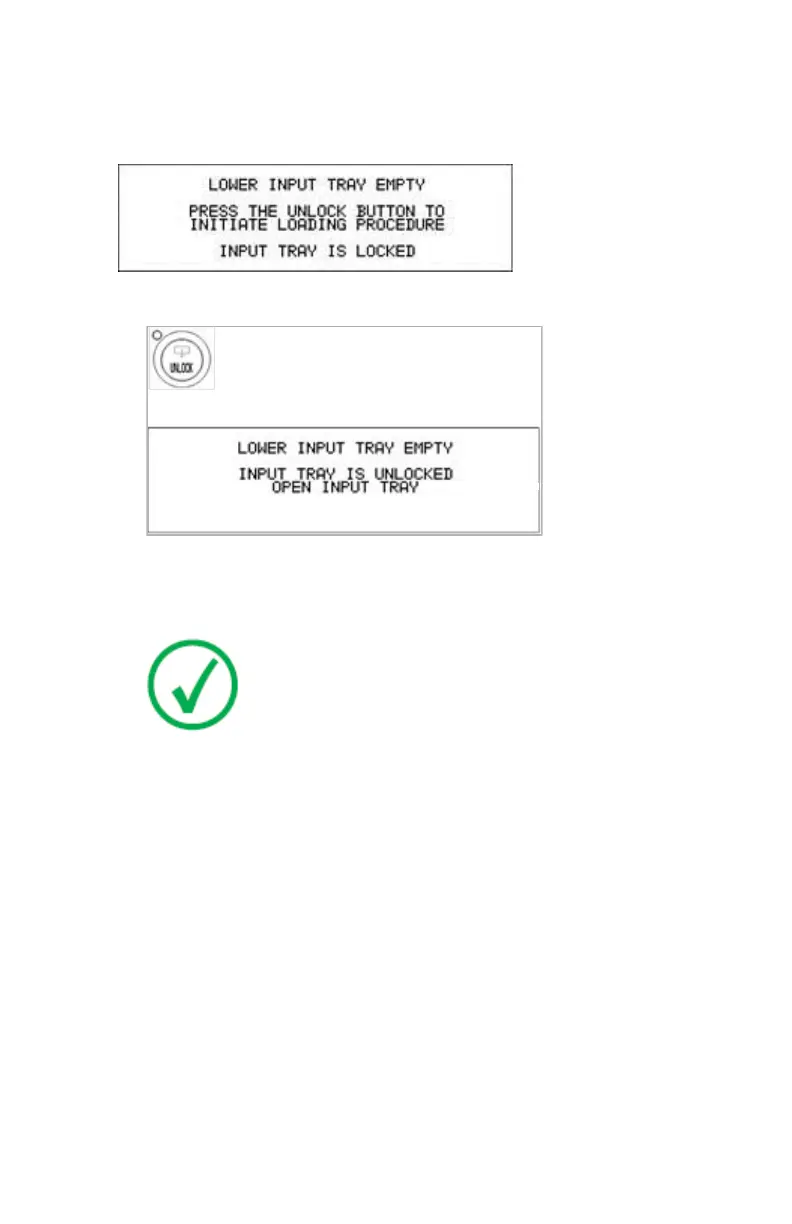
When the printer is in the ready state
The display shows the following message:
1. Press the Unlock button to initiate the loading sequence.
The printer is ready to receive a new film pack when the above message
appears.
2. Open the lower input tray.
Note: You have 5 seconds to open the input tray. If you do
not open the tray within that time, the first screen (step 1 or
5 respectively) is presented again, or printing is resumed
when a job is received for which media is available.
3. Load a new film pack.
Related Links
Loading films on page 78
Drystar 5500, Drystar 5503 | Basic Operation (operator mode) | 81
2901J EN 20191018 0826













 To Next Page