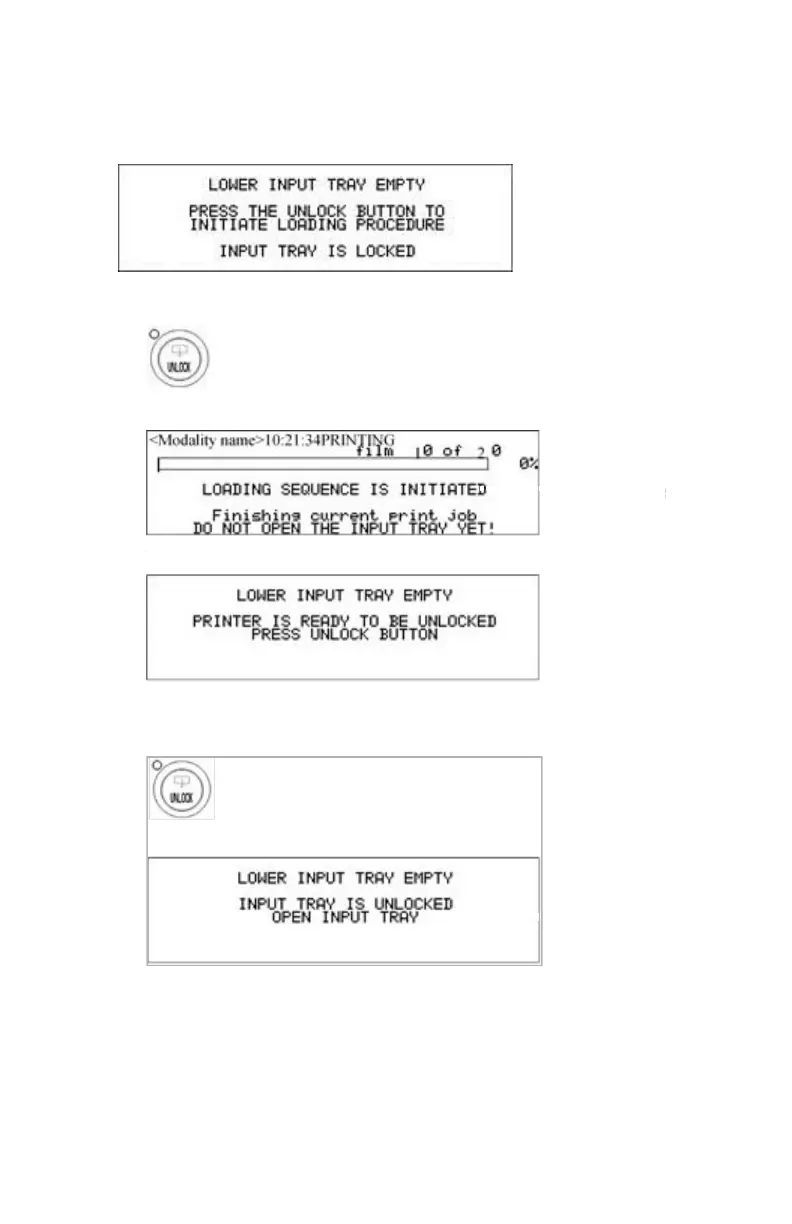
When the printer is printing or calculating
The display shows the following message:
1. Press the Unlock button to initiate the loading sequence.
2. Wait while the printer is finishing calculating/printing any current jobs.
When the film path is cleared, the above message is displayed.
3. Press the Unlock button.
The printer is ready to receive a new film pack when the above message
appears.
4. Open the lower input tray.
Drystar 5500, Drystar 5503 | Basic Operation (operator mode) | 79
2901J EN 20191018 0826













 To Next Page