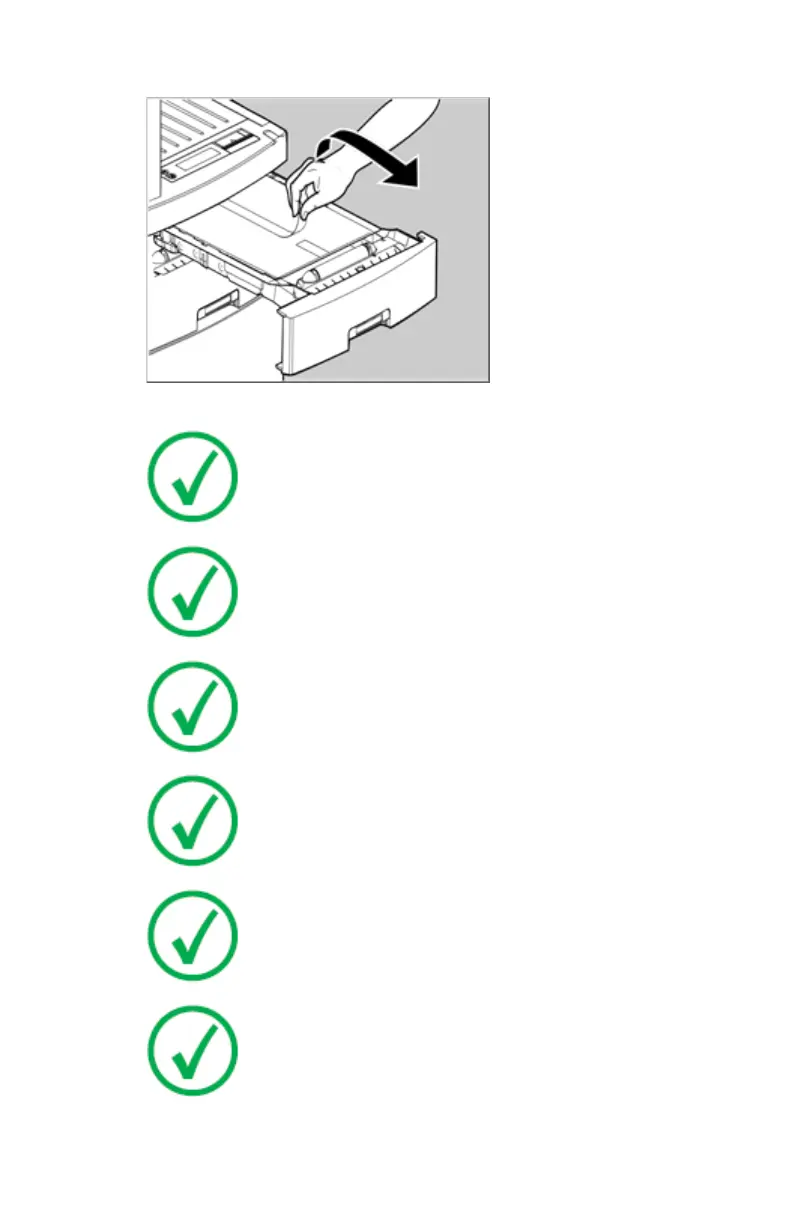
7. Tear and remove the plastic tape from around the film pack.
8. Close the input tray.
Note: The printer resumes printing as soon as the tray is
closed.
Note: Loading instructions are also available on the input
tray cover.
Note: Never load another film format when the input tray is
not empty. Intermediate changing of film formats increases
the risk for dust, which can damage the thermal print head
(TPH).
Note: The system performs an automatic calibration when
the film format has been changed.
Note: Never reuse a jammed film.
Note: Only the printer with three trays is equipped with a
“back side printing” detection mechanism.. This mechanism
is acvtivated only when the software 6.x is installed and a
wrongly inserted film sheet in the input tray is used for
printing. In this case the user receives a warning. The printer
with two trays does not have this feature.
84 | Drystar 5500, Drystar 5503 | Basic Operation (operator mode)
2901J EN 20191018 0826













 To Next Page