AgfaPhoto OPTIMA 8328m
18
Date Stamp Off / Date / Date & Time 38
Digital Zoom Off / On 25
Stabilizer Off / On 38
Face Tracking Off / On 38
Photo Frame Off / Frame 1 ~ 10 38
AF Lamp Auto / Off 39
REC menu list (Movie)
Menu Item Available Settings Page
Movie Size
/ / /
32
Metering
/ /
35
White Balance
Auto /
/ / / / /
35
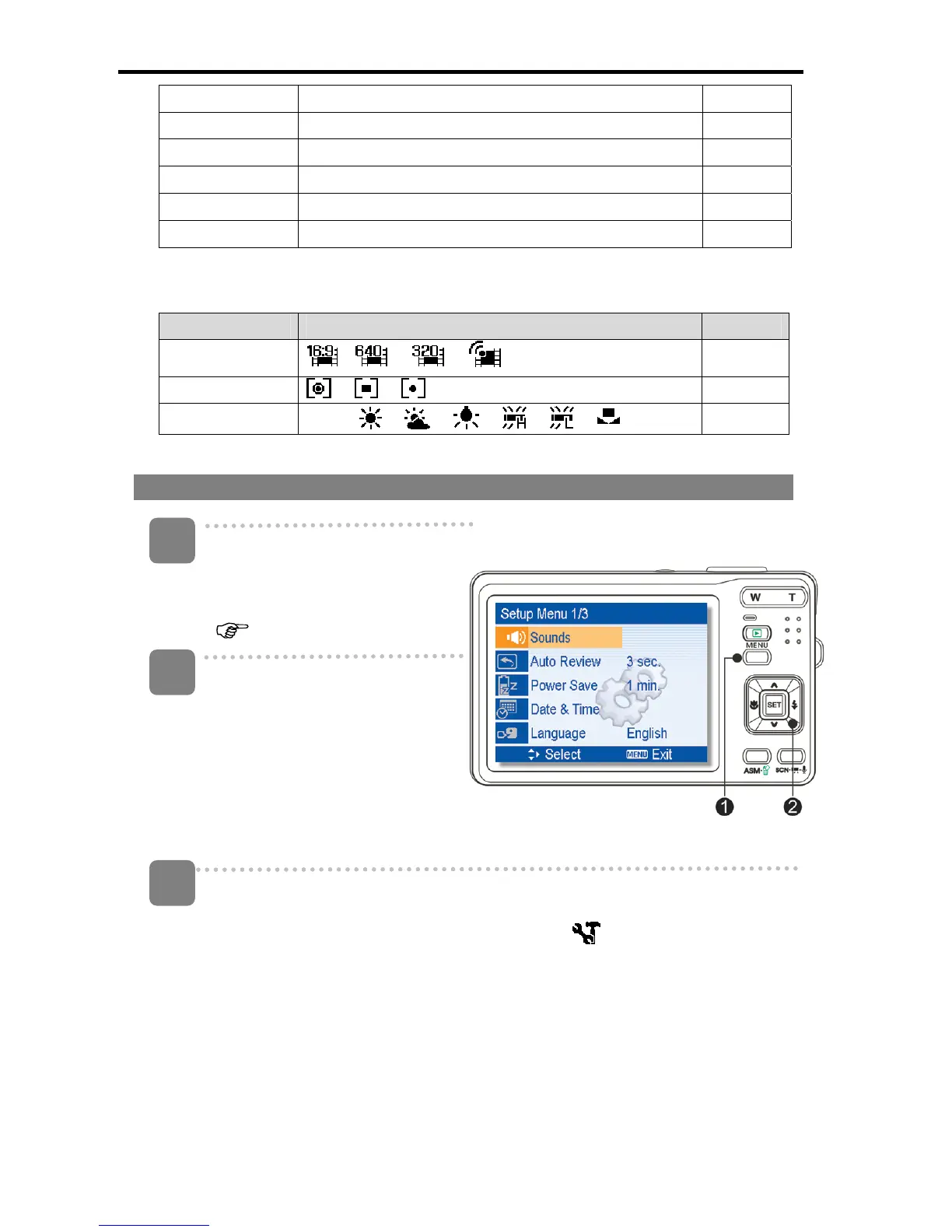
Setup menu
Turn the power on, and set the
camera to the REC or Playback
mode
(
page 14).
Press the MENU button (n) to
open the REC or Playback
menu.
y The menu displayed
depends on whether you are
in the REC mode or the
PLAY- BACK mode.
Open the Setup menu.
y Press four-way control (o) to select SETUP (
) and then press the SET
(o) button to display the Setup menu.
3
1
2













 To Next Page