AgfaPhoto OPTIMA 8328m
17
Using the Menus
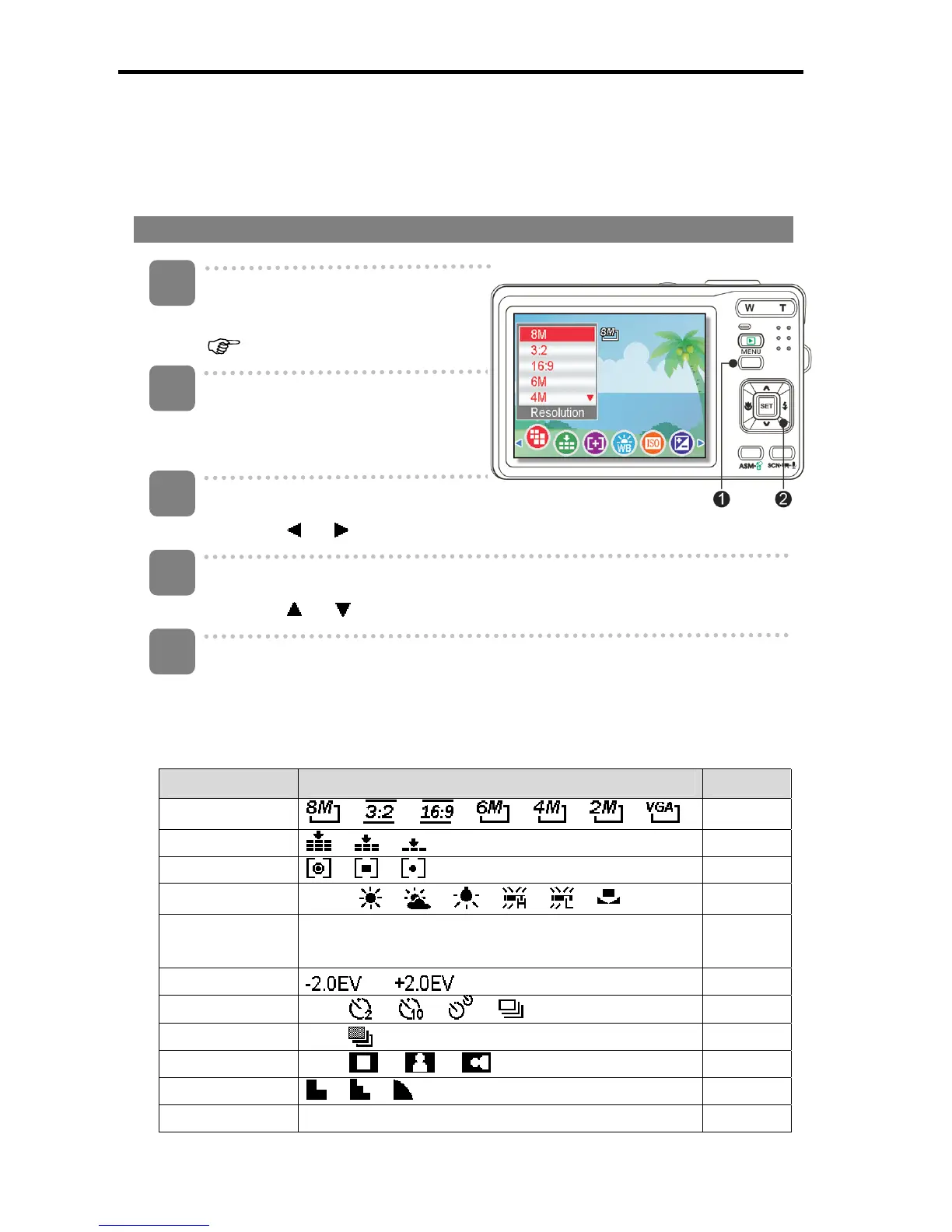
When a menu is displayed, the four-way control and the SET button are used to make
the desired settings.
REC menu
Turn the power on, and set the
camera to the REC mode
(
page 14).
Open the REC menu.
y Press the MENU button (n) to
display the menu.
Select an item.
y Press
or (o) to select a menu item.
Change the setting.
y Press or (o) to change the setting.
Press the MENU (n) or the SET (o) button to save the settings and close
the menu.
REC menu list (Still Image)
Menu Item Available Settings Page
Resolution
/ / / / / /
24
Quality / / 24
Metering / / 35
White Balance
Auto /
/ / / / /
35
ISO
Auto / ISO50 / ISO100 / ISO200 / ISO400 / ISO800 /
ISO1600 / ISO3200
36
Exposure ... 36
Drive Mode
Off /
/ / /
28
AEB Off / 36
Highlight Off / / / 36
Sharpness / / 37
Effect
Off / B&W / Sepia / Negative / Red / Green / Blue
37
4
5
1
2
3













 To Next Page