AgfaPhoto OPTIMA 8328m
30
Using the Manual Exposure
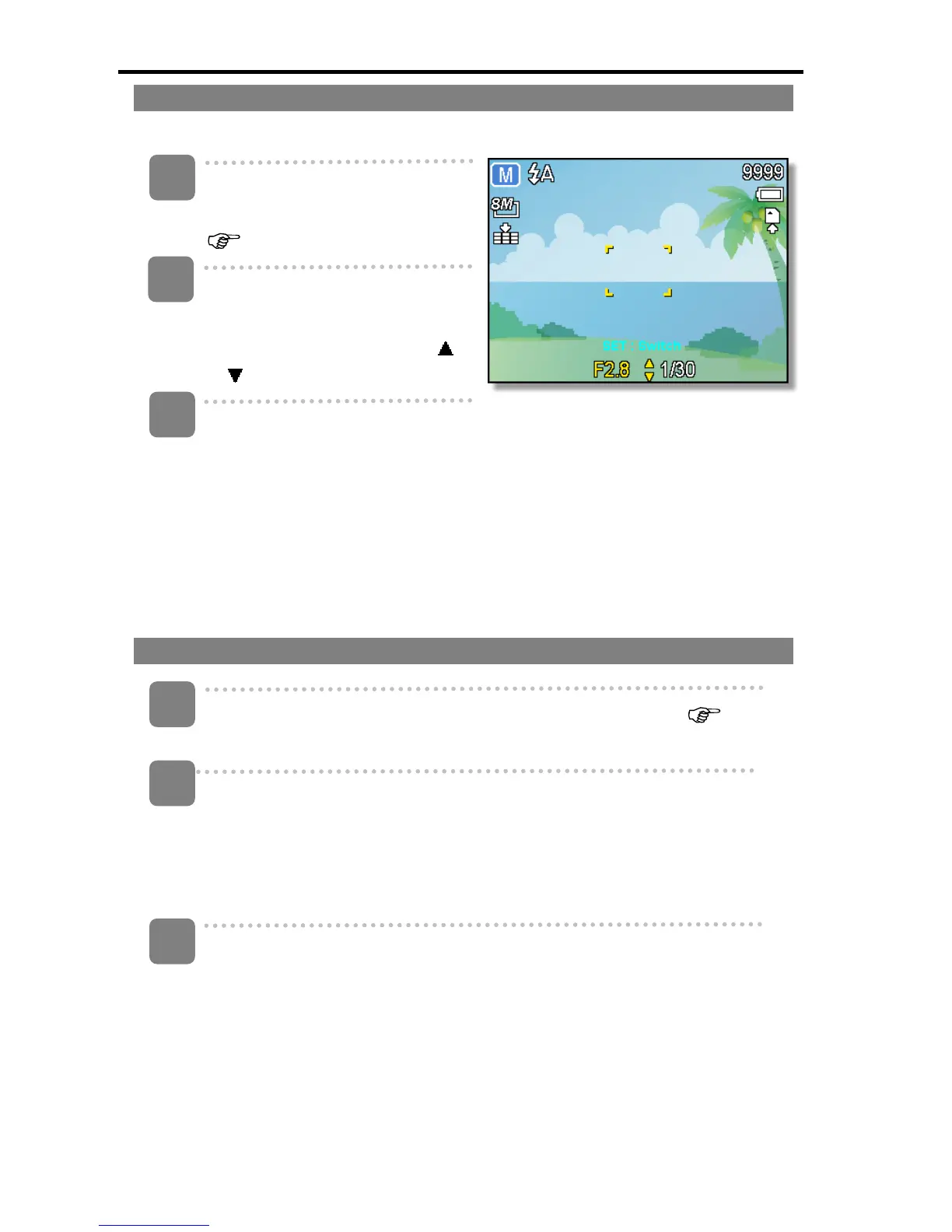
You can manually set the shutter speed and aperture to achieve a particular effect.
Turn the power on, and set the
camera to the Manual Exposure
(
page 16).
2
Use the SET button to switch
between aperture value and
shutter speed control. Press
or
to adjust the setting.
Press shutter button to take a
picture.
y Press the shutter button halfway,
the difference between the
standard exposure and the
selected exposure appears in
red.
Using the smile Capture
Turn the power on, and set the camera to the Smile Capture (
page 14).
y In this mode, face tracking will be enabled automatically.
Select the person to photograph.
y A white bracket will show the closest face detected to the center.
y Press the shutter button. When the focus is ready it will turn green. Release
the shutter button.
y When faces are detected, it takes six continuous shots.
To stop shooting, press the shutter button again.
1
3
2
1
2
3













 To Next Page