AgfaPhoto OPTIMA 8328m
29
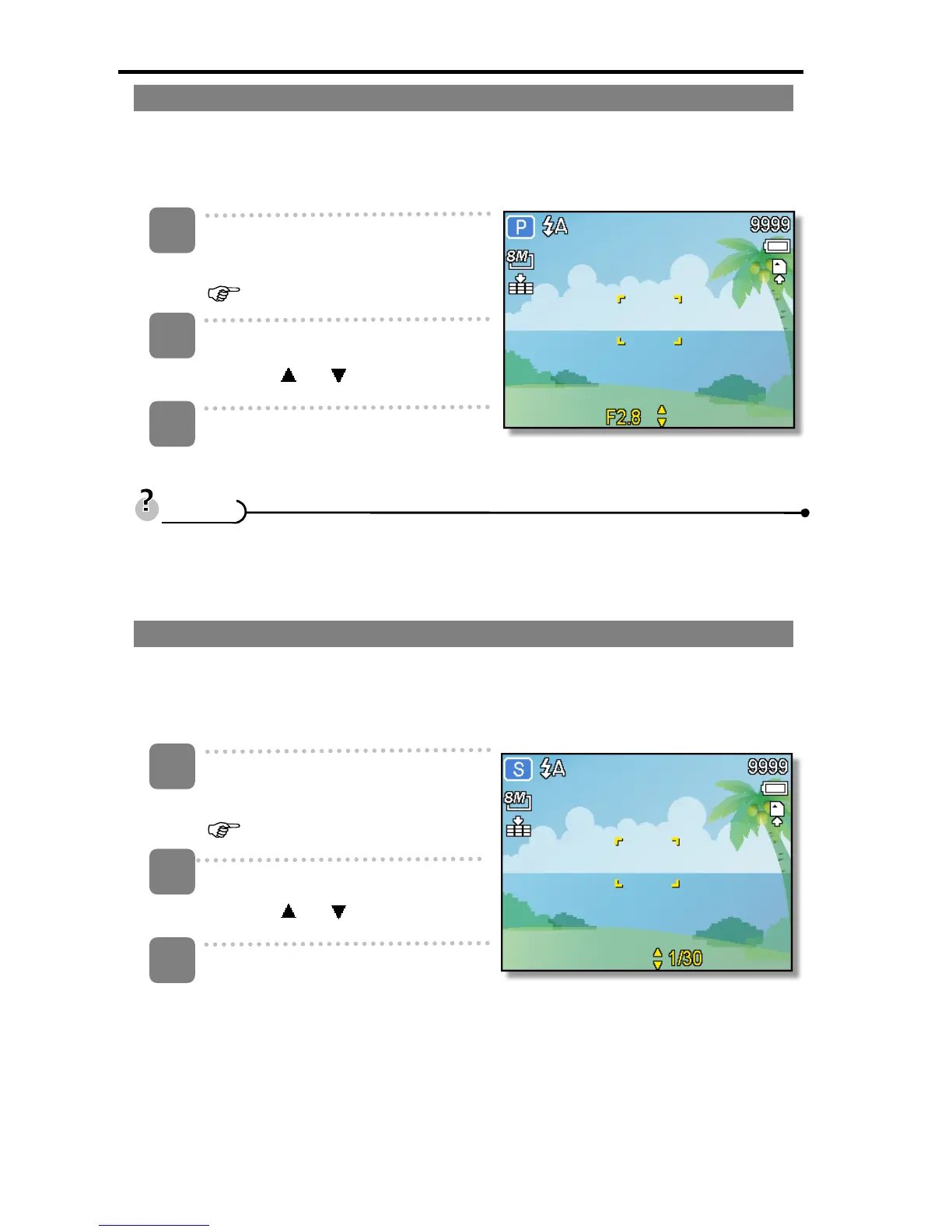
Using the Aperture Priority
In this mode, you can set an aperture value to match the brightness. A higher aperture
value brings the background out of focus. Selecting a lower aperture value allows you
to soften the background.
Turn the power on, and set the
camera to the Aperture Priority
(
page 16).
Adjust the aperture value by
pressing
or button.
Press shutter button to take a
picture.
y The larger the aperture value the smaller the lens opening, allowing less light to
enter the camera.
Using the Shutter Priority
In this mode, you can set a shutter speed to match the brightness. Faster shutter
speeds allow you to take a sharp picture of a moving subject while slower speeds
create a trail effect and allow you to shoot without a flash in dark areas.
Turn the power on, and set the
camera to the Shutter Priority
(
page 16).
Adjust the shutter speed by
pressing
or button.
Press shutter button to take a
picture.
1
2
3
T
T
i
i
p
p
s
s
1
2
3













 To Next Page