AgfaPhoto OPTIMA 8328m
27
Using the Macro
Your camera is equipped with a macro function that allows you to focus on very close
subjects. In macro mode you can focus on subjects 15 cm from the lens when in the
maximum wide angle setting and 40 cm in the maximum telephoto setting.
Turn the power on, and set the
camera to the REC mode
(
page 14).
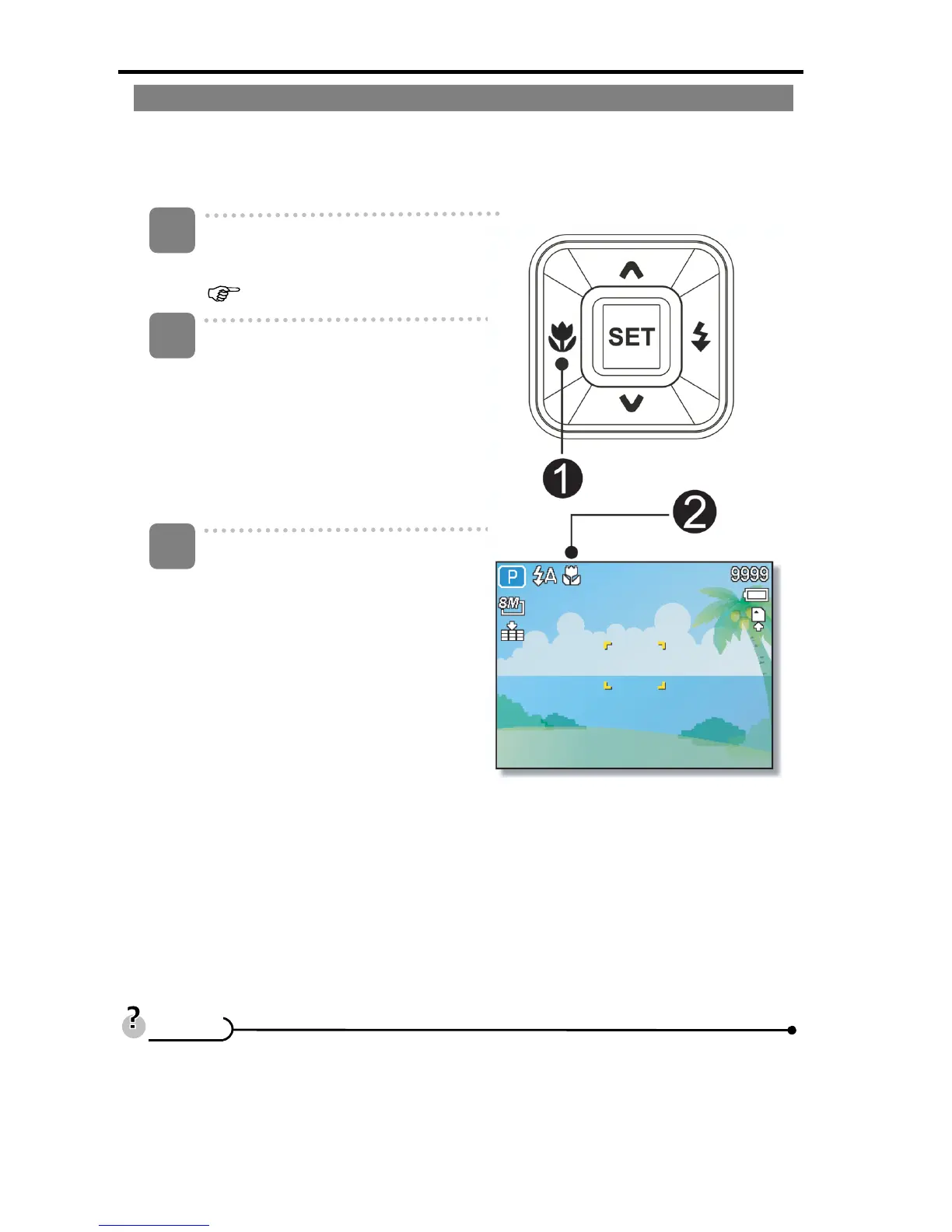
Press the macro button (n) to
enter the macro mode.
y The macro icon (o) displays in
the LCD monitor.
y To leave the macro mode,
press the macro button (n)
again.
Press shutter button to take a
picture.
y Distances referred to measure the distance between the camera lens surface
and the subject.
1
2
3
T
T
i
i
p
p
s
s













 To Next Page