AgfaPhoto OPTIMA 8328m
43
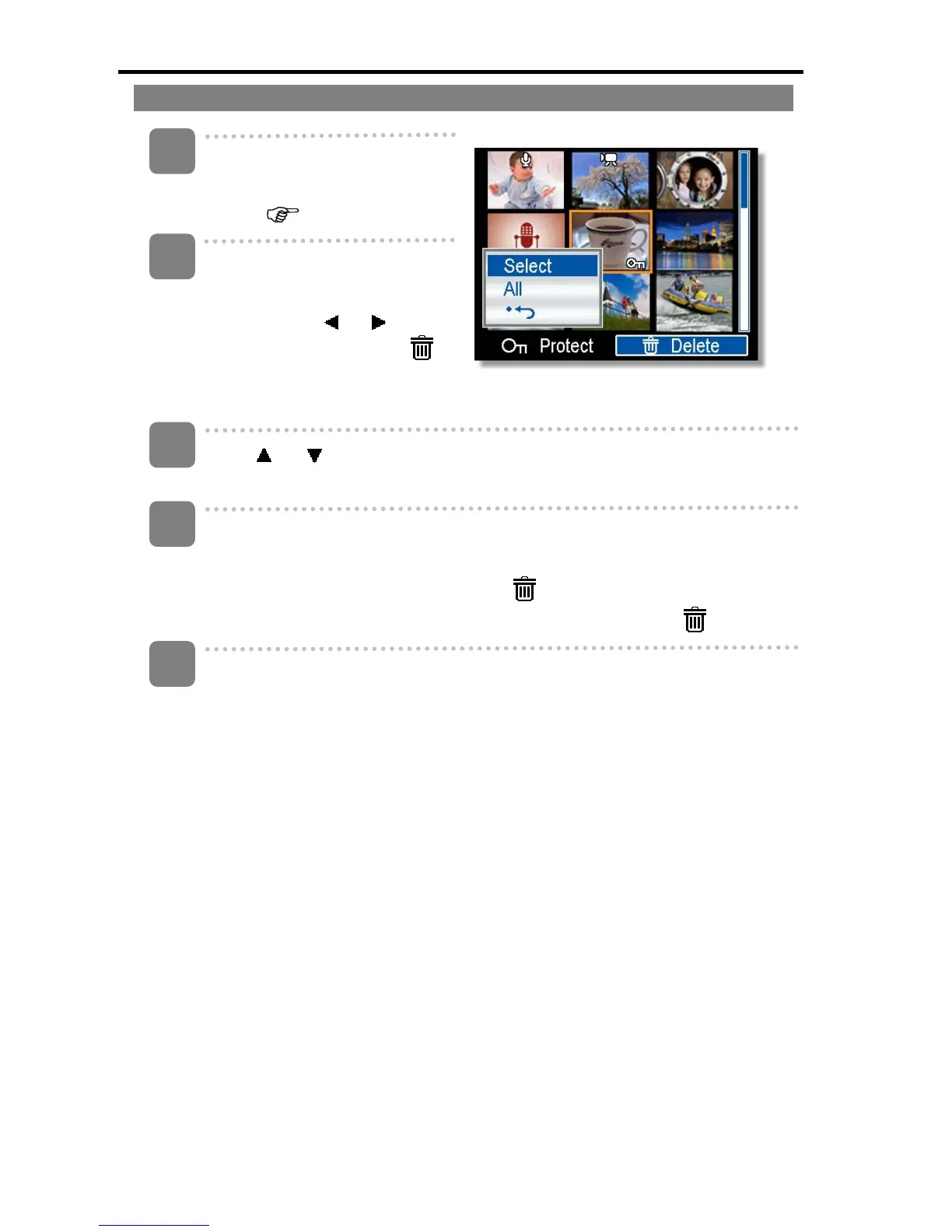
Deleting Multiple Files
Turn the power on, and set
the camera to the thumbnail
screen (
page 41).
Open the menu.
y Press the MENU button,
then Press
or to
select to select Delete (
)
and
press the SET button.
Press
or to select [Select], and then press the SET button.
y The frame of the selected image turns green.
Select multiple images.
y Use the four-way control to select the image.
y Pressing the SET button toggles the
on and off. Repeat this step until
all images that you want to delete are displayed with an icon
.
Delete images.
y Press the MENU button, then select [Yes] and press the SET button. All
selected images will be deleted.
y To cancel delete, press the MENU button in this step.
1
2
3
4
5













 To Next Page