AgfaPhoto OPTIMA 8328m
42
Playing the slide show.
y Press the SET button (o) to start the slideshow.
y During the slideshow, press the SET button (o) to pause the slideshow and
press the SET button again to resume.
Deleting Files
Deleting a Single File
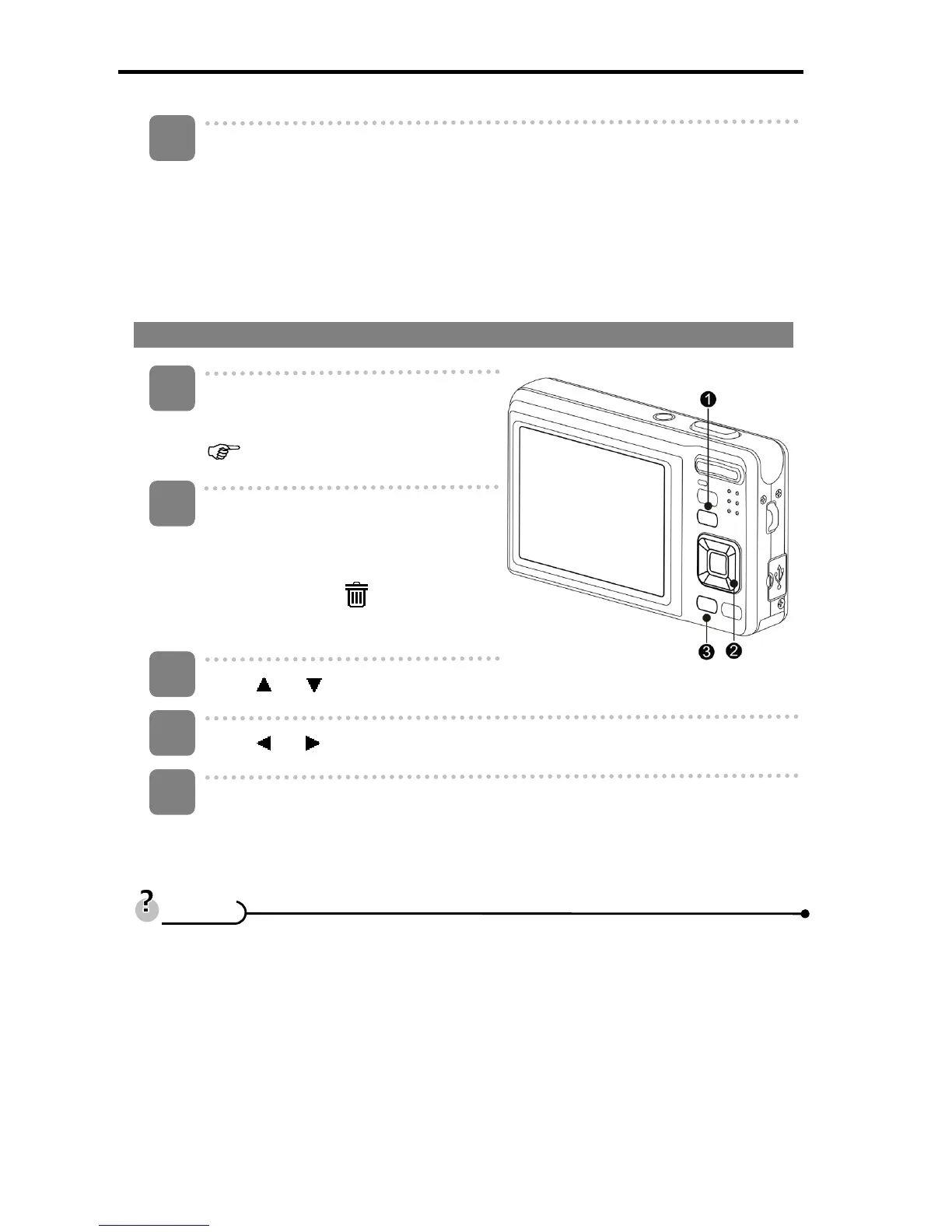
Turn the power on, and set the
camera to the Playback mode
(
page 14).
Open the menu.
y Press the MENU button (n), then
use the four-way control (o) to
select Delete (
) and press the
SET button (o).
Press
or (o) to select [SINGLE], and then press the SET button (o).
Press
or (o) to select the image you want to delete.
Press the SET button (o) to delete the image.
y Repeat step 4~5 to delete images.
y To quickly delete the current display image
1. Select the image you want to delete.
2. Press the Delete button (p) to show a confirmation.
3. Press the SET button (o) to delete the current display image.
y Protected images cannot be deleted with this function.
4
1
2
3
4
5
T
T
i
i
p
p
s
s













 To Next Page