AgfaPhoto OPTIMA 8328m
41
Save the image.
y Press the SET button (p) again to trim the selected image and save it as a
new one.
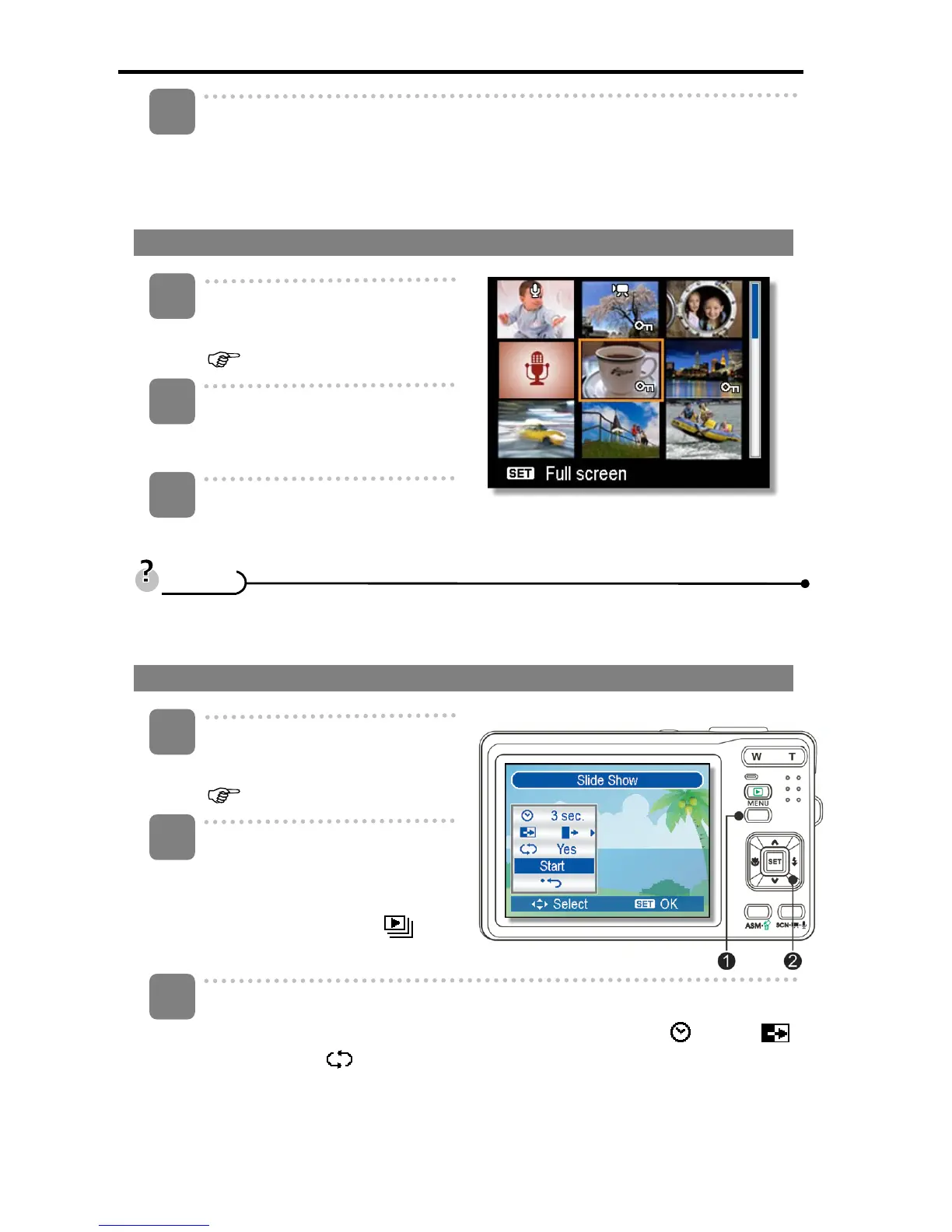
Viewing in Thumbnail
Turn the power on, and set the
camera to the Playback mode
(
page 14).
Press the zoom button [W], a
thumbnail screen is displayed.
Use the four-way control to select the desired image, and press [T] or the
SET button to show the selected image in full screen.
y You can protect or delete multiple images in thumbnail, see page 43, 45.
Playing a Slide Show
Turn the power on, and set the
camera to the Playback mode
( page 14).
Enter the slide show.
y Press the MENU button (n),
use the four-way control (o) to
select Slide Show (
) and
press the SET button (o).
Change the slide show settings.
y Use the four-way control (o) to set the slideshow interval (
), effect ( )
and repeat ( ).
y You can set the interval between 1~10 seconds.
5
3
1
2
T
T
i
i
p
p
s
s
1
2
3













 To Next Page