AgfaPhoto OPTIMA 8328m
44
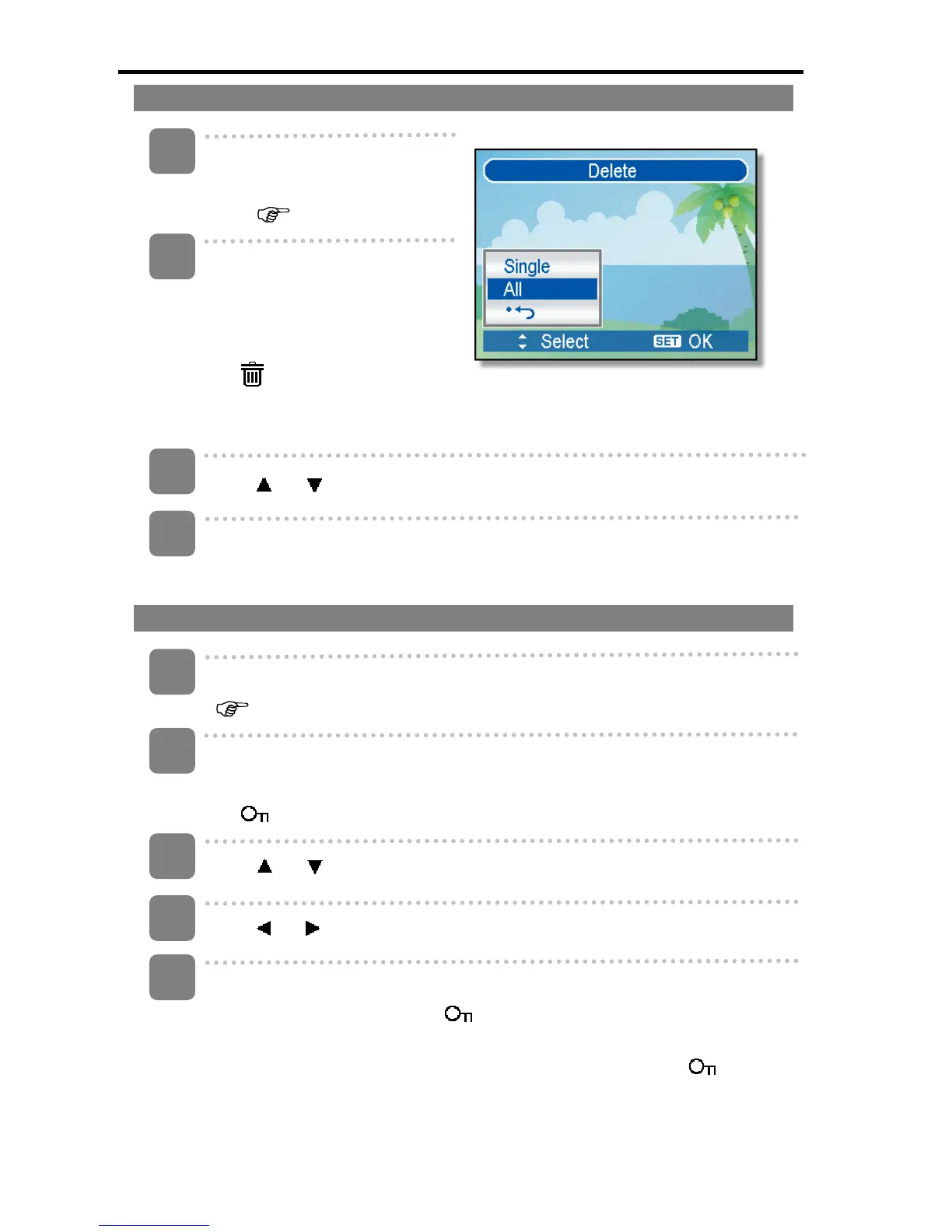
Deleting All Files
Turn the power on, and set
the camera to the Playback
mode (
page 14).
Open the menu.
y Press the MENU button,
then use the four-way
control to select Delete
(
) and press the SET
button.
y You can open the menu in full screen or in thumbnail.
Press
or to select [All], and then press the SET button.
Press the SET button to delete all unprotected images.
Protecting a Single File
Turn the power on, and set the camera to the Playback mode
(
page 14).
Open the menu.
y Press the MENU button, then use the four-way control to select Protect
( ) and press the SET button.
Press
or to select [SINGLE], and then press the SET button.
Press
or to select the image you want to protect.
Press the SET button to protect the image.
y When the file is locked, the
displays on the LCD monitor.
y Repeat step 4~5 to protect images.
y To unlock the file, press the SET button again in step 5. The will
disappear and the file is unlocked.
1
2
3
4
5
3
1
2
4













 To Next Page