AgfaPhoto OPTIMA 8328m
45
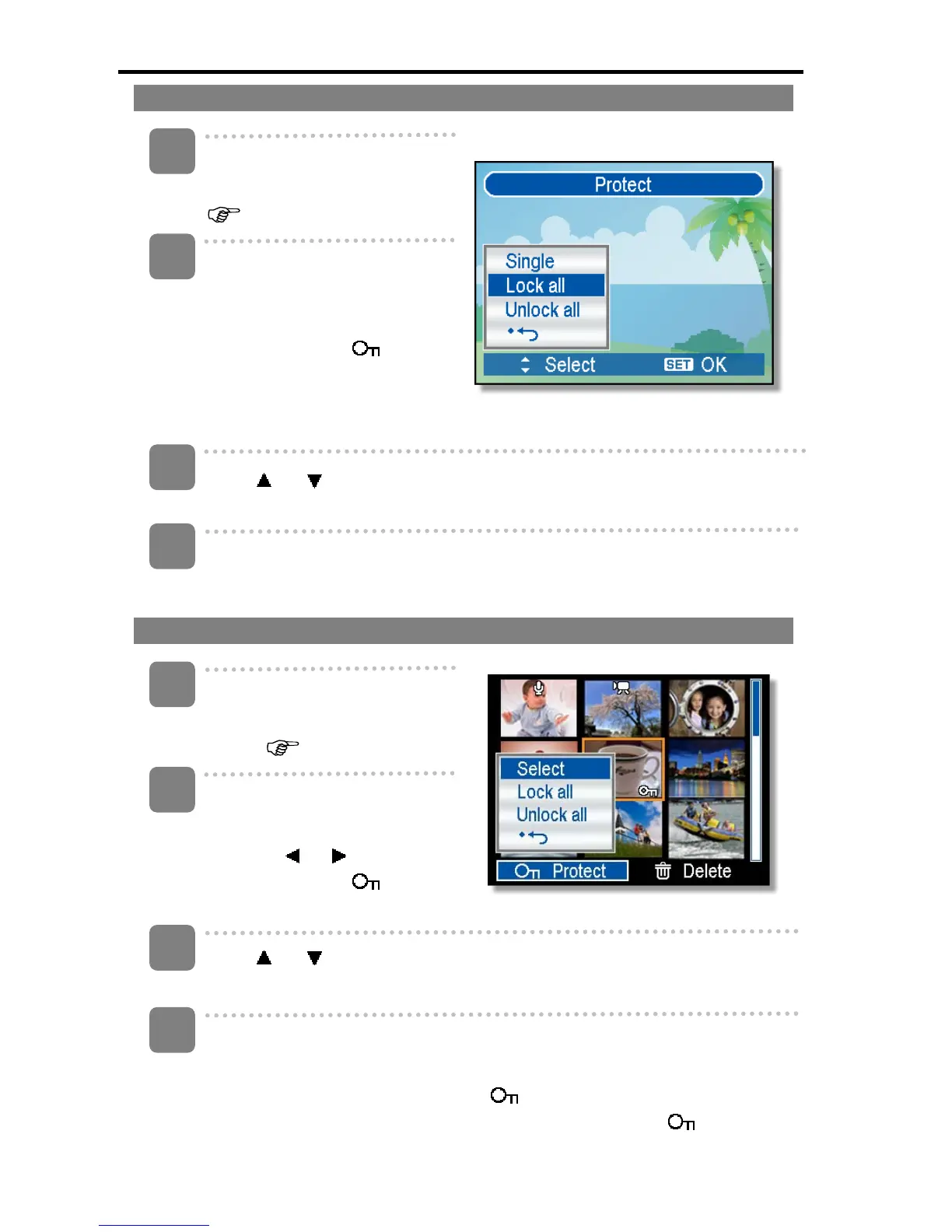
Protecting All Files
Turn the power on, and set the
camera to the Playback mode
(
page 14).
Open the menu.
y Press the MENU button, then
use the four-way control to
select Protect (
) and
press the SET button.
y You can open the menu in
full screen or in thumbnail.
Press or to select Lock all, and then press the SET button.
y To unlock all files, select Unlock all in this step, then press the SET button.
Press the SET button to protect all images.
Protecting Multiple Files
Turn the power on, and set the
camera to the thumbnail
screen (
page 41).
Open the menu.
y Press the MENU button, then
press
or to select to
select Protect ( ) and
press the SET button.
Press
or to select [Select], and then press the SET button.
y The frame of the selected image turns green.
Select multiple images.
y Use the four-way control to select the image.
y Press the SET button toggles the
on and off. Repeat this step until all
images that you want to protect are displayed with an icon .
1
2
3
4
3
1
2
4













 To Next Page