AgfaPhoto OPTIMA 8328m
47
Press
or to select an option, and then press the SET button.
y The resized image will be saved as a new file.
y Only a large size image can be sized to a smaller one.
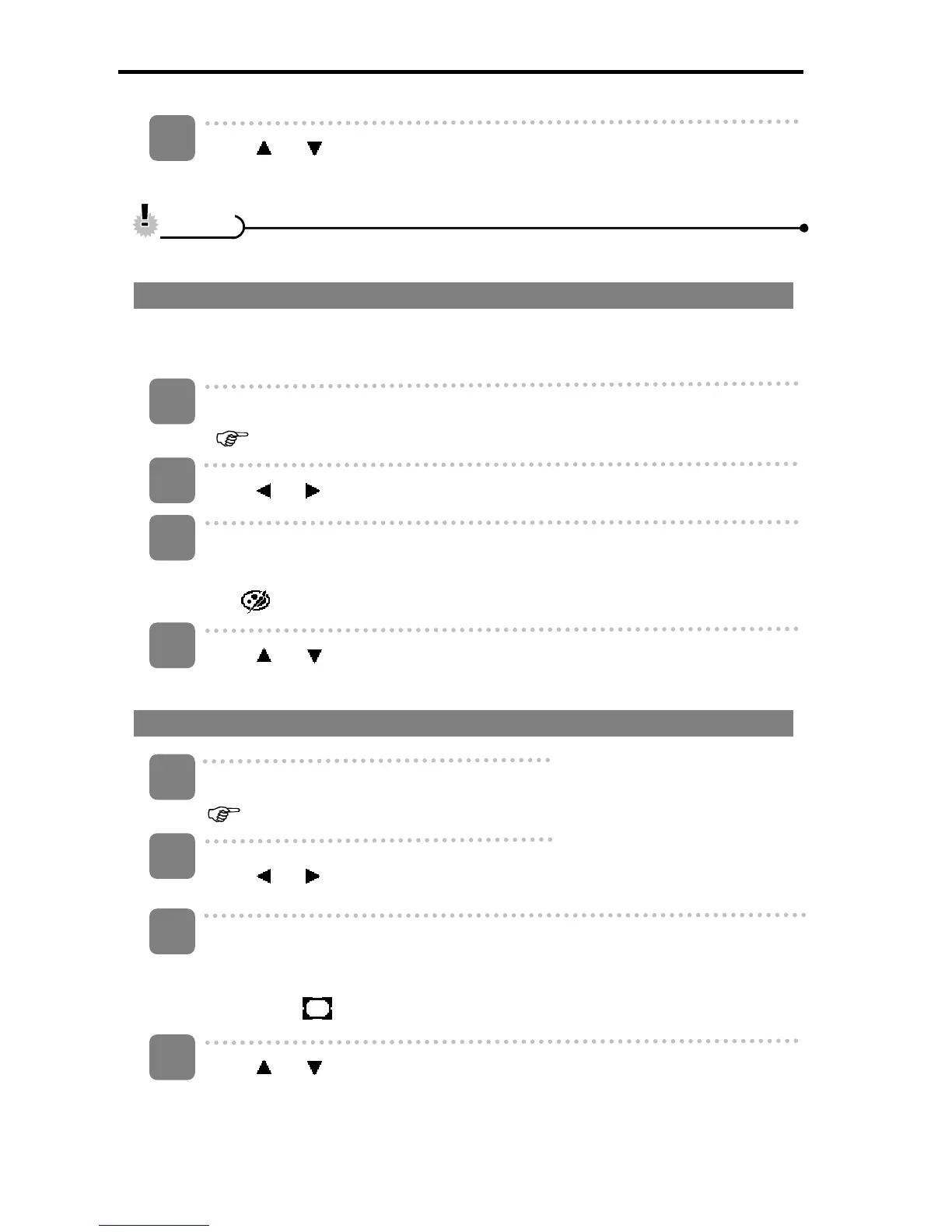
Changing the Image with Effects
You may use Red Eye Removal to remove red eyes caused by flash from original
photo. Or use color filters to save as a new image.
Turn the power on, and set the camera to the Playback mode
(
page 14).
Press
or to select the image you want to add the effect.
Open the menu.
y Press the MENU button, then use the four-way control to select Photo Edit
(
) and press the SET button.
Press
or to select an option, and then press the SET button.
y The edited image will be saved as a new file.
Choosing the Image with Photo Frame
Turn the power on, and set the camera to the Playback mode
( page 14).
Press
or to select the image you want to add the photo frame.
Open the menu.
y Press the MENU button, then use the four-way control to select Photo
Fames (
) and press the SET button.
Press
or to select the image you want, then press the SET button to
apply the choice.
y The edited image will be saved as a new file.
4
C
C
a
a
u
u
t
t
i
i
o
o
n
n
1
2
3
4
3
4
2
1













 To Next Page