AgfaPhoto OPTIMA 8328m
39
Setting AF Lamp
The AF Lamp function allows you record images in low light conditions.
Option Description
Off Disable the AF lamp while recording images.
Auto
The AF lamp turns on automatically by half pressing the shutter
button under low light conditions.
Playback
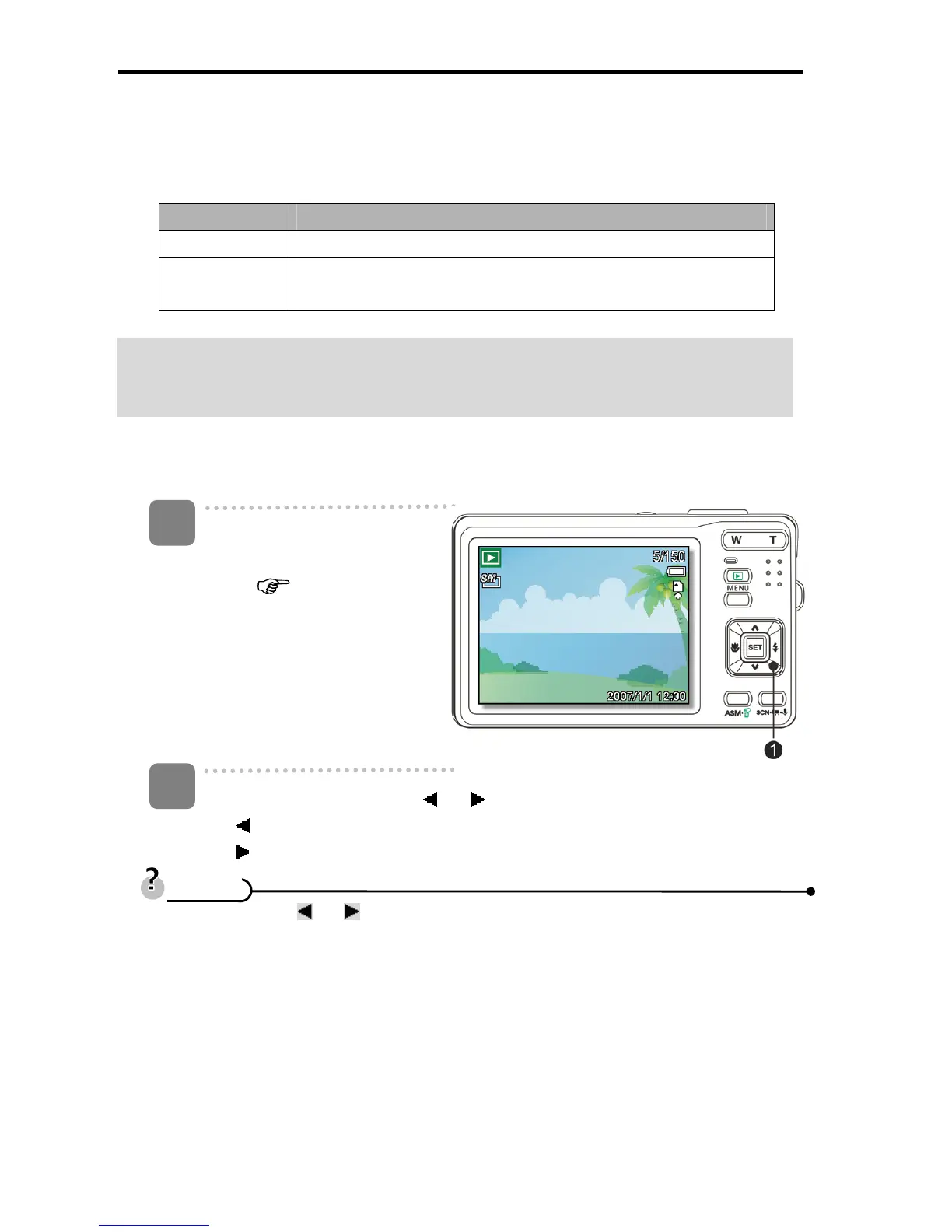
Playing Back Images
Turn the power on, and set
the camera to the Playback
mode (
page 14).
y The latest recorded image
appears on the LCD
monitor.
y If there are no images
stored, a message [No
image] appears.
Press the four-way control
or (n).
y : displays the previous image.
y : displays the next image.
y Holding down
or scrolls images in a high speed.
1
2
T
T
i
i
p
p
s
s













 To Next Page