Getting Started
Agilent Vapor Generation Accessory VGA 77 and VGA 77P User’s Guide 37
Installing a Standard Absorption Cell on a Mark 7 Burner
To install a standard absorption cell on a Mark 7 burner:
1 Lift the left hand spring and pass the left hand side of the cell
through the cut out in the mounting bracket.
2 Gently release the left hand spring.
3 Lift the right hand spring, gently push the cell fully home and
gently release the right hand spring. The cell should be
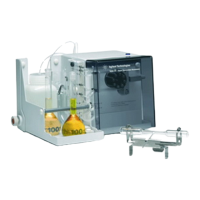
positioned as shown in Figure 15.
4 Position the central inlet stem in the cell holder slot.
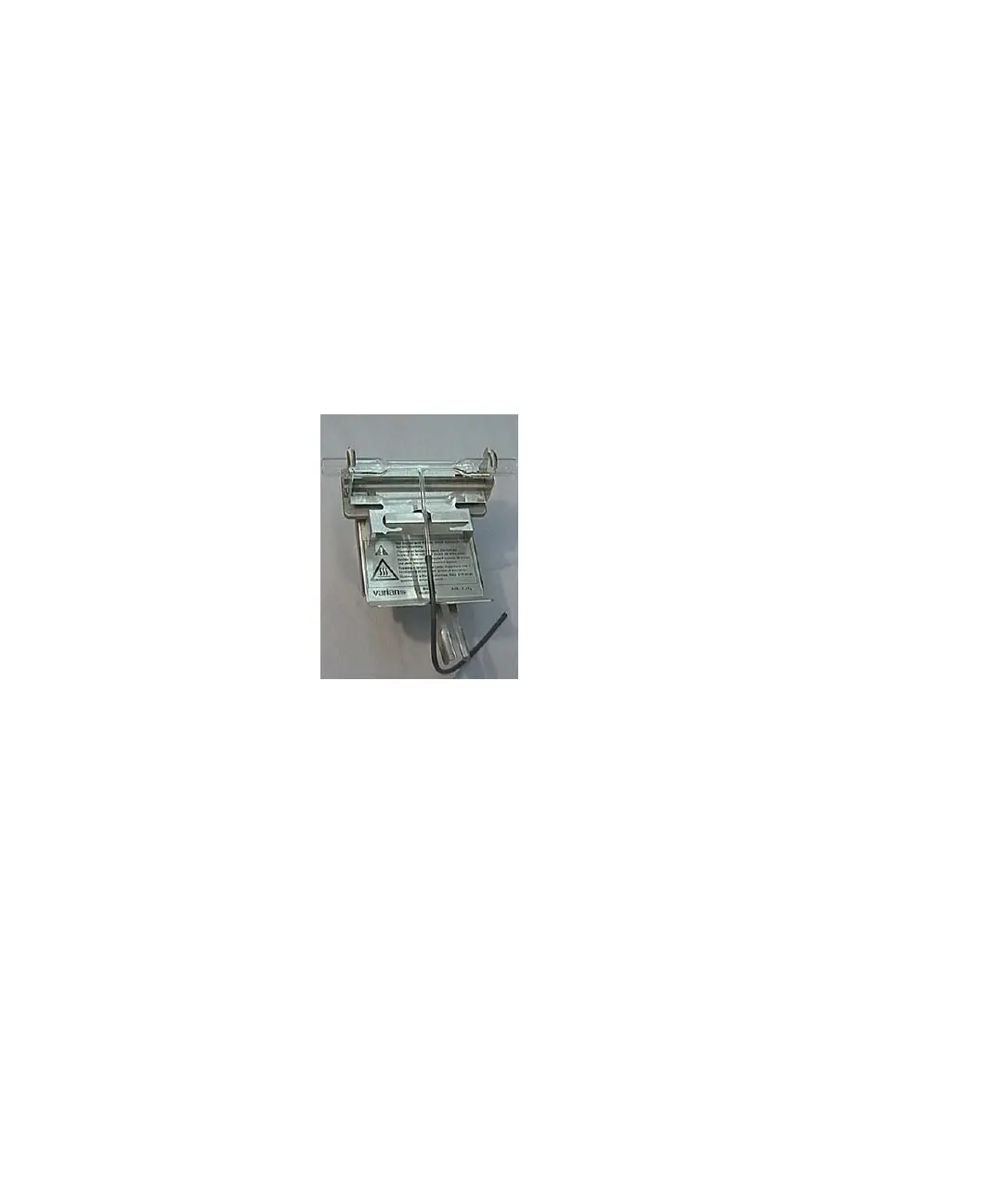
Figure 15. Mark 7 burner with standard absorption cell in cell holder positioned
on top
Installing a Flow-through Mercury Cell on a Mark 7 Burner
To install a flow-through mercury cell (for mercury analysis) in a
Mark 7 burner:
1 Open the spring clips and place the cell into position.
2 Close the spring clips.
3 Place the cell in its holder on top of the burner.
Installing a Standard Absorption Cell on Older Burners
To install a standard absorption cell on older burners (e.g., Mark
VI, Mark VI-A, Mark V):


 To Next Page
 Loading...