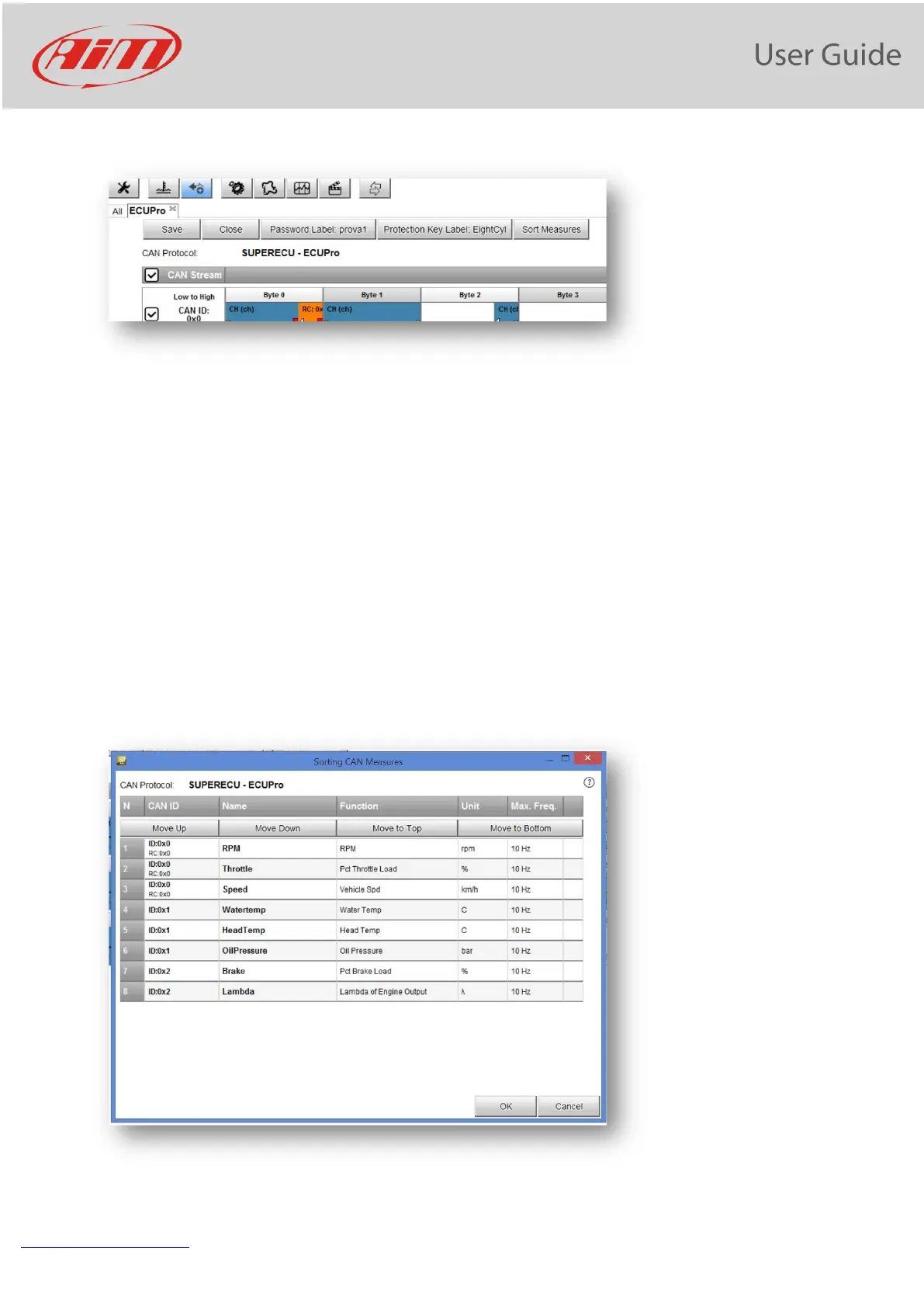
After having set all the parameters, the data stream is shown:
Five pushbuttons are available:
1) SAVE
2) CLOSE
3) Password: for changing the password associated to the protocol
4) Protection key: for managing the protection key used for crypting and hiding some fields of the protocol
5) Sort Measures: used for changing the order in which you will see the fields in the final protocol, that will
be available in the protocol database and used like any other protocol
For adding a channel, please double click in the desired position of the stream.
For modifying a channel, click on it.
For adding another stream, click on the "+" at the right of the stream.
For Sorting the measures in the stream, please, push the pushbutton and the window will appear:


 To Next Page