1. Introduction
3
AirLive N.MINI User’s Manual
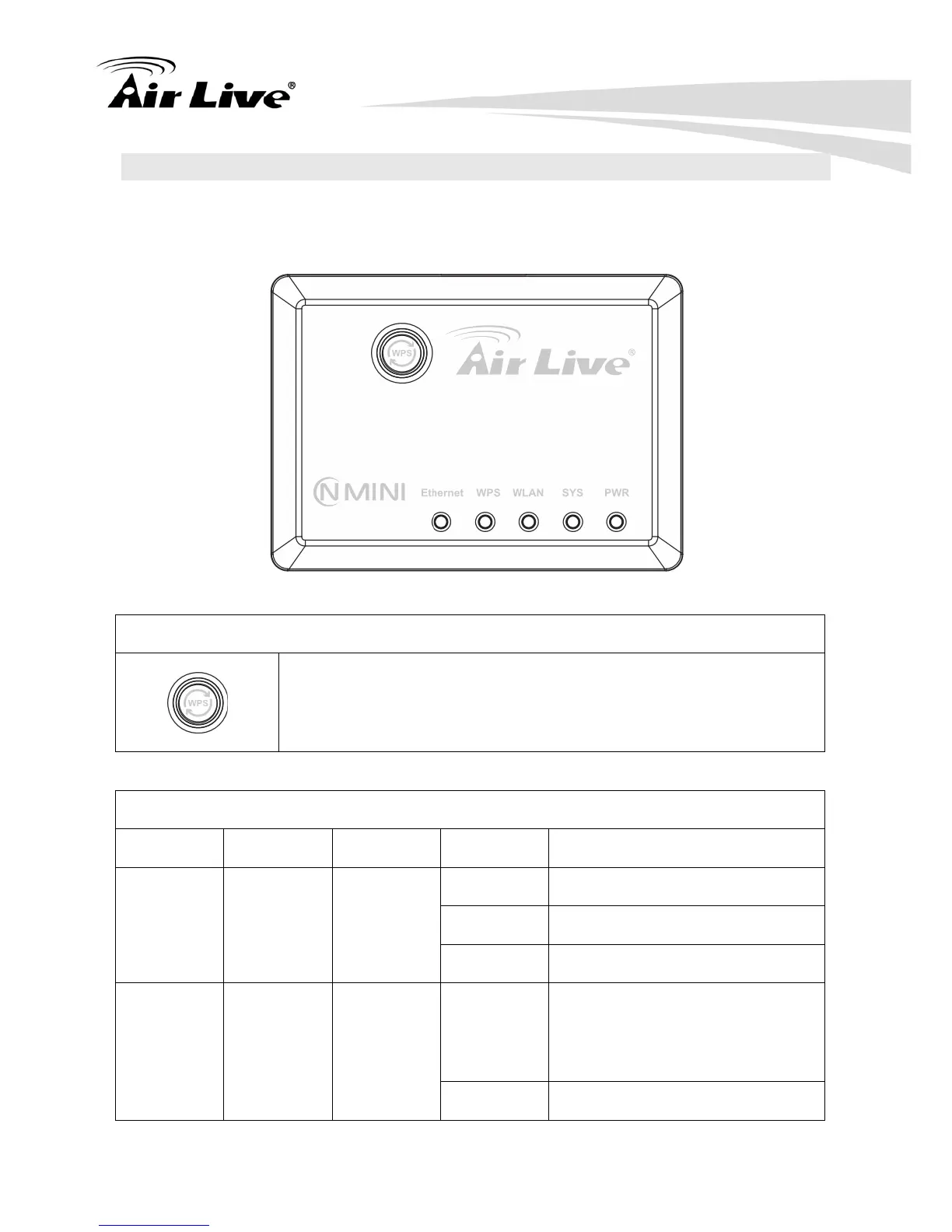
1.4 Physical Details
1.4.1 Top LED
WPS button
Press the physical WPS button on the Wireless Router once, or go
to enable the WPS function via web configuration (Go to Wireless >
WPS page), then the LED will start to flash. Please make a
connection with other WPS supported device within 2 minutes.
LED Behavior
LED Printed Color Behavior Indication
Off Power off
On Power on
POWER PWR Green
Blinking Power saving mode starting
On Press reset button two seconds
the LED will on, keep on pressing
more than 3-5 seconds, the LED
will start to flash
System SYS Green
Blinking System CPU is busy



 To Next Page