4. Web Configuration
49
AirLive N.MINI User’s Manual
single port number, enter it in both the start and finish fields.
Comment You may key in a description MAC address.
Apply Changes After completing the settings on this page, click Apply
Changes button to save the settings.
Reset Click Reset button to restore to default values.
Current Port Forwarding
Table
Shows the current Port Forwarding information.
Delete Selected Click Delete Selected button to delete items which are
selected.
Delete All Click Delete All button to delete all the items.
Reset Click Reset button to rest.
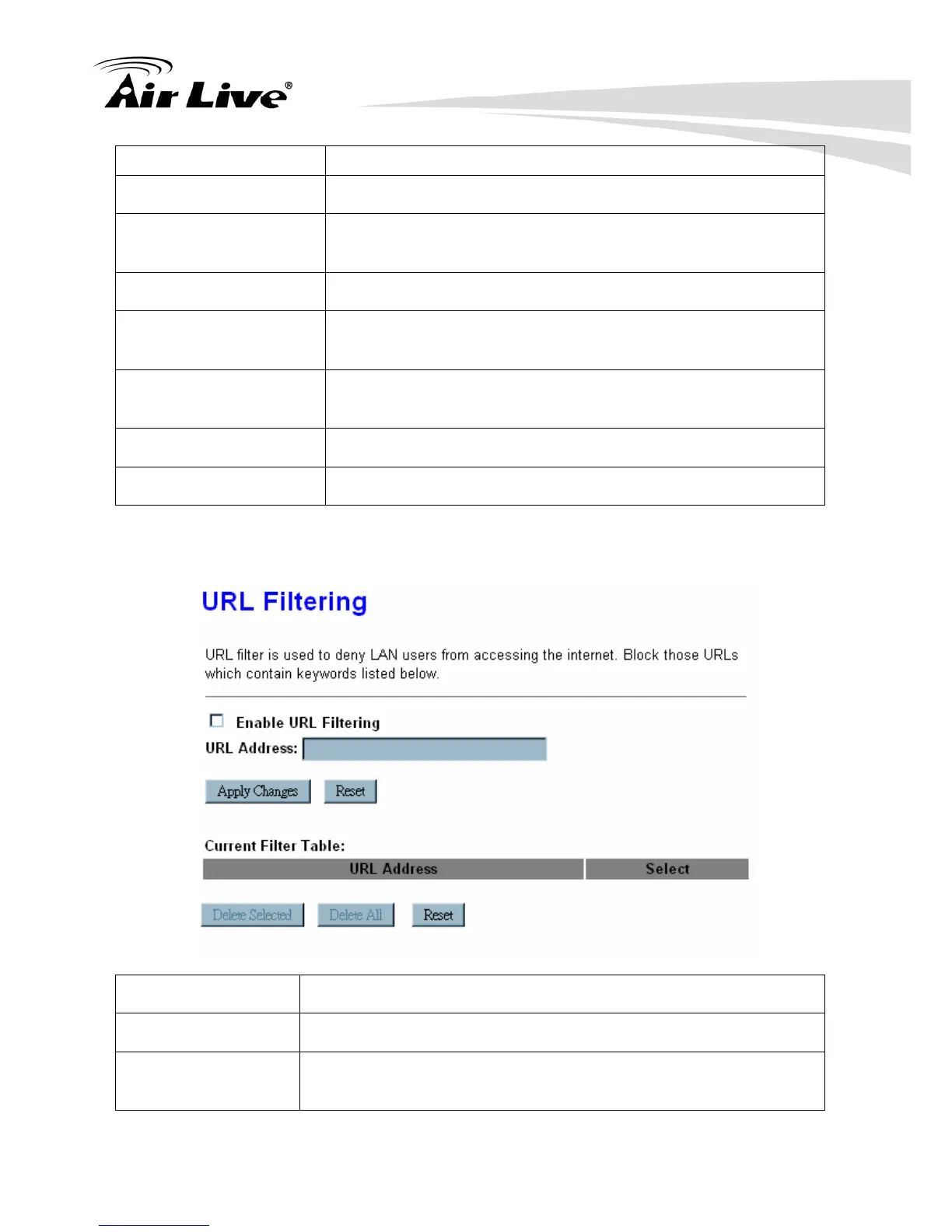
4.4.5 URL Filtering
Enable URL Filtering Check to enable URL filtering function.
URL Address Enter the URL address in the field
Apply Changes After completing the settings on this page, click Apply Changes
button to save the settings.



 To Next Page