4. Web Configuration
AirLive N.MINI User’s Manual
60
Check the box to enable the DoS settings.
Select All After you enabled the DoS prevention, you can click to select all
DoS preventions.
Clear All After you enabled the DoS prevention, you can click to uncheck
all DoS preventions.
Apply Changes After completing the settings on this page, click Apply Changes
button to
save current settings.
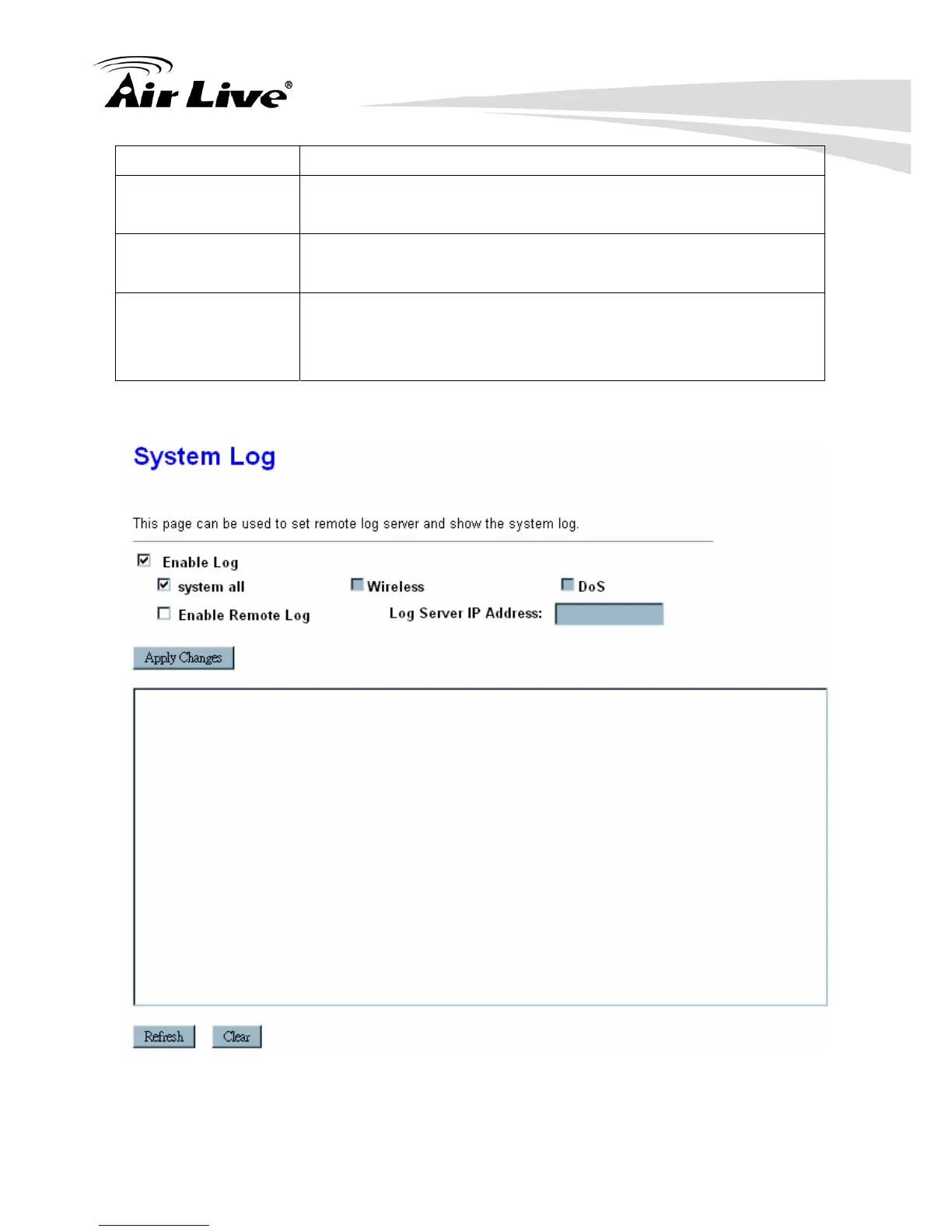
4.7.6 Logs



 To Next Page