4. Web Configuration
AirLive N.MINI User’s Manual
18
4.1.2 AP/Client Mode
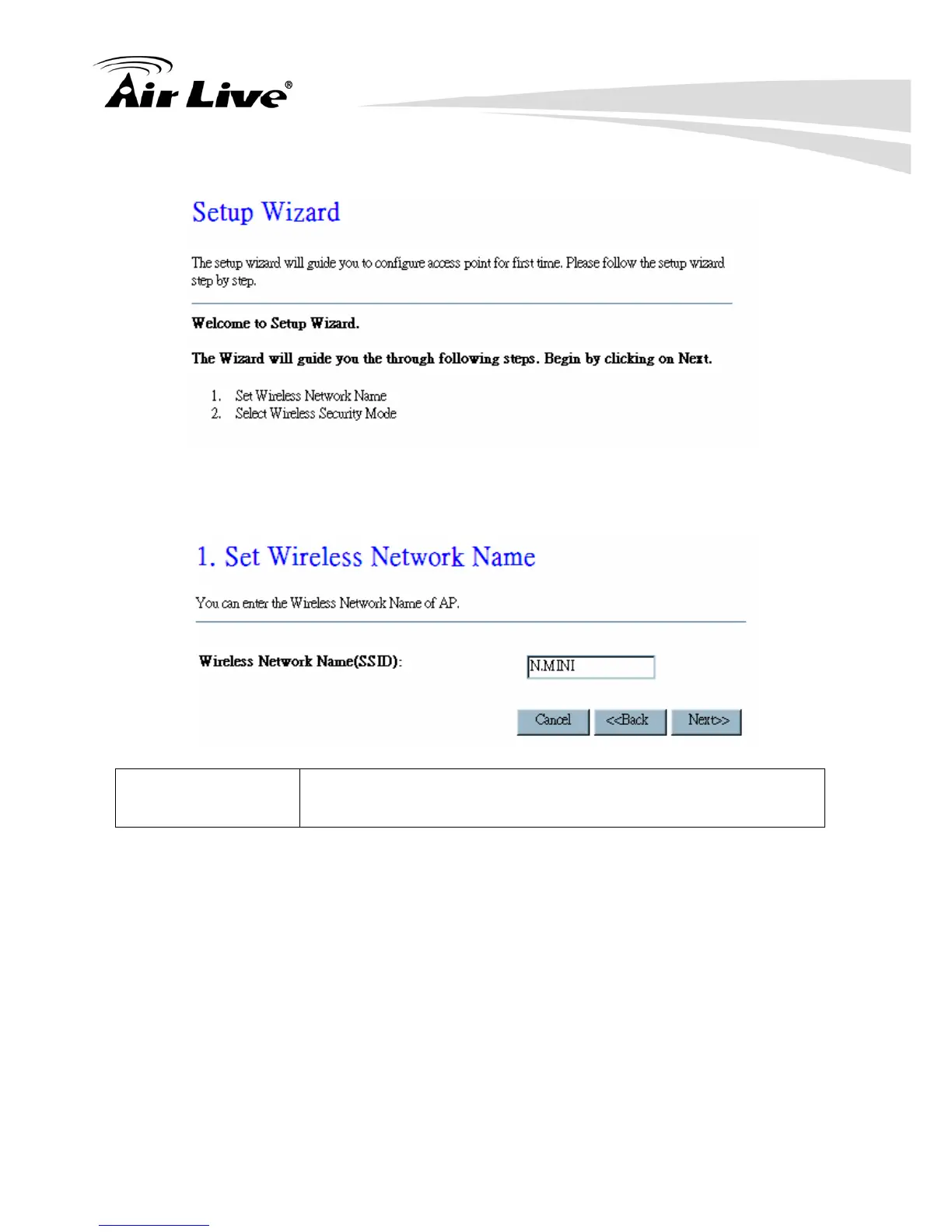
Step 1- Set Wireless Network Name
User can setup the network name of the Wireless Router here.
Wireless Network
Name (SSID)
A SSID is referred to a network name because essentially it is a
name that identifies a wireless network (case-sensitive).
Step 2- Select Wireless Security Mode
User can setup the security here, it is strongly recommended to set up security mode to
prevent any unauthorized accessing.



 To Next Page